
FS25 Misc

Vehicle Weight Modifier v 1.0.0.1

Vehicle Weight Modifier v 1.0.0.1

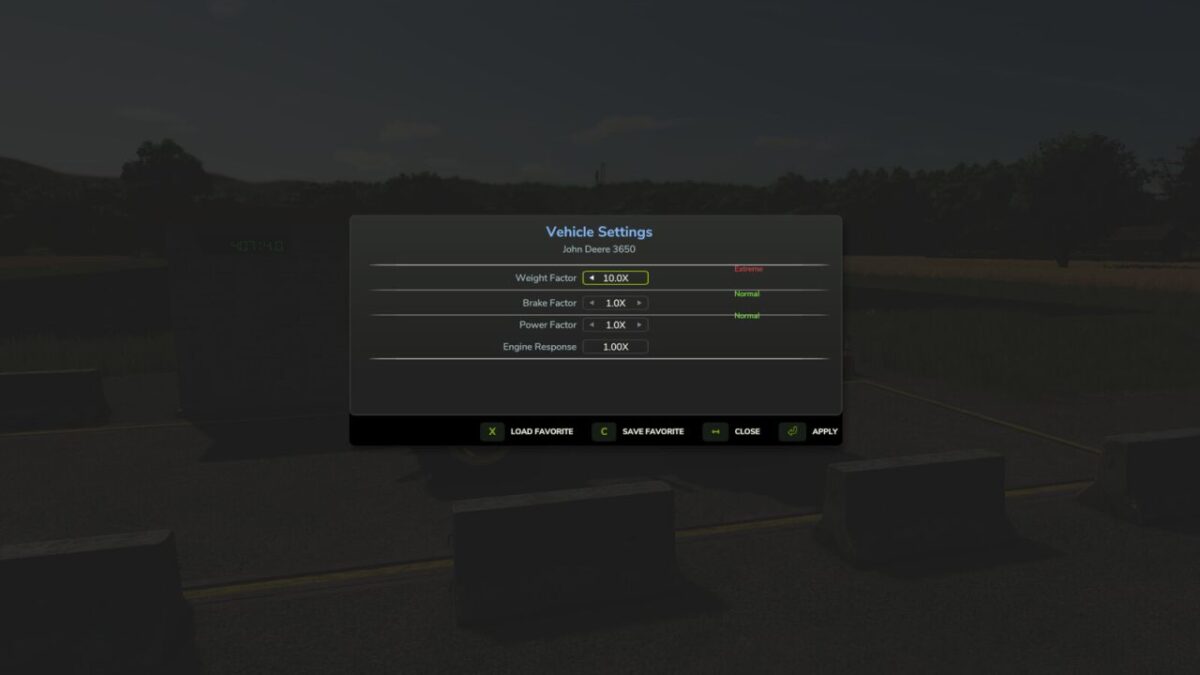
Adjust how your vehicles behave – directly in game.
With VehicleWeightModifier you can change the weight, braking and engine behavior of your current vehicle.
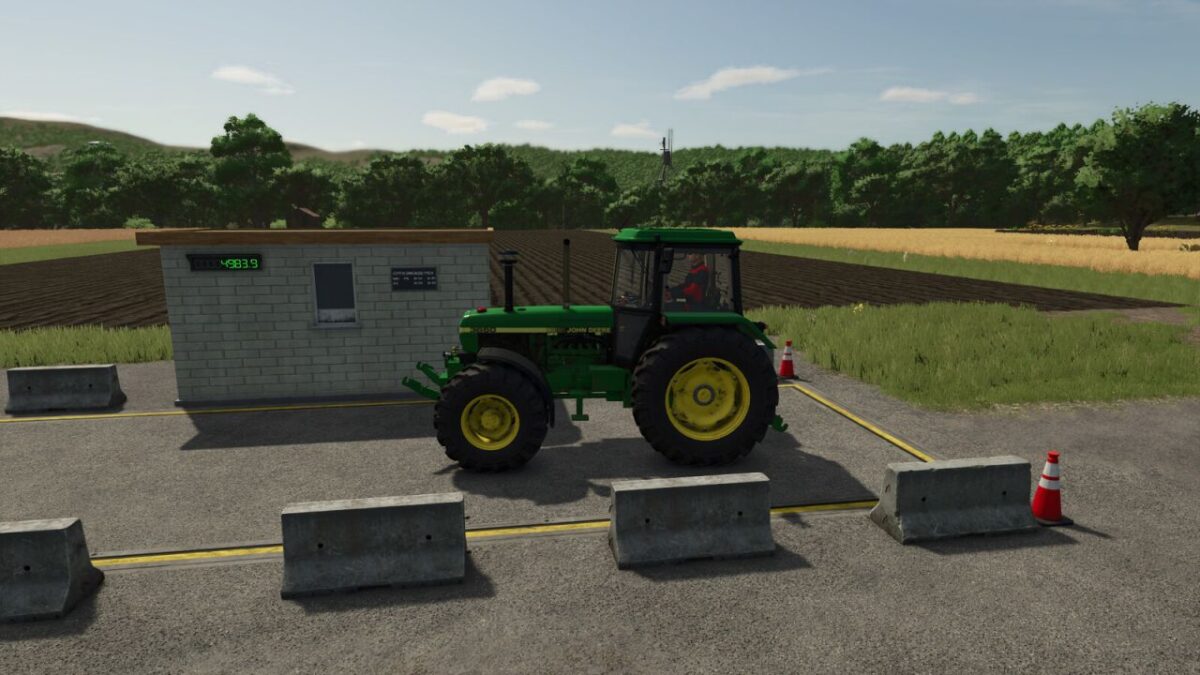
This allows you to make heavy machines feel more stable or give lighter vehicles a bit more control.
All settings can be applied per vehicle and saved as a favorite for quick reuse.

The configuration menu can be opened at any time using:
Right CTRL + M

Only drivable, motorized vehicles are affected.
Trailers and implements remain unchanged.

Version 1.0.0.1:
* Fixed an issue where the weight factor could increase by +0.1 when opening the menu or applying settings
* Fixed incorrect default display values (e.g. 1.1) for vehicles without saved data
* Fixed GUI Position Errors

Credits:

Tarabas1977

How to install FS25 Misc?
Firstly find a mod which you like and want to download. Then download a mod to your PC. Mods are usually in .zip format file. But sometimes it can be in .rar. If a mod file is a .zip format no needed additional actions. If a file is in .rar, then you must unarchive mod with software like WinRar or Zip7. Windows 10 users no need to use software for archives, Win10 itself has a feature to unarchive files.
The next step is to find mods folder in your PC. Usually, it is in Documents/My Games/Farming Simulator 25/2025. Open the "mods" folder and put downloaded .zip archive or unarchived .rar file to this folder.
Last step. Enjoy of FS25 mods!

Leave a Reply

Your email address will not be published. Required fields are marked *