

Vehicle Sleeper Cab v 1.0


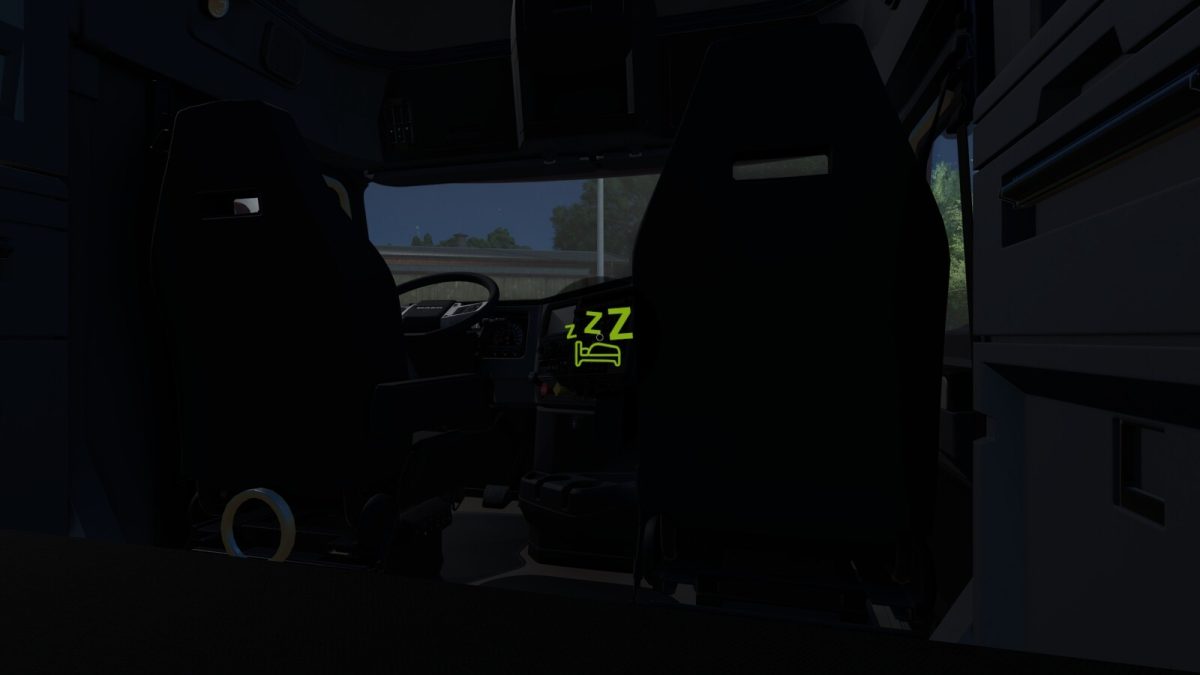
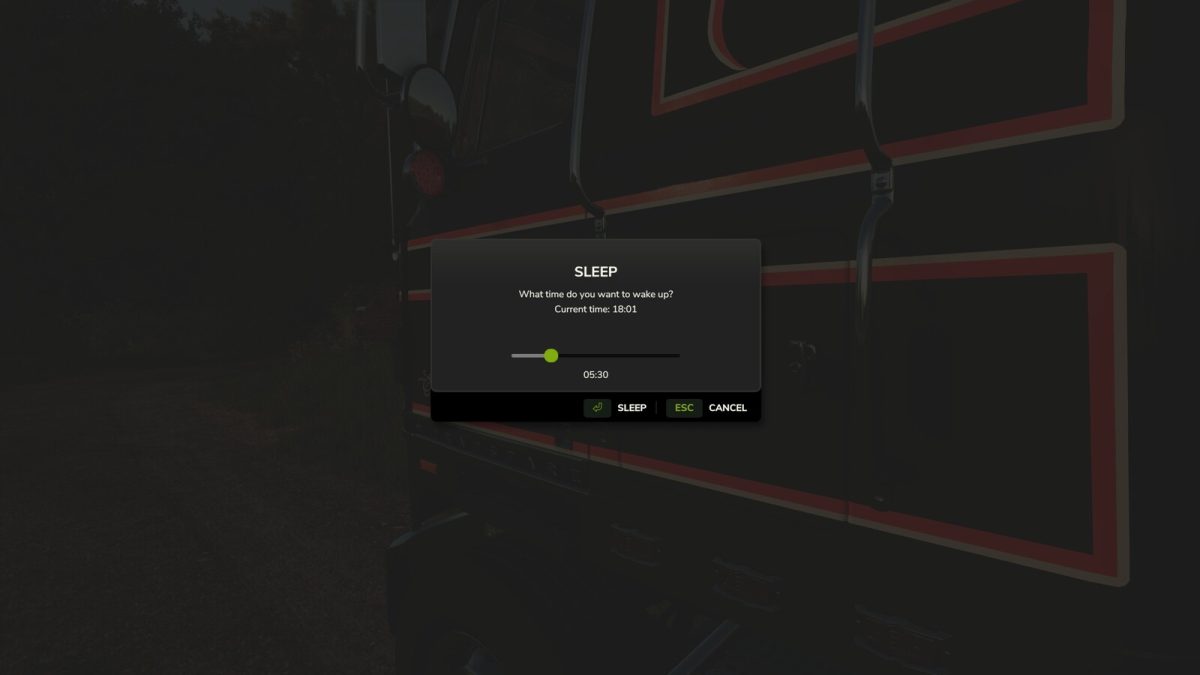
With this global script it is now possible to use prepared vehicles to rest for the night.
All players within 20m of a valid and empty vehicle will use the vehicles bed camera or the nearest supported farmhouse camera when available.
To start sleeping walk up to a supported vehicle and use default key B.
Base game support:
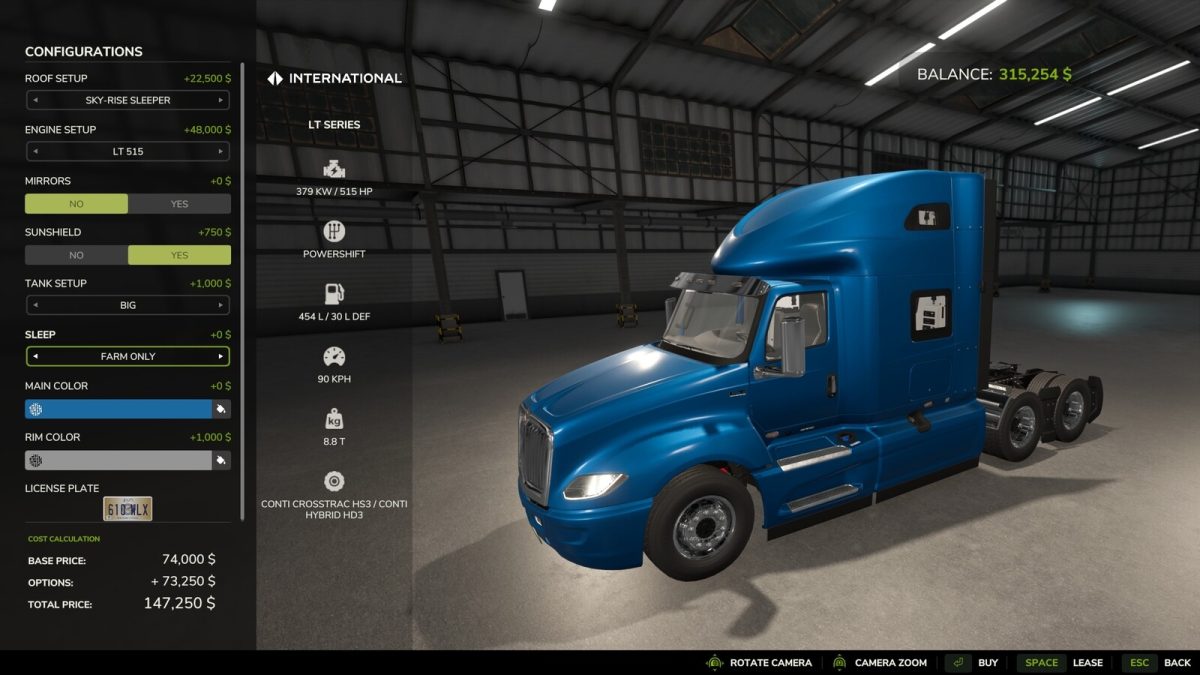
– International Transtar II Eagle
– Mack Anthem 6×4
– Mack Black Anthem 6×4
– Riedler FH16 RUL-HKR
– Volvo FH16
– Volvo FH Electric
Giants modHub support:
– FH16 6×4 + PALFINGER EPSILON M12Z [v1.0.0.0] – Stefan Maurus ft. MadMax
– Lizard 379 [v1.0.0.0] – SleutjesModding
– Lizard NTG P320 Roll-On [v1.0.0.0] – Agro Mods
– Lizard NTG South America [v1.0.0.0] – Agro Mods
– Lizard W900 B [v1.0.0.0] – SleutjesModding
– Mack Pinnacle 6×4 [v1.0.0.0] – GIANTS Software
– MAN TGX 18.500 4×2 [v1.0.0.0] – Kasztan18
– Scania NTG P320 Roll-On [v1.0.0.0] – Agro Mods
– Scania NTG South America [v1.0.0.0] – Agro Mods
– TLX Phoenix Semitruck [v1.0.0.0] – 82Studio
– VOLVO F Series [v1.0.0.0] – Smety
– Volvo FH16 Tanker [v1.0.0.0] – JensM
Note: It is not possible to include support for every mod vehicle available on the internet so only Giants modHub vehicles available at the time of this mods release / upload are supported.
Vehicle Modders:
– Support can be added directly to your mods XML, please see ‘readMe.xml’ within this mod.
Farmhouse Modders:
– Support can easily be added directly to your mods to allow your farmhouse camera to be used when this mod is active, please see ‘readMe.xml’ within this mod.
Credits:
GtX


