

Vehicle Manager v 1.0


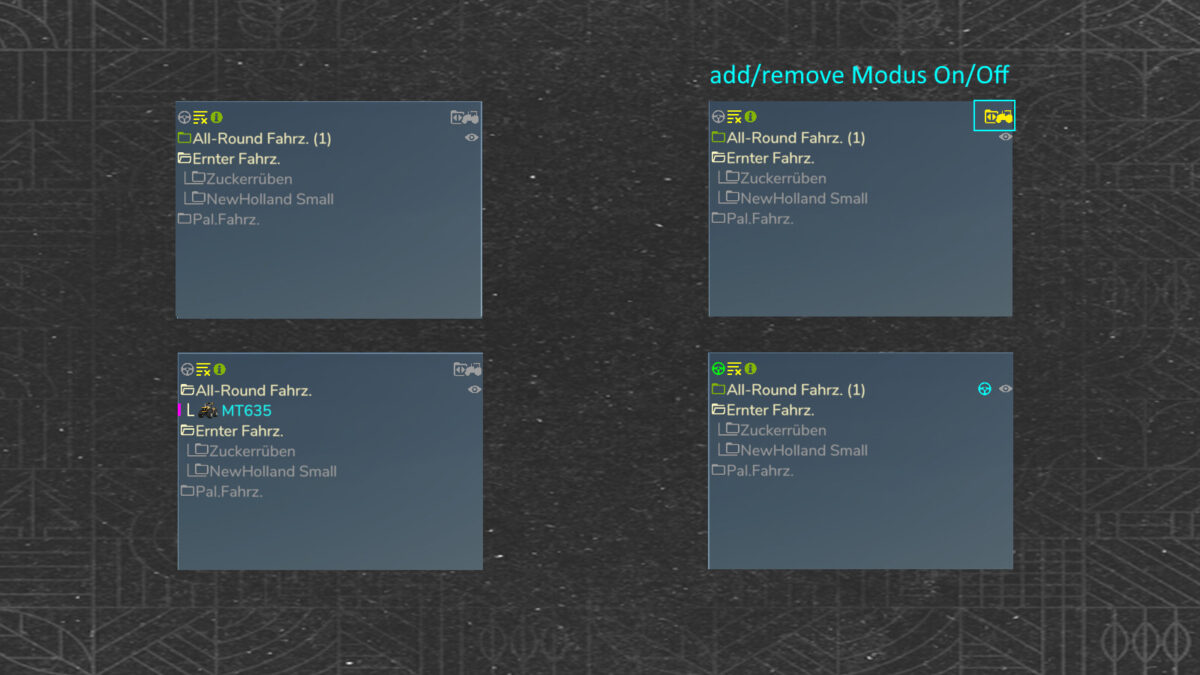
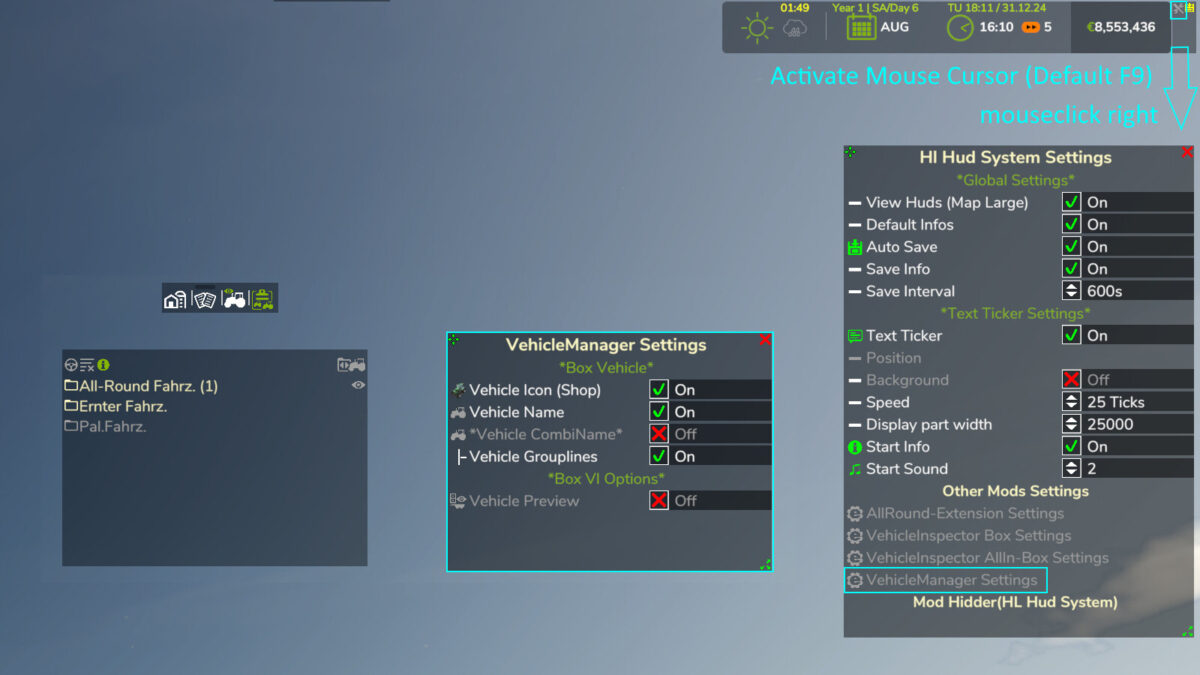
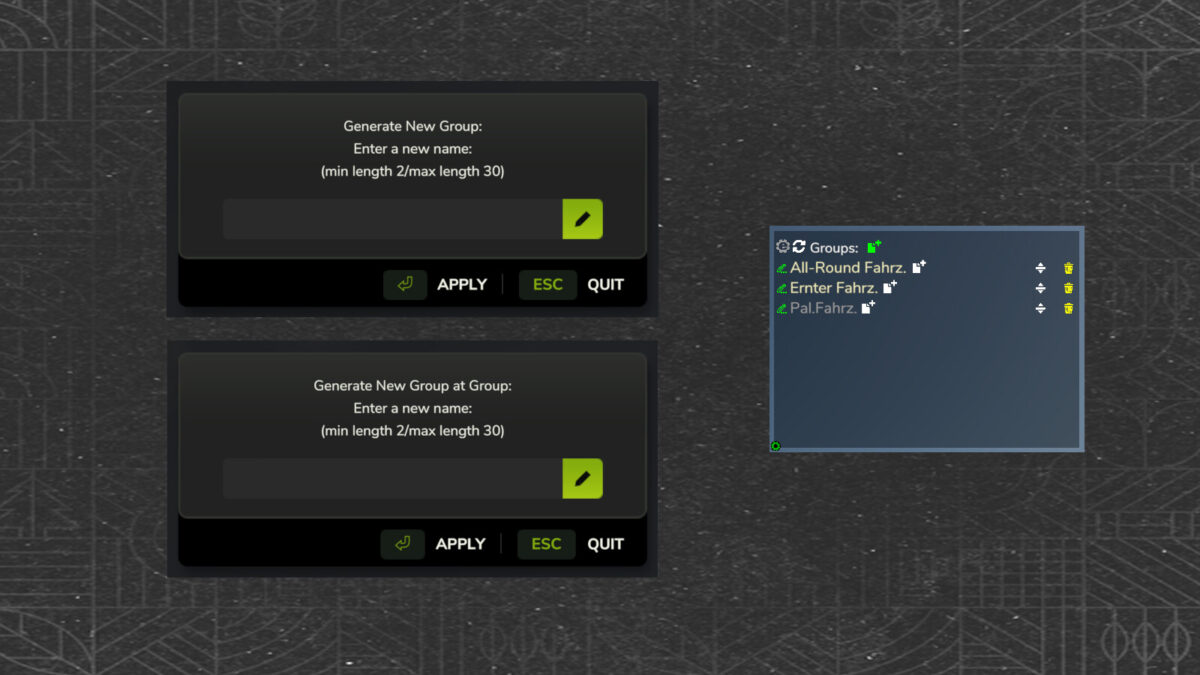
Vehicle Manager v1.0 allows players to organize and manage their vehicles in Farming Simulator effectively. With this mod, users can create personalized vehicle groups that make it easier to keep track of their fleet. The mod features a customizable display box, enabling players to modify its appearance according to their preferences. Additionally, users have the option to align the display box within the game environment, enhancing usability and convenience. This tool streamlines vehicle management, making it simpler to access and control your farming equipment.
Features:
– Multiplayer and singleplayer compatible
– A vehicle can be in several groups
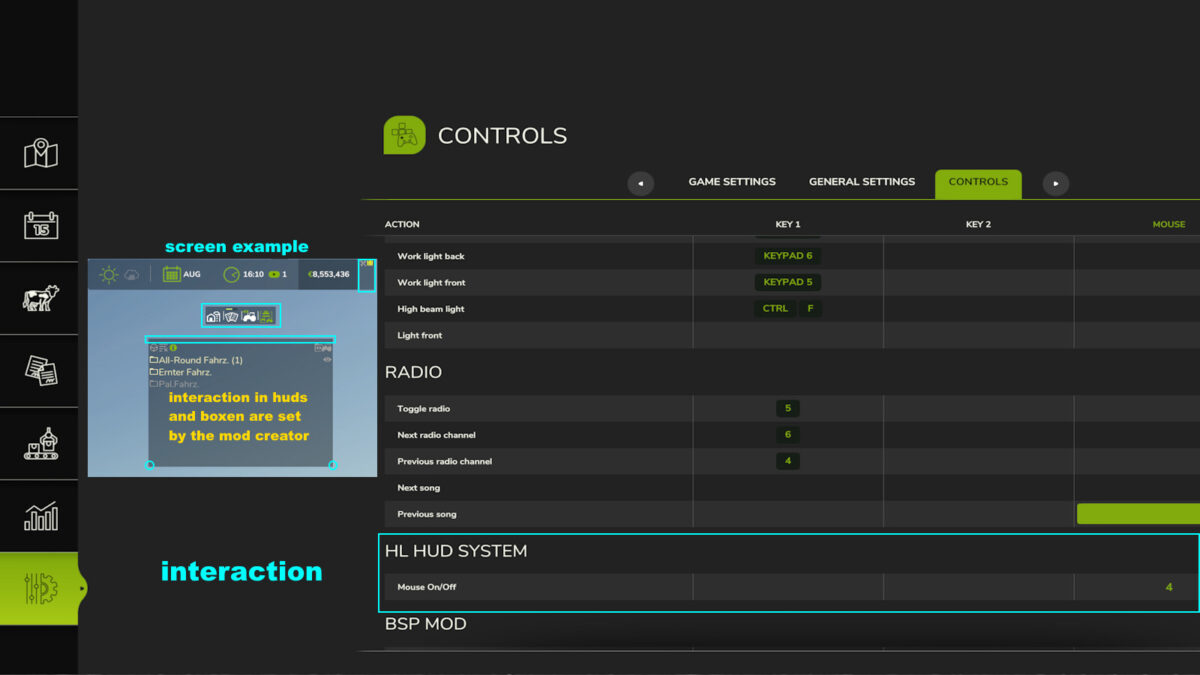
– Quick access to your vehicle groups
– Optional with subgroups
– Show and hide groups (subgroups)
– Order of vehicle groups customizable
– VehicleInspector Mod compatiple
– And much more
Credits:
HappyLooser


