

Vehicle Inspector v 1.0


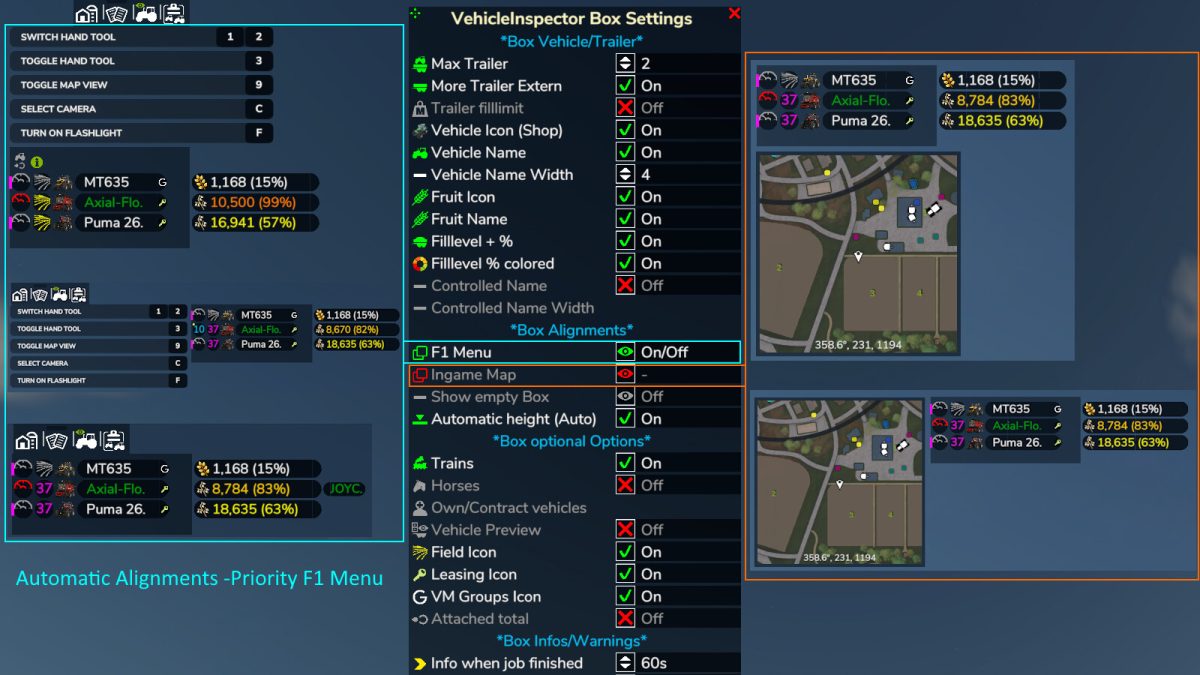
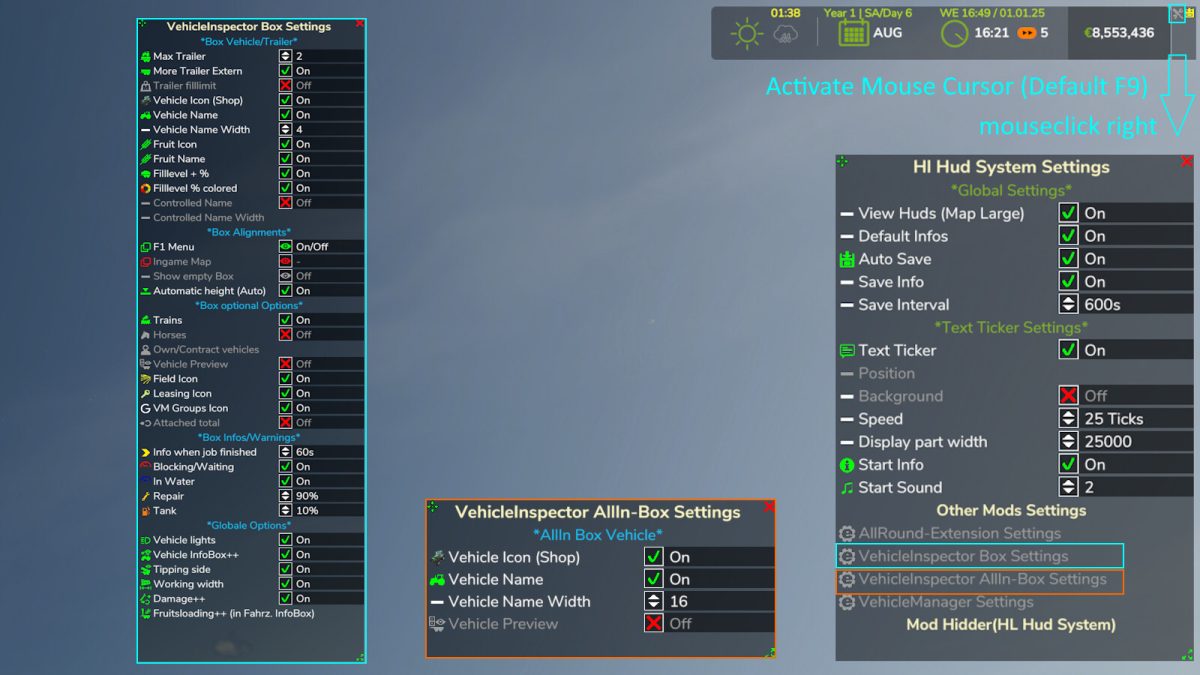
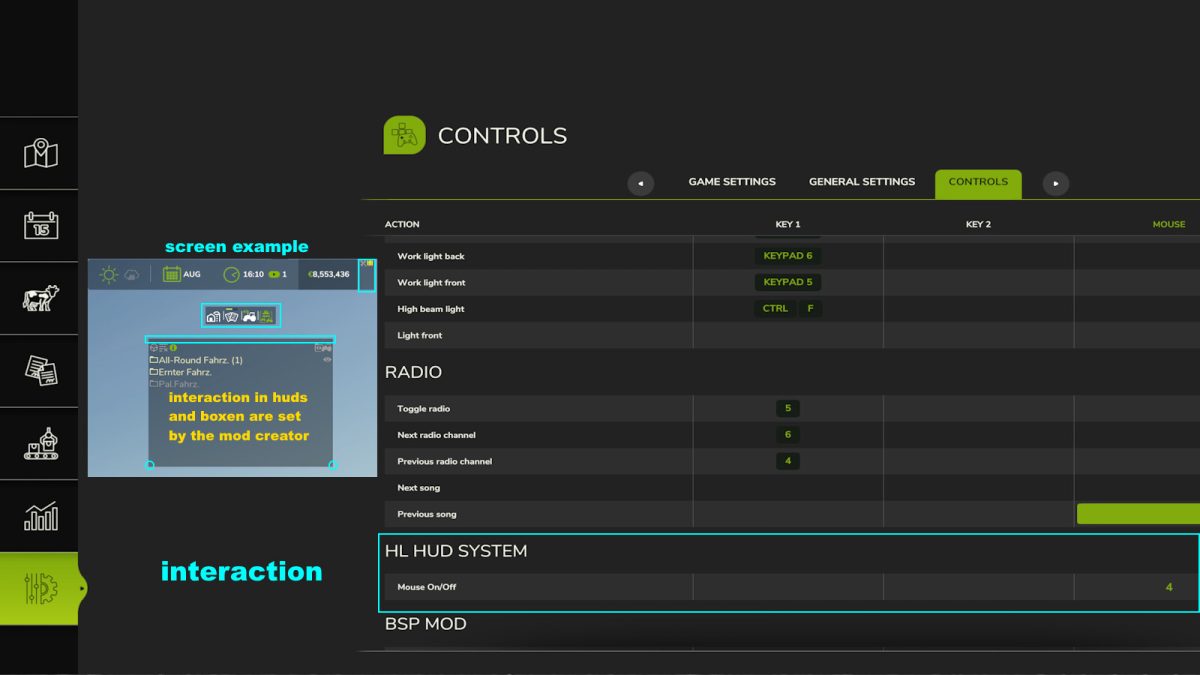
The Vehicle Inspector mod for Farming Simulator 25 provides players with a real-time display of activities related to their helpers or fellow players. This feature allows for better oversight and management of tasks being performed on the farm. The display box is customizable, enabling players to adjust its alignment according to their preferences.
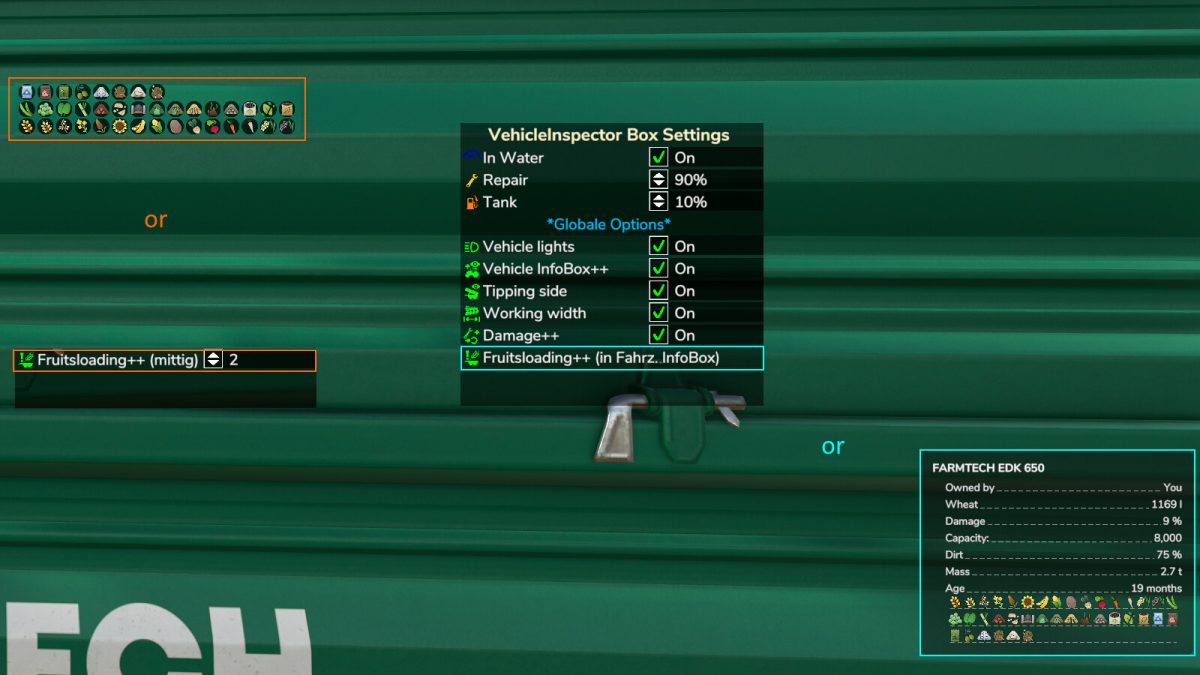
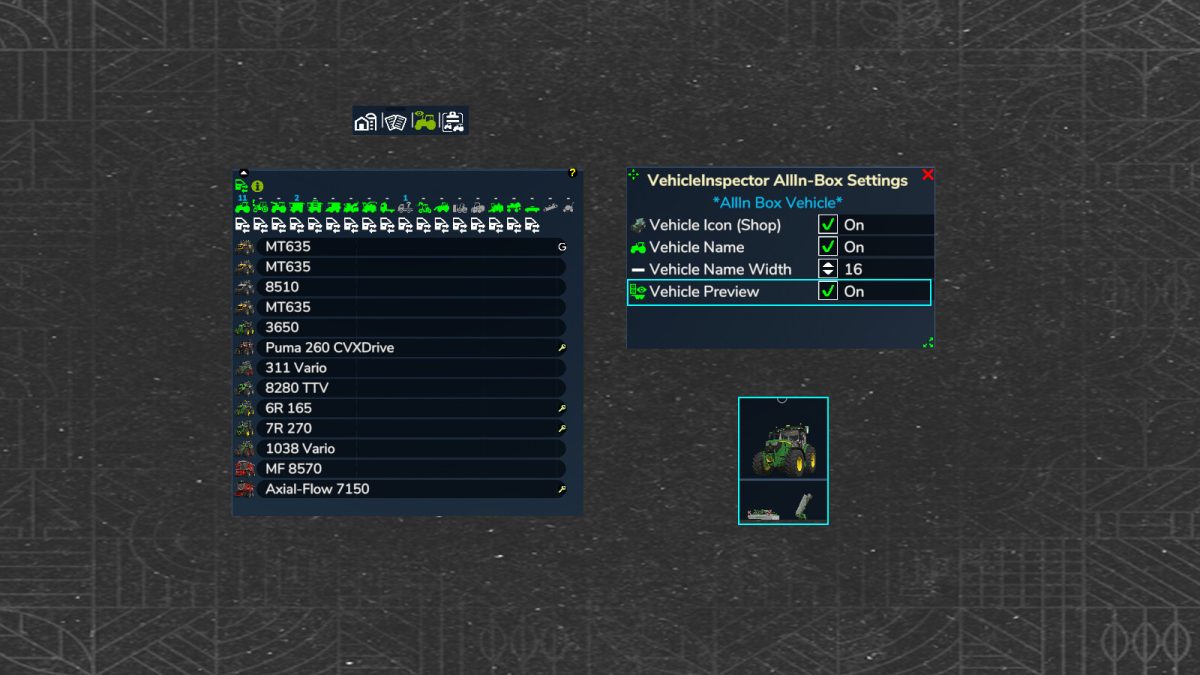
One of the notable features is the visibility of vehicle information, which can be toggled on and off, giving players control over what information they want to see at any given moment. Additionally, a vehicle preview option is included, which enhances the user experience by providing a visual reference of the vehicles in use.
This mod enhances the efficiency and organization of farm operations, making it easier to monitor multiple tasks simultaneously.
– Real-time activity display for helpers and players
– Customizable display box with adjustable alignment
– Toggleable visibility for vehicle information
– Vehicle preview feature
– Enhanced task management capabilities
Credits:
HappyLooser


