

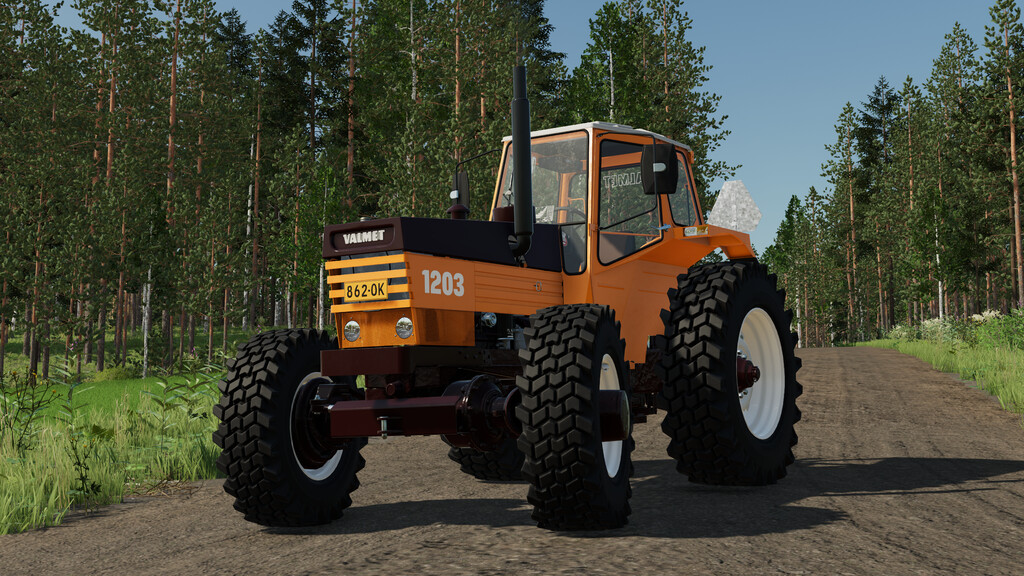
Valtra Valmet 1203 v 1.2


Valmet 1203 was introduced in 1980 when it replaced the previous models 1102 and 1103. 1203 is known from its unique, “whiney” sound thanks to the Comprex pressure-wave supercharger.
Specs:
Store category: small tractors
2WD and 4WD models
Power: 110 hp & 135 hp (tuned)
Gears: 16 + 4 (with Hi-Trac reducing powershift)
Speed: 32 km/h
Base price: 25 000 $
Configurations:
– Air pre-filters
– Fresh air blower
– Working lights
– Front fenders
– Beaconlight
– Export options: Default (Finland) + Sweden & Norway
– Wheel weights
– Pressure air kit (visual only)
Openable doors, windows and hood with mouse control or Interactive Control on PC.
Version 1.2:
* Fixed conflict with opening side covers which made implement covers unopenable. The side cover opening animation is controlled with mouse controls from now on
* You can now open the hood with tractor turned off
Credits:
AEN Design


