
FS25 Maps

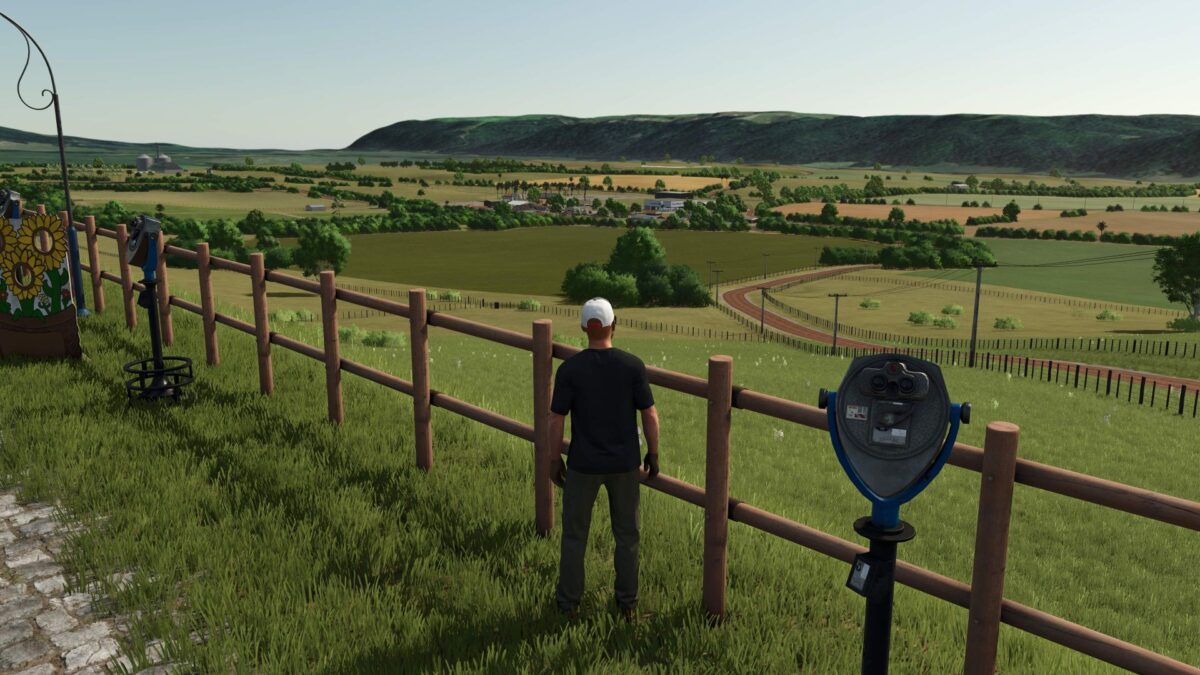
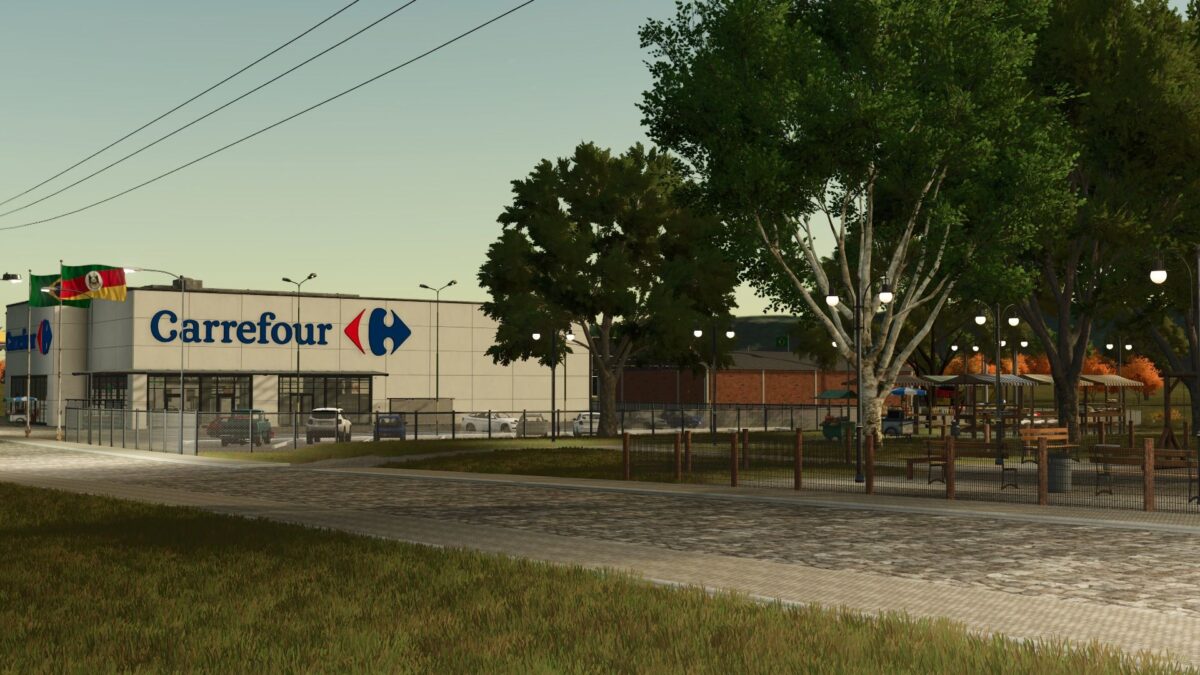
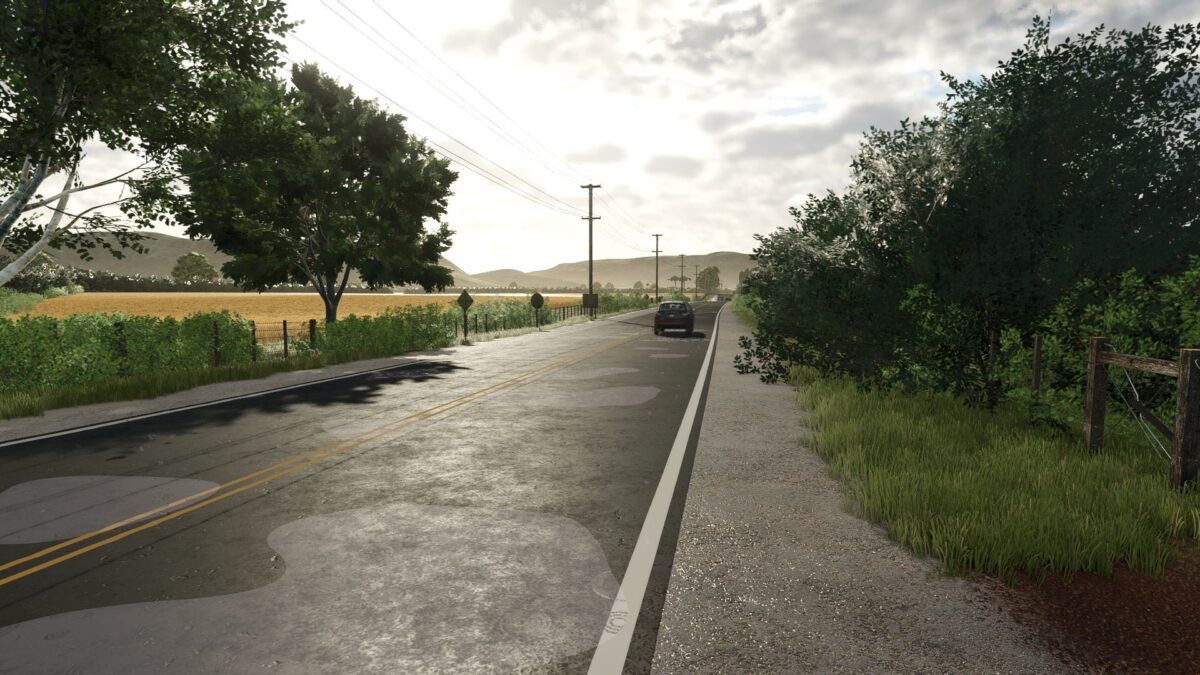
Vale do Segredo Map v 1.0.1.0

Vale do Segredo Map v 1.0.1.0

– 5 ready farms
– 2 points of sale for grains
– Point of sale for general products
– Animal trader
– Point of purchase for limestone and bulk solid fertilizer
– Point of sale for bales of all types

Version 1.0.1.0:
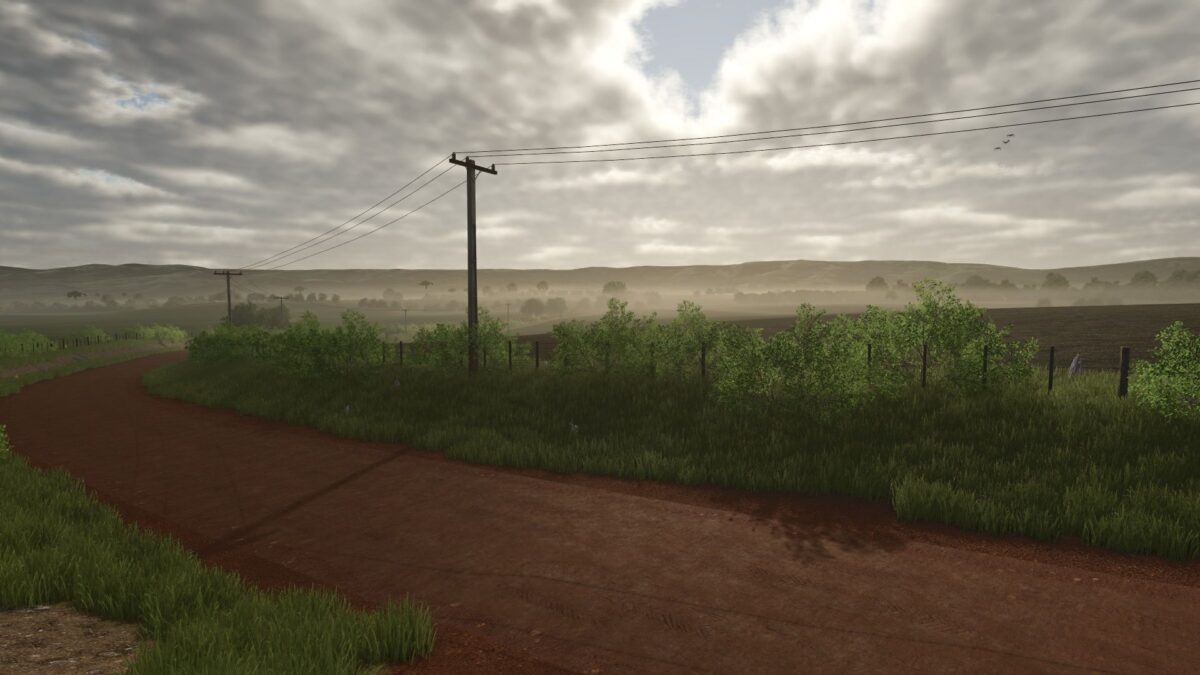
* Red earth texture added for ground painting
* Fixed physics and fence flying in the pet trader
* Trees with buggy remote loading have been replaced
* Some collision-free trees have been replaced
* Field 77 farm trees were replaced
* Some optimizations for the new version of Farming Simulator 25

Credits:

Tauras Studio RS

How to install FS25 Maps?
Firstly find a mod which you like and want to download. Then download a mod to your PC. Mods are usually in .zip format file. But sometimes it can be in .rar. If a mod file is a .zip format no needed additional actions. If a file is in .rar, then you must unarchive mod with software like WinRar or Zip7. Windows 10 users no need to use software for archives, Win10 itself has a feature to unarchive files.
The next step is to find mods folder in your PC. Usually, it is in Documents/My Games/Farming Simulator 25/2025. Open the "mods" folder and put downloaded .zip archive or unarchived .rar file to this folder.
Last step. Enjoy of FS25 mods!

Leave a Reply

Your email address will not be published. Required fields are marked *