

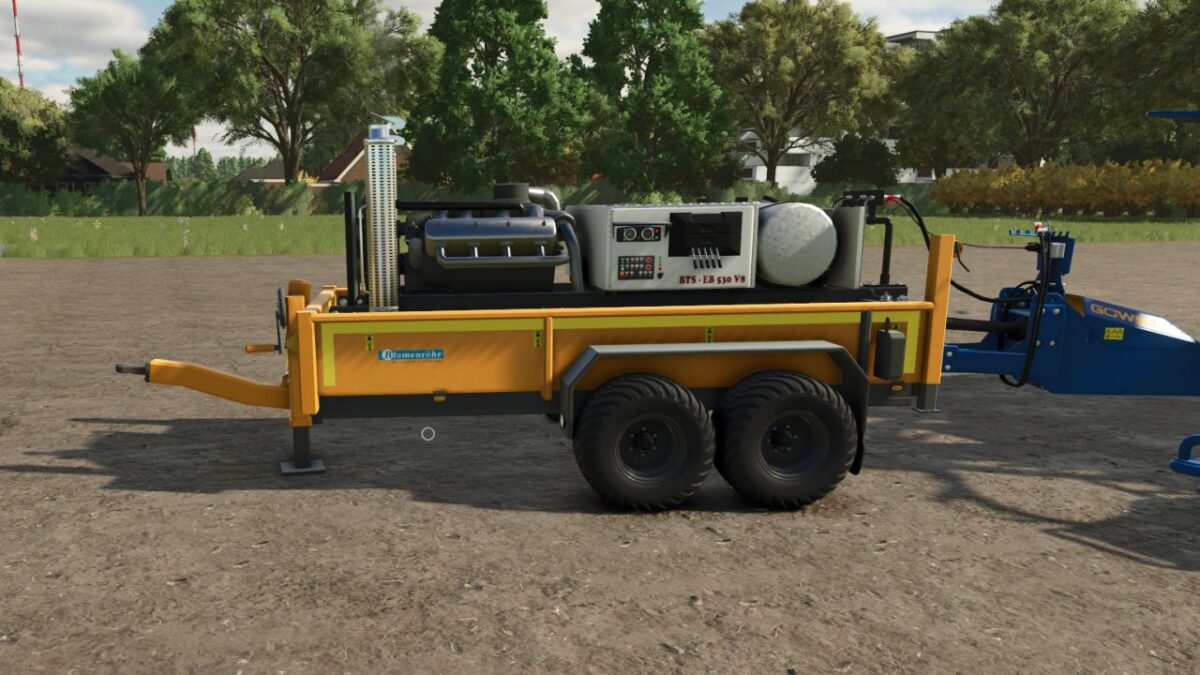
V8 Motor Station Trailer v 1.0


The V8 Motor Station Trailer version 1.0 offers a high-powered solution for your Farming Simulator needs, boasting approximately 530 horsepower. It features two power take-offs (PTOs) that provide versatility for various tasks. Users have the option to choose from a multicolour palette for both the body and rims, allowing for customization to suit individual preferences.
Equipped with various tyre sets, this trailer is designed for different terrains and conditions. One notable aspect of the V8 Motor Station Trailer is its ability to drive and steer independently, making it easier to maneuver in tight spaces. The trailer’s mechanical features are fully animated, including all axles, fittings, and levers, contributing to a more realistic experience. The PTO control functionality enhances its utility further, making it a practical addition to your farming fleet.
– Power Approx. = 530 HP
– 2 Power Take-Offs (PTO)
– Color Choice Body = Multicolour
– Color Choice Rims = Multicolour
– Various Tyre Sets
– Independently Driving and Steering Trailer
– Animated Axles, Fittings and Levers
– PTO-Controlled
Credits:
crazyeagleNL


