

Use Up Your Tyres v 1.0.0.1


Use-up-Your-Tyres takes your driving experience and vehicle maintenance to another level.
Did you ever wonder what happens when tyres get old and used?
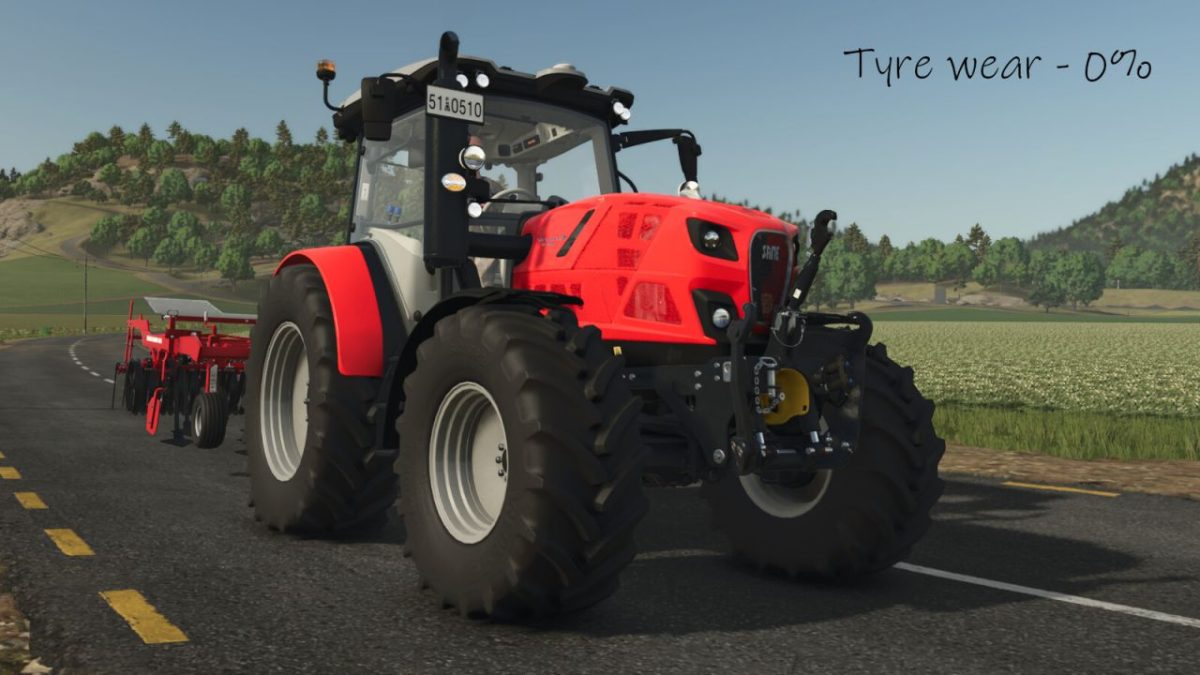
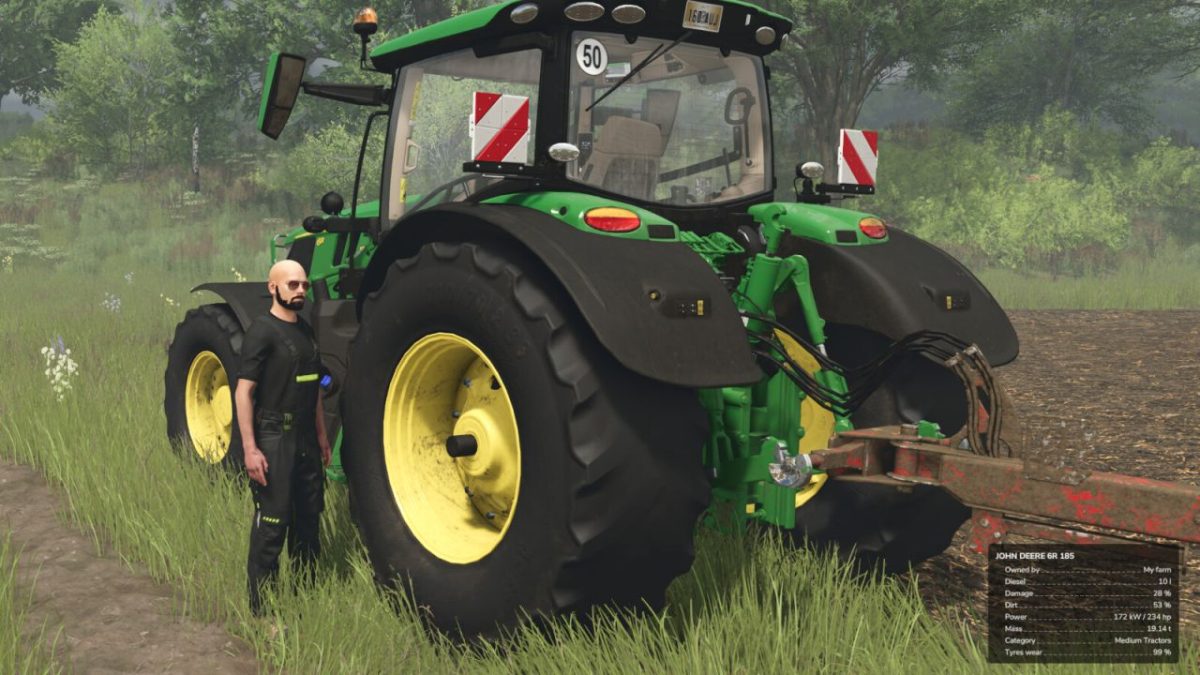
This mod gives you perfect chance to experience tyres usage progression (visual and physical) and manage their replacement.
Tyres will get used with the traveled distance. By default tyre with diameter of 2m,
will get fully worn at around 38km of traveled ground distnace,
which at normal vehicle usage should last around 1 in-game year.
Other two Tyre Usage Rate settings:
LOW – tyre with diameter 2m will last for 380km
HIGH – tyre with diameter 2m will last for 3.8km
Functions:
Tyre thread gets visually used and resized with traveled distance
Grip reduced on loose surface when tyre gets visually used
Replacement mechanics added to the workshop screens
Ability to change tyre wear rate trough settings: Game Settings -> Use Your Tyres -> Tyre Usage Rate
Version 1.0.0.1:
* Prevent mod conflicts with unsupported mods
* Added Polish translation
Credits:
50keda


