
Ursus C355 v 1.0


Ursus C355 Tractor for Farming Simulator 25.
Power 52 hp.
Speed 28 km/h.
Credits:
Kafik943_
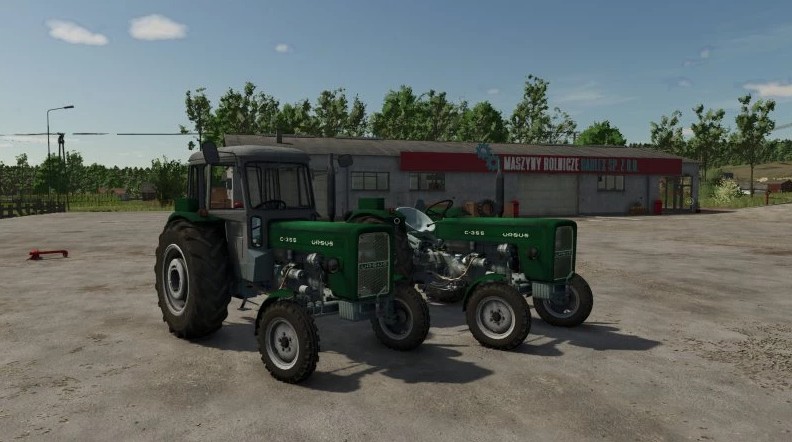
Ursus C355 Tractor for Farming Simulator 25.
Power 52 hp.
Speed 28 km/h.
Credits:
Kafik943_
How to install
FS25 Ursus Tractors?
Firstly find a mod which you like and want to download. Then download a mod to your PC. Mods are usually in .zip format file. But sometimes it can be in .rar. If a mod file is a .zip format no needed additional actions. If a file is in .rar, then you must unarchive mod with software like WinRar or Zip7. Windows 10 users no need to use software for archives, Win10 itself has a feature to unarchive files.
The next step is to find mods folder in your PC. Usually, it is in Documents/My Games/Farming Simulator 25/2025. Open the "mods" folder and put downloaded .zip archive or unarchived .rar file to this folder.
Last step. Enjoy of FS25 mods!


ten mod tesz niema oswietlenia jak sie pszenosi mody z fs22 do 25 to sie robi dokladniej a nie byle jak