

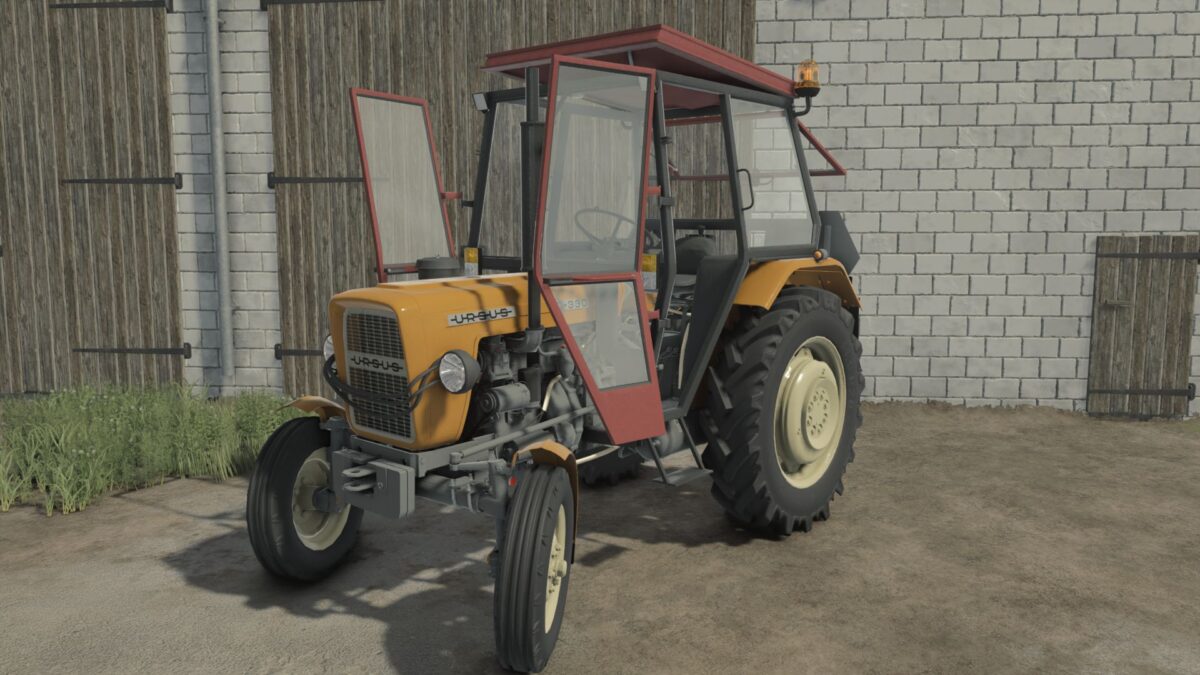
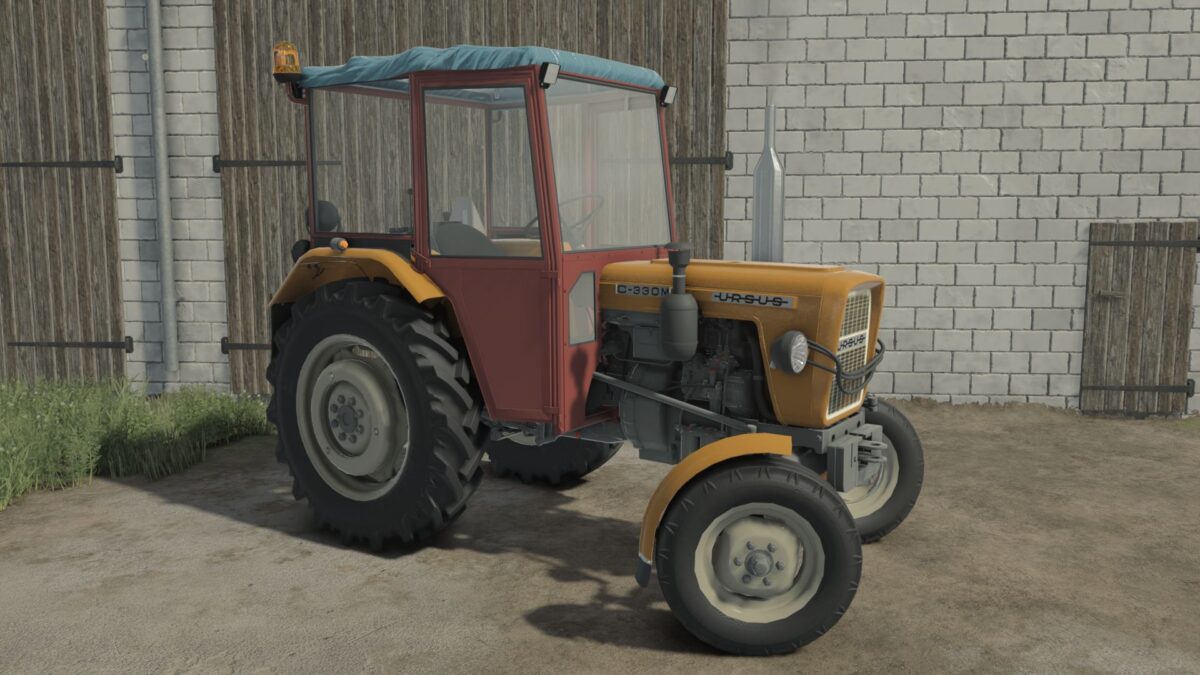
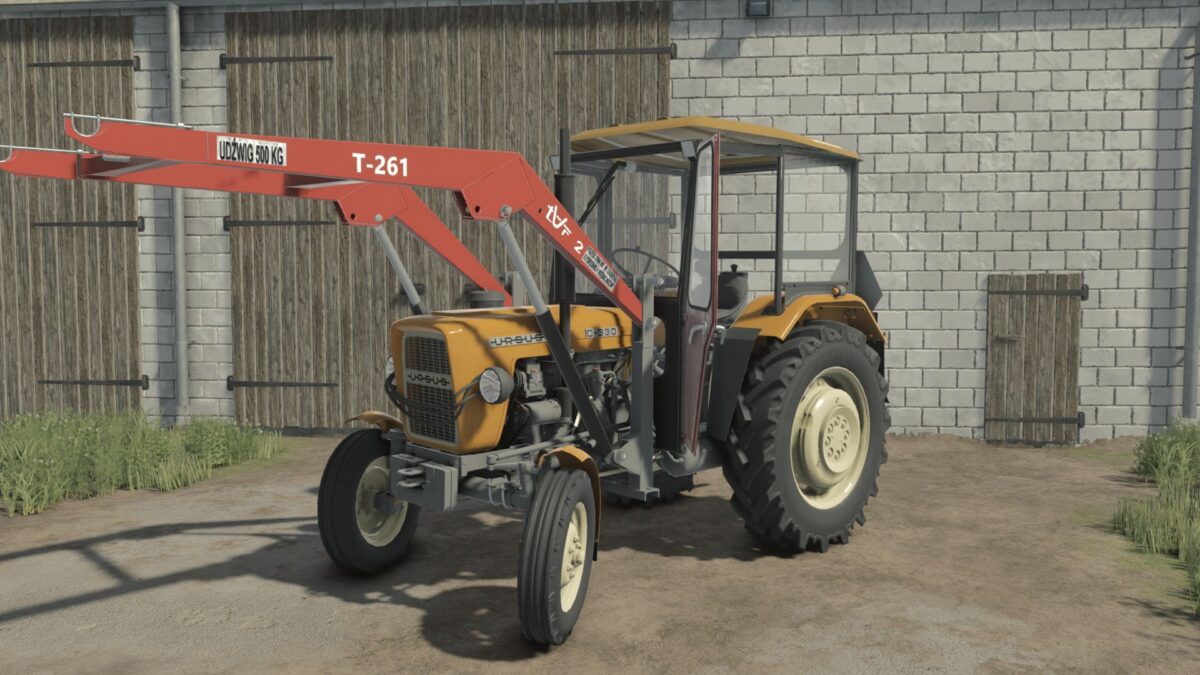
Ursus C-330/330M v 1.1.2.0


Specifications:
Category: Small tractors
Engine type: C-330 / C-330M
Price: 15.500
Max. Speed: 27 Km/h
Power: 30-31 HP
Weight: 1.700 KG
Openable mouse doors and roofs
Configurations:
Engine Type
Wheel Configuration
Cabins
Grills
Front Weights
Fenders
Mudflaps
Stickers
Warning Lights
Silencer
Compressor
Charging
Distributor
Air Filter
Front Axle
Warning Triangle
Extras
Additional Lighting
Front loader console
Plate
Colors:
Sheets
Corps
Cabins
Doors
Roof
Loader Console
Front Fenders
Hubs
Front Grille
Rims
NOTE:
Front loaders fit from C355-C360
Version 1.1.2.0:
* Refreshed the hood
* Added an animation for opening the hood latch
* Added a loader console cover
* Added the ability to change the color of the loader console cover
* Added a bench on the rear fender
* Added the ability to change the color of the bench on the rear fender
* Fixed the rear work light on the C360 version
* Fixed the work lights in the cabs
* Added a new Straight Pipe muffler in two types: Chrome and Color
* Added a muffler from the Ursus C360
* Added a passenger
* Added a round front axle plate
Credits:
Miziuu, Speedy, Xander, Esiok


