

Upgrade Your Factory v 1.0


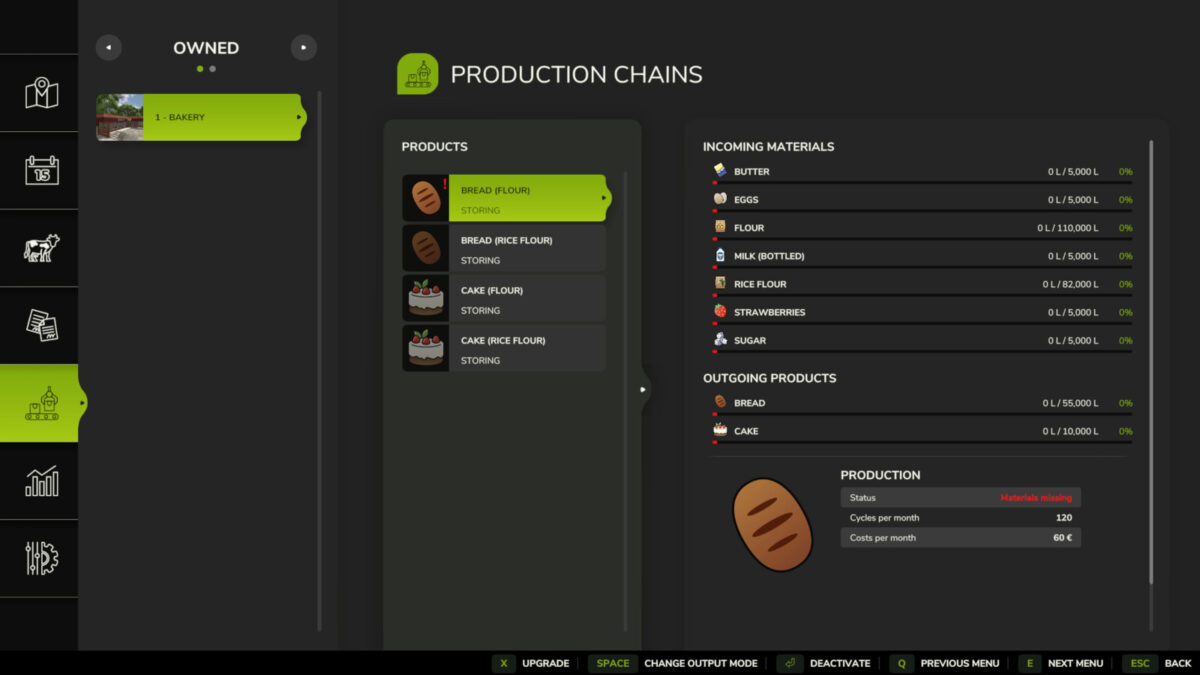
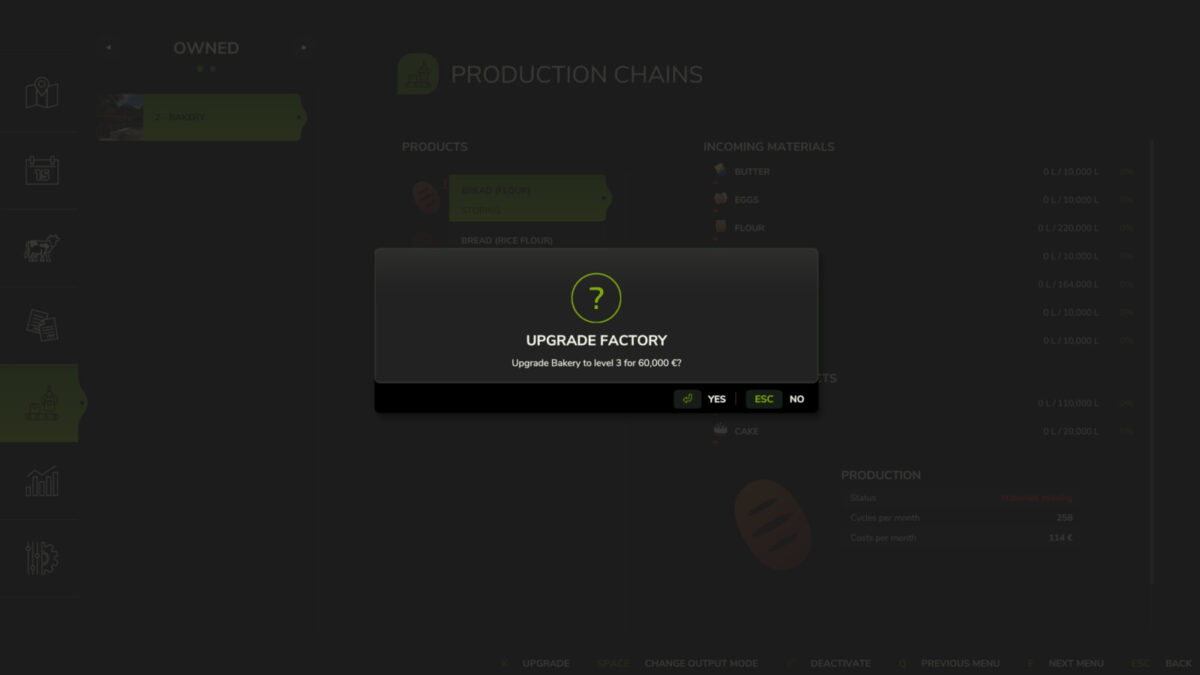
This mod allows you to increase production speed and storage capacity, so you don’t need to place multiple identical factories.
Features:
– Production chains now have levels that can be upgraded.
– Upgrading a factory costs slightly more per level than building a new one.
– Upgrade costs are compensated by the increased production speed.
– Higher production speed means larger storage capacity.
– Since you don’t need to build a new factory, you save on production costs.
– The value of the factory increases with upgrades, allowing you to recover your investment when selling it.
Additional information:
– The following factories are excluded from the upgrade: Playground maker hall, Wagon builder (Riverbend Springs) and Piano manufacture (Zielonka)
– By default, the maximum upgrade level is 15. This can be changed in the UpgradeYourFactory.xml file!
– Currently, the mod does not support multiplayer mode.
Credits:
Lisek


