

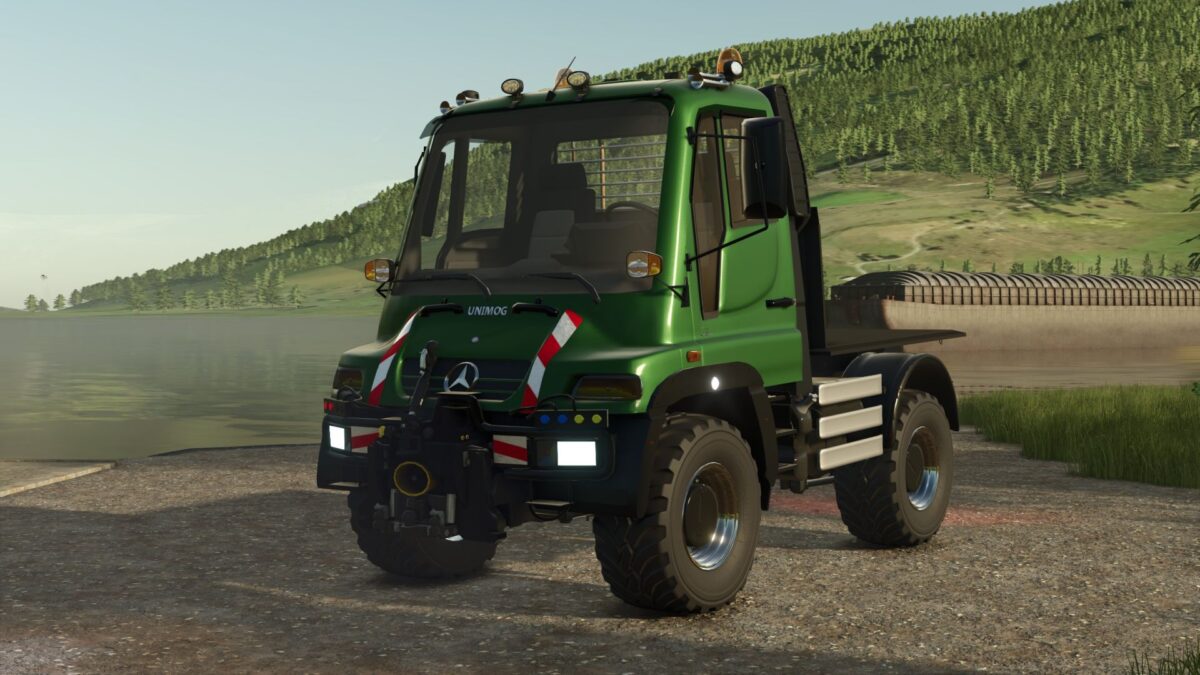
Unimog U400 v 1.1


– The Unimog has the choice of colors for the cabin and the rims
– The bodies also have the choice of colors – Except the salt shaker
– The mod can be found in the “MISCELLANEOUS” category.
Base price: €129,000
Power: 177 – 500hp
Max speed: 80 km/h
Attachments: water tank, skip, salt spreader
New Outside:
– Side indicators are now flashing with
– Siders brands now work when lighting the light
– Annex clutches dazzle accordingly in the case of unused subscribers
– Heck hydraulik – Trailer Rail now works – thanks to “Heitzer” for having made
– Phantom Lights – fixed at the front – thanks to the “chef” for reporting
– Front chargers added and available in the configuration menu as a selection
– Active new cabin movement
– Characteristics and fire extinguishers move with a cabin
New inside:
– FS22 chrome applications added to the dashboard
– foot pedals – gas, brakes now visible and animated
– Addition of “GPS” screen and available in selection from the configuration menu – otherwise no function
– GPS screen and central console as well as the board computer in the speed meter at “Manual Motorstart”. Only when you start the “on” engine
– Illuminated Tako “You can see at night”
– Central console screen – Assignment of the fixed headlights
– Control lamp for headlights – blind “blue” in the speed counter completed
Version 1.1:
* Optimized mod size
* Sound revised
Credits:
bflens, Tackleberry, Wobby


