

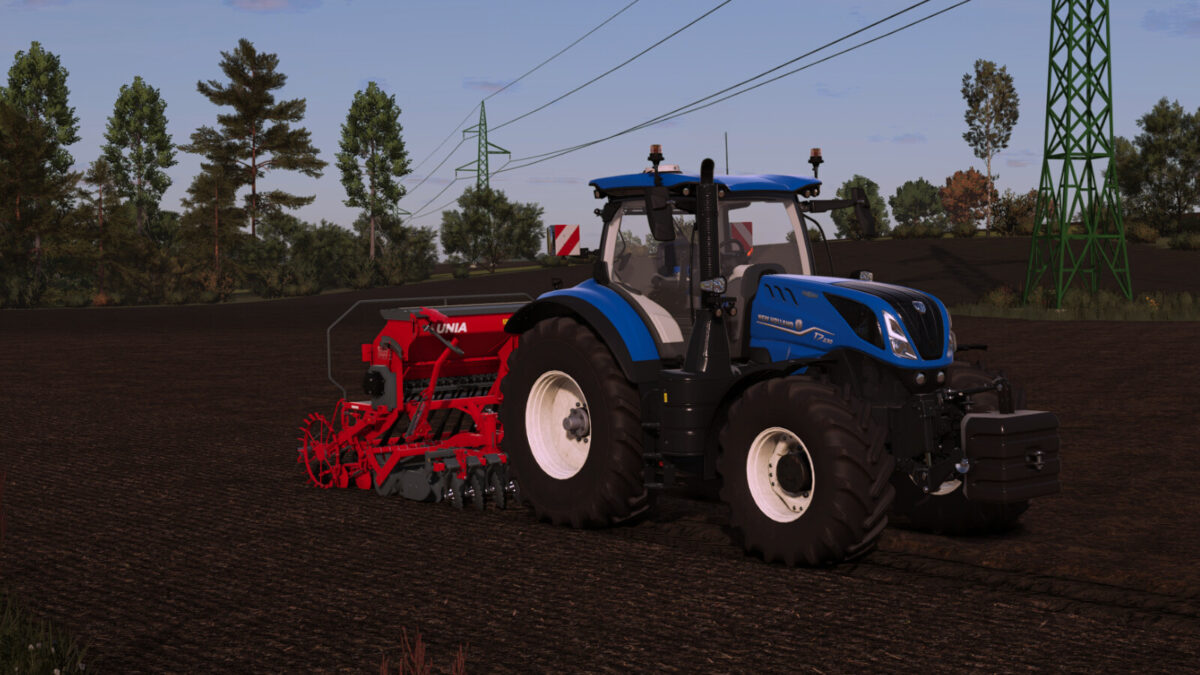
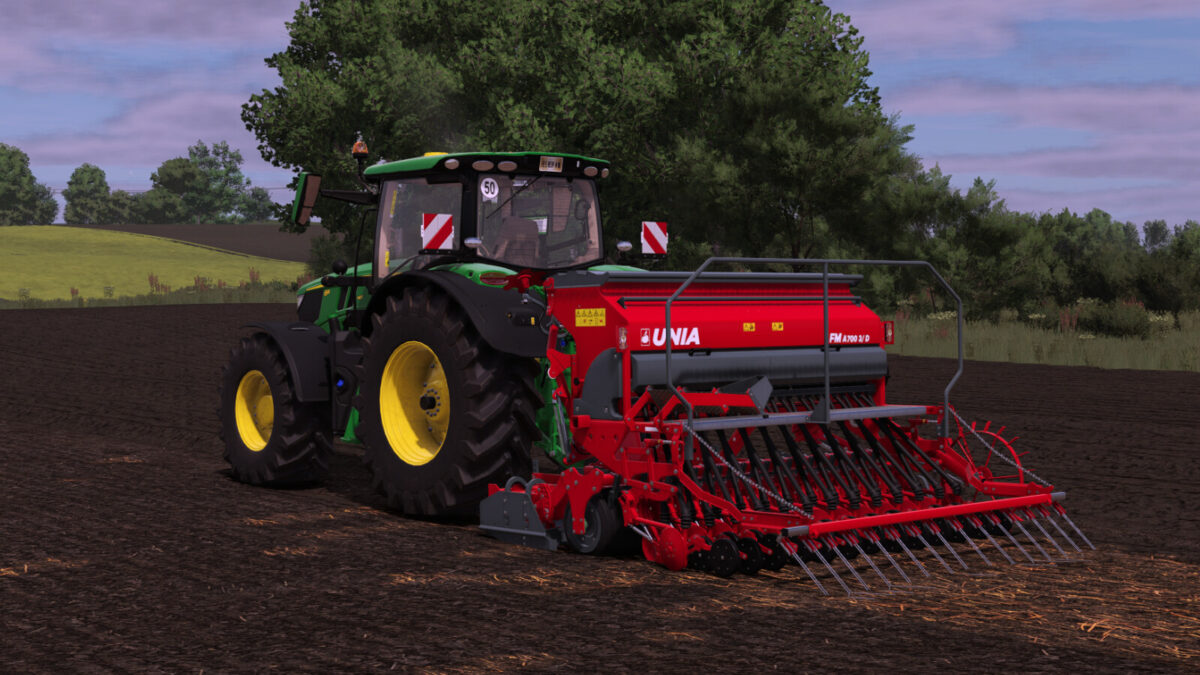
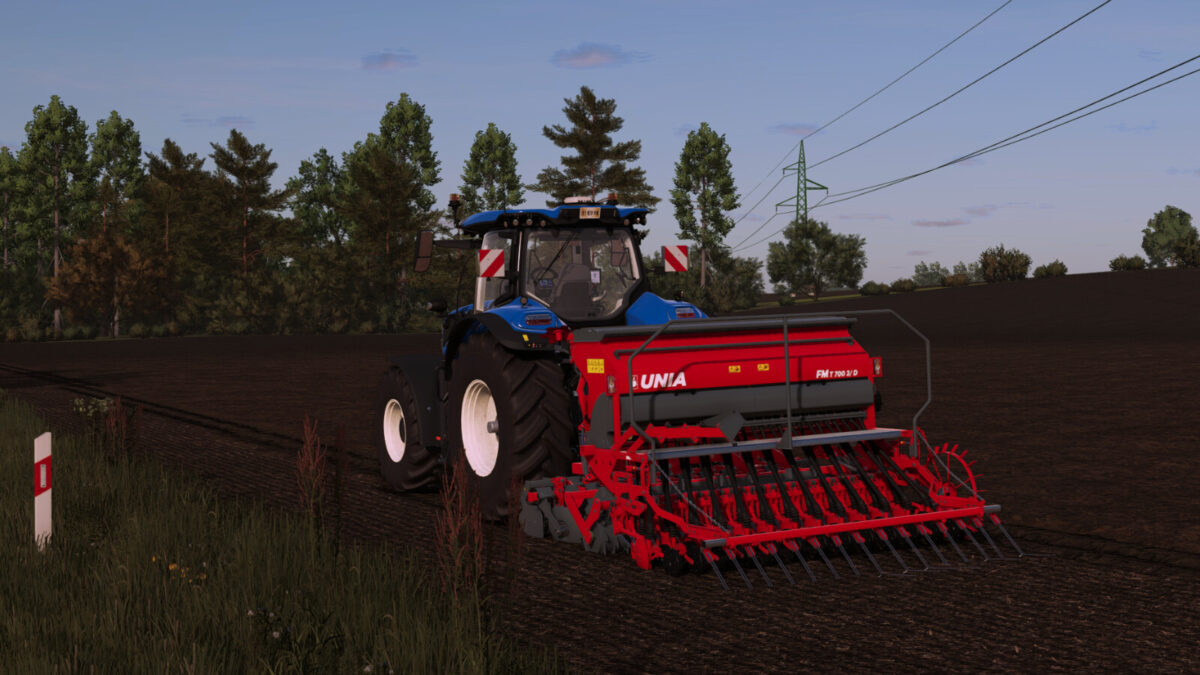
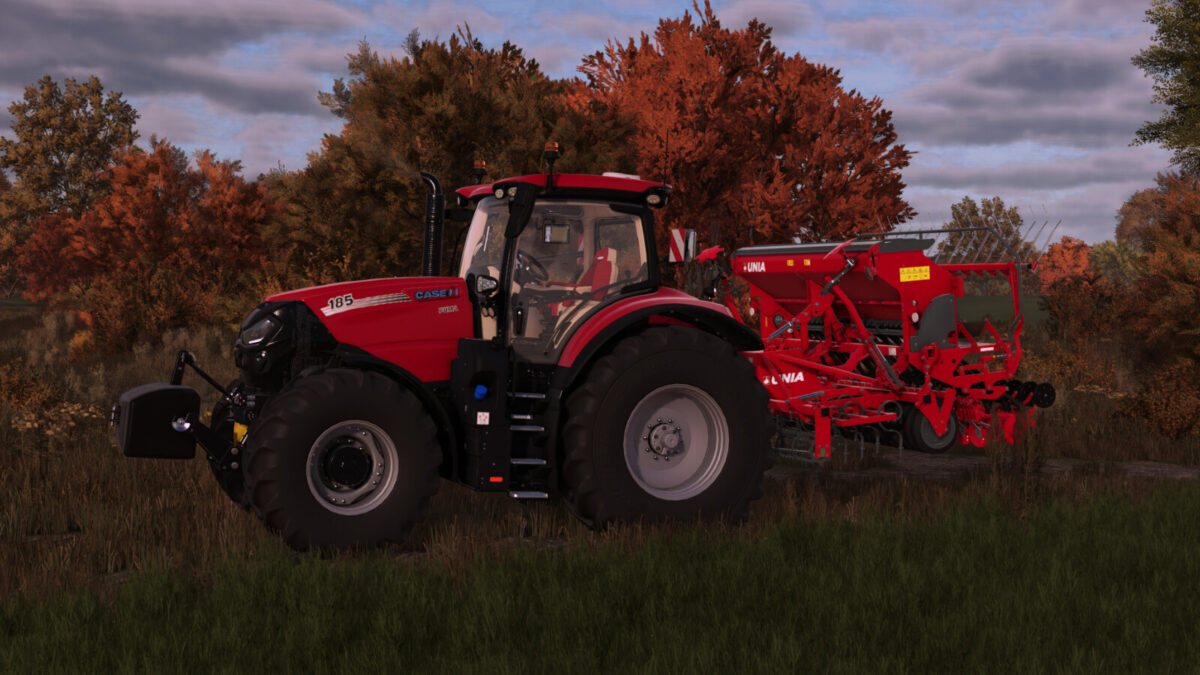
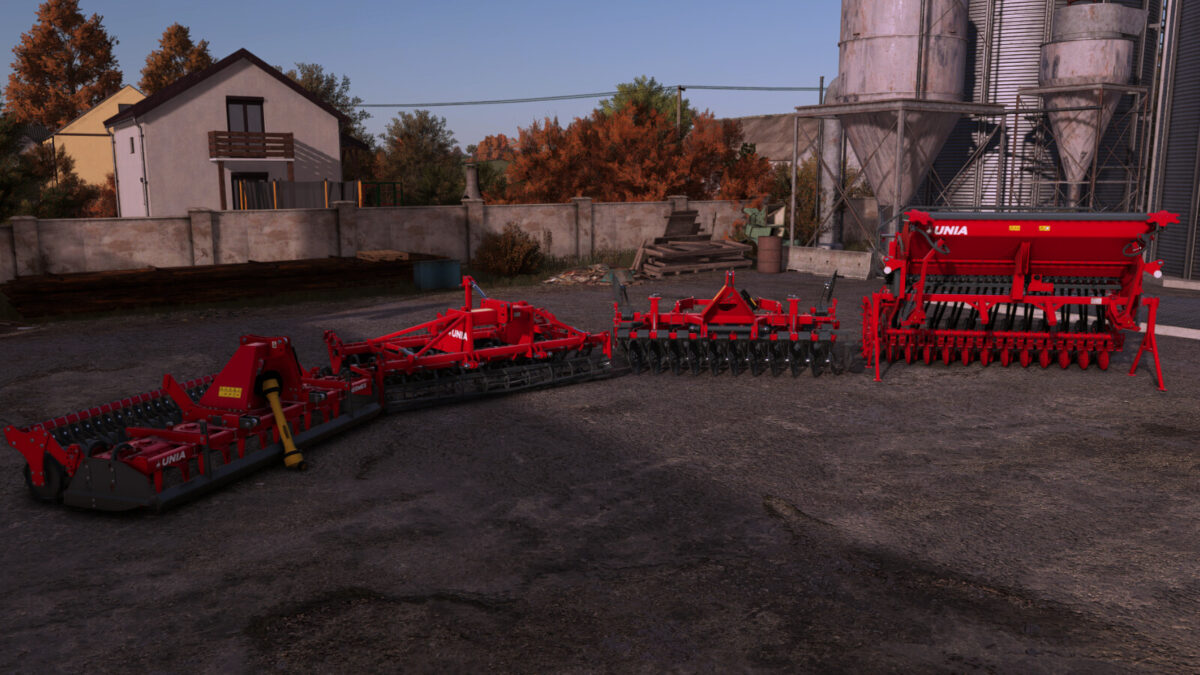
Unia FM700 3/D v1.0.0.0


Package of mounted seeder equipment from the Polish manufacturer UNIA.
The package includes:
|UNIA FM700/3D – Mounted Seeder|
Price: $16,000
Maximum working speed: 15 km/h
Power requirement: 60 HP
Working width: 3.0 m
Seed hopper capacity: 700 L
[Interactive Control mod required]
Foldable harrow tines,
Openable seed hopper lid,
Foldable steps,
Foldable press wheels.
|UNIA A FM700 (HERMES)| – Rotary Harrow
Price: $9,000
Maximum working speed: 12 km/h
Power requirement: 110 HP
Working width: 3.0 m
Roller configuration: (Rubber/Packer)
|UNIA S FM700 – Cultivator|
Price: $10,500
Maximum working speed: 15 km/h
Power requirement: 70 HP
Working width: 3.0 m
Roller configuration: (Rubber/Packer)
Adjustable tine working depth (mouse-controlled)
|UNIA T FM700 – Disc Harrow|
Price: $12,500
Maximum working speed: 15 km/h
Power requirement: 80 HP
Working width: 3.0 m
Roller configuration: (Rubber/Packer)
Adjustable working depth (mouse-controlled)
Note: To use the seeder, you need to have one of the above cultivation machines attached.
Credits:
Przemek23433


