
FS25 Misc

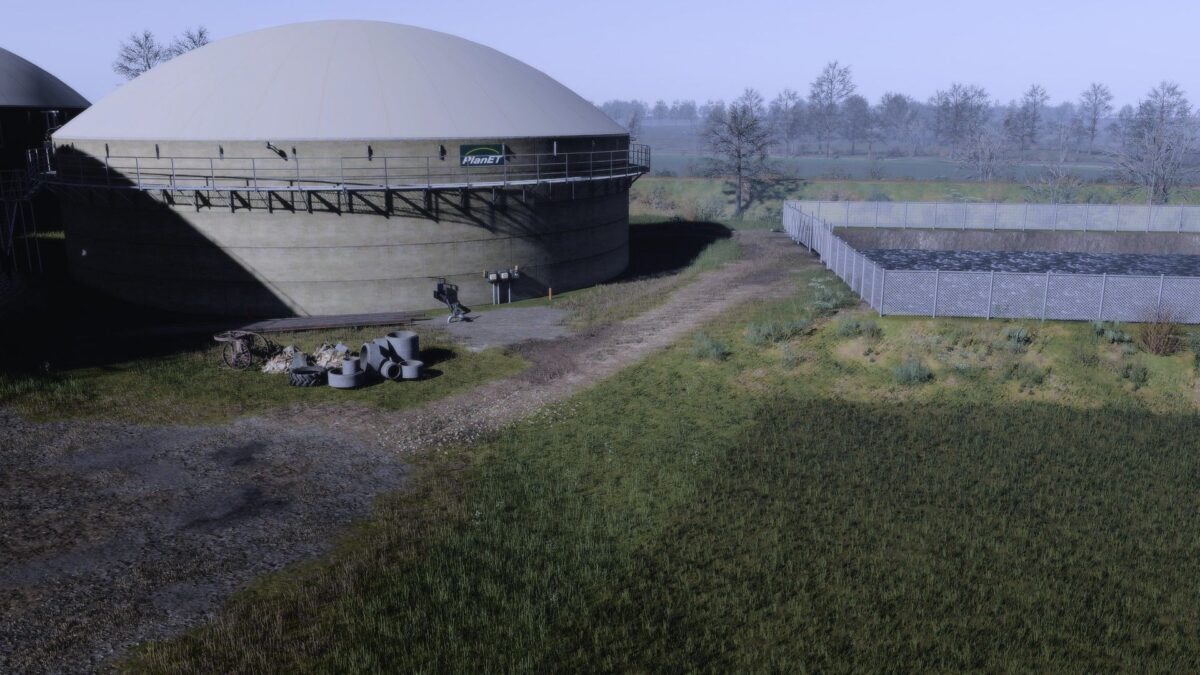
Ultra Realism v 1.0
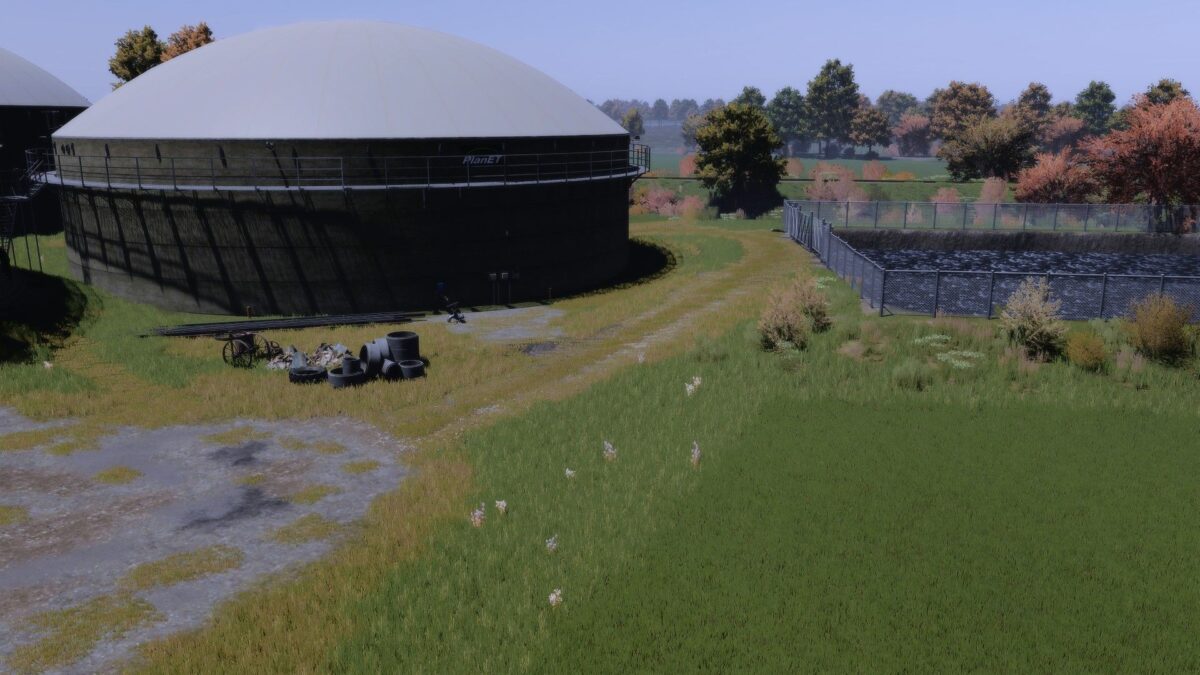
Ultra Realism v 1.0
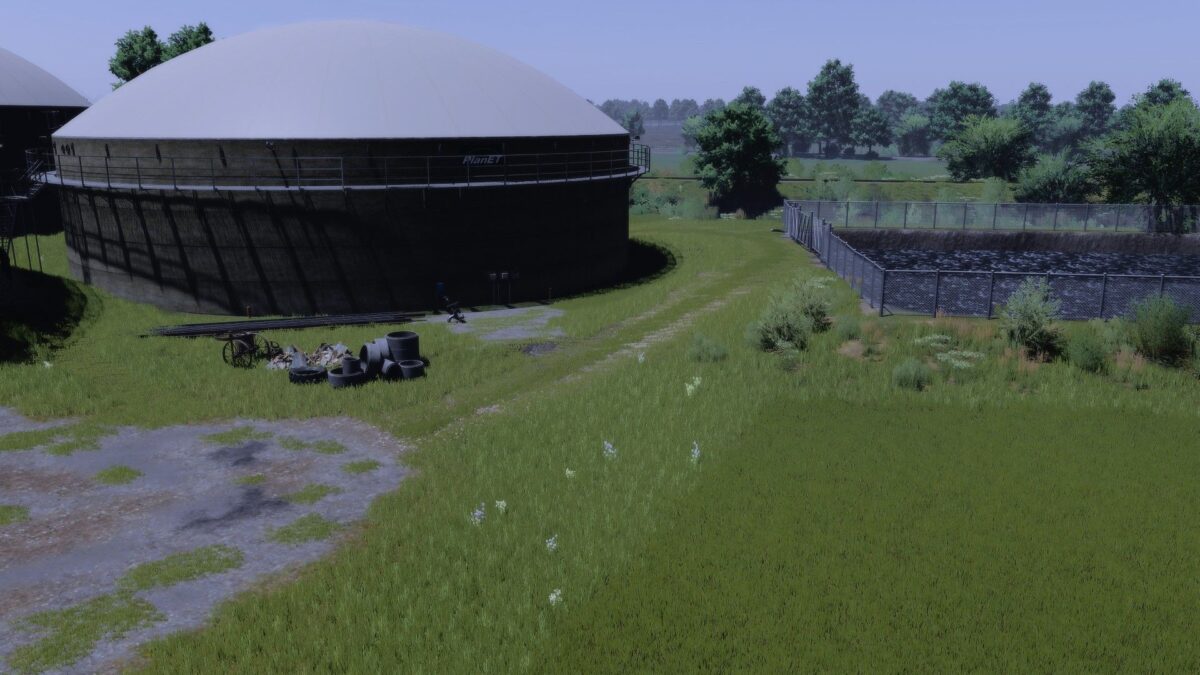
Ultra Realism v 1.0
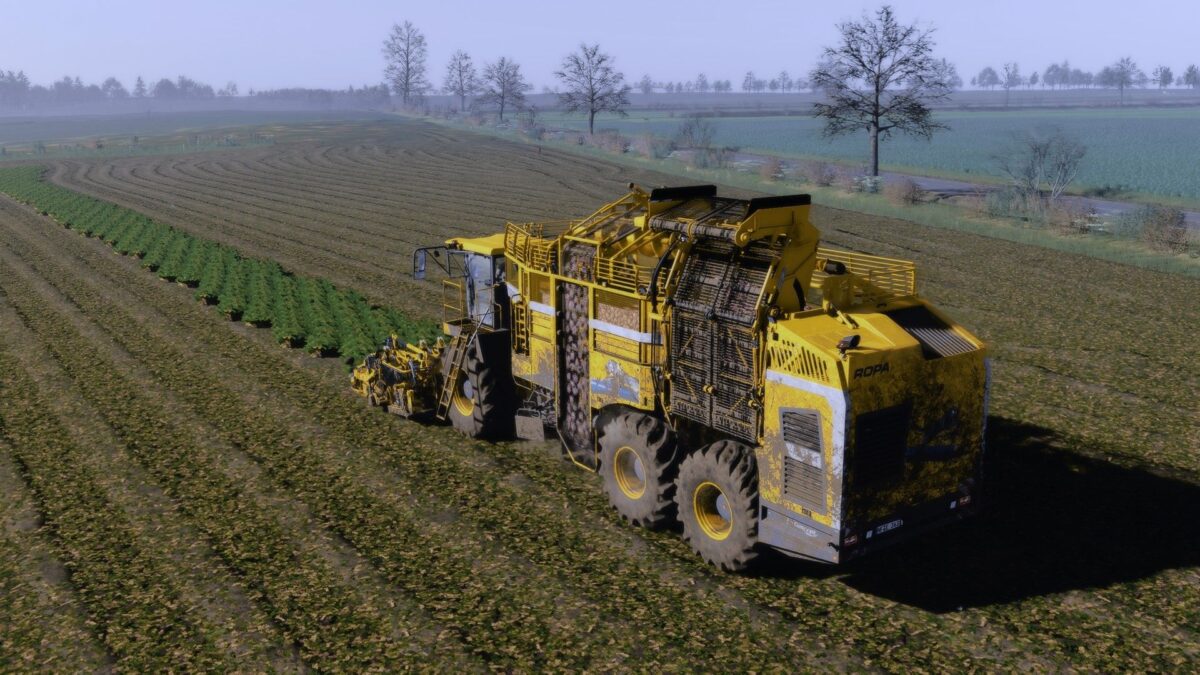
Ultra Realism v 1.0

Ultra Realism v 1.0

Features:
Natural colors – neither too bright nor too flat
Harmoniously coordinated overall picture
Stronger, more colorful display on vehicles and paintwork
No use of additional effects such as PPFX (SSDO) necessary
Easily compatible with DLSS & similar technologies
Supports upscaling without loss of quality
Smooth performance without stuttering

Note:
The preset is optimized so that it is ready to use straight away – without complicated additional settings. Just install and enjoy!

After installing the shader, click on “Extensions” in the reshade menu and remove the tick once (with a mouse click) and then click on the second box from the top to render the shader at the respective graphics setting (1080p, 4k etc.).

Credits:

gian1

How to install FS25 Misc?
Firstly find a mod which you like and want to download. Then download a mod to your PC. Mods are usually in .zip format file. But sometimes it can be in .rar. If a mod file is a .zip format no needed additional actions. If a file is in .rar, then you must unarchive mod with software like WinRar or Zip7. Windows 10 users no need to use software for archives, Win10 itself has a feature to unarchive files.
The next step is to find mods folder in your PC. Usually, it is in Documents/My Games/Farming Simulator 25/2025. Open the "mods" folder and put downloaded .zip archive or unarchived .rar file to this folder.
Last step. Enjoy of FS25 mods!

Leave a Reply

Your email address will not be published. Required fields are marked *