

Transport Company v 1.0


Your map is already full of silos, dairies and mills moving goods between them. None of it pays you a penny.
Buy a headquarters and it does. Freight jobs are generated from the stations that already exist on your map, priced against the live economy. Haul them yourself, or put a driver in the cab and let the base game AI run the route while your fleet quietly books the miles, the diesel and the profit truck by truck.
Features
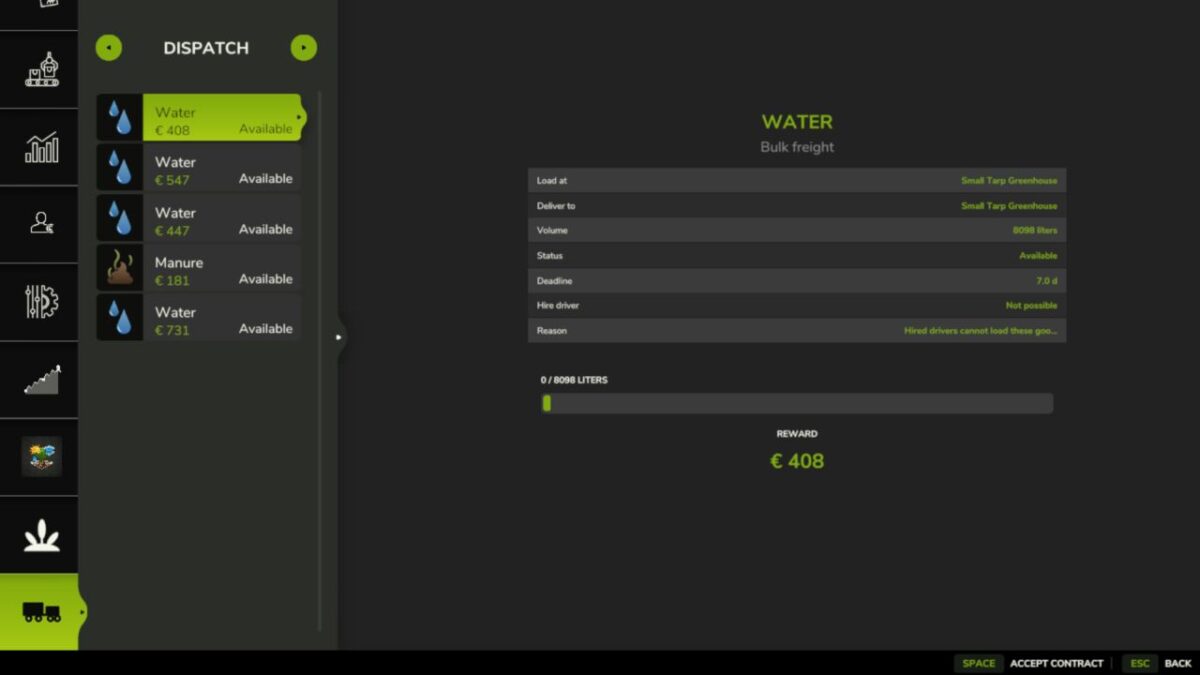
Contract Board
Jobs are generated from real stations on your map, using the live economy price of the goods to set the reward.
Two Ways To Run A Job
1: Haul it yourself -> Load at the pickup, tip at the destination. Progress moves as you tip.
2: Hire a driver -> Hands the route to the base game AI as a Load & Deliver job.
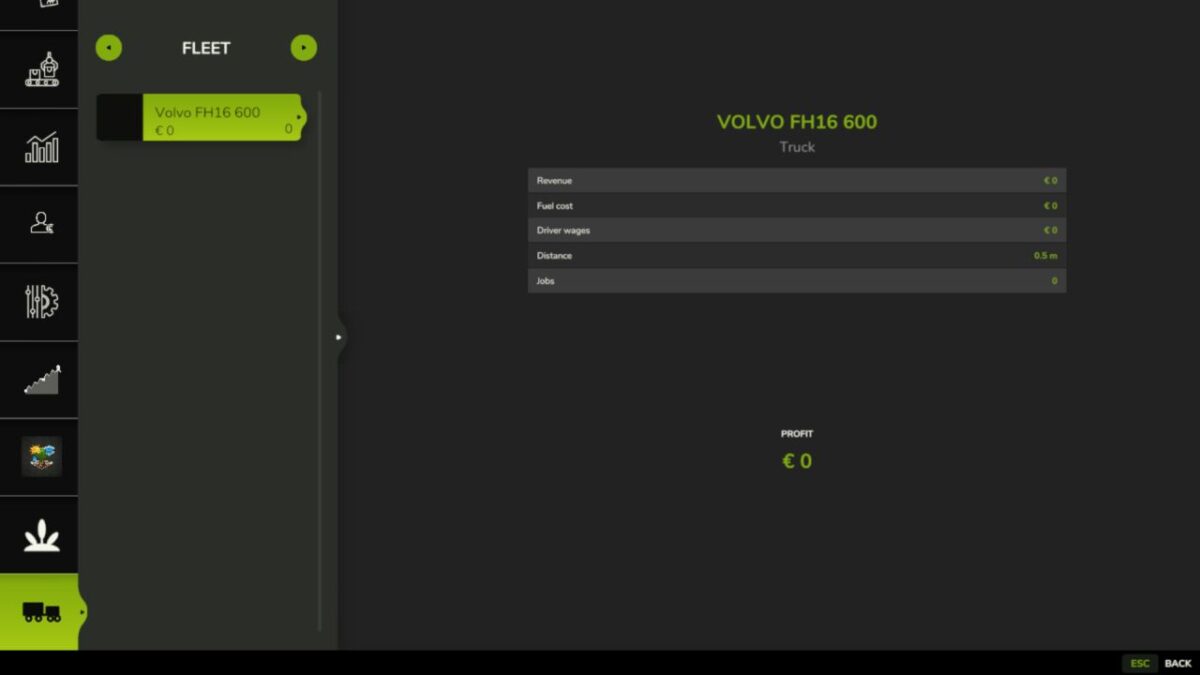
Per-Truck Books
The base game only keeps farm wide statistics. This tracks every truck separately.
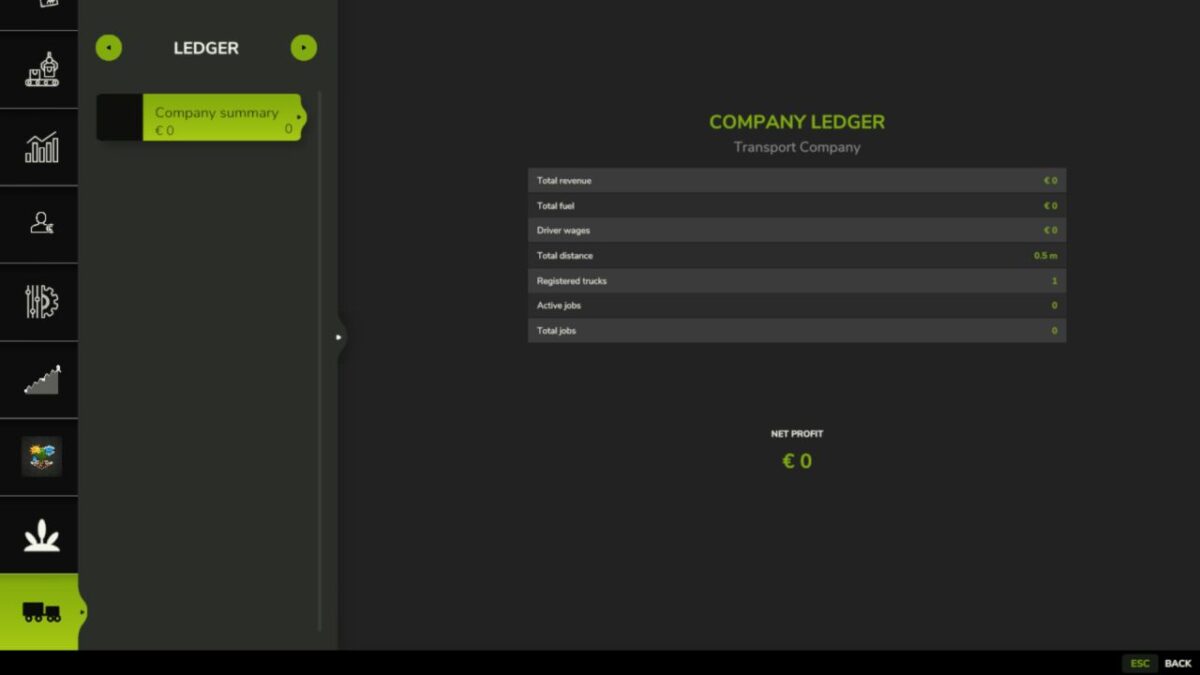
Company Ledger
Revenue, driver wages, fuel, distance and job count for the company as a whole, followed by a history of every finished and expired contract, newest first.
Company figures are tracked separately from the fleet on purpose; a load you tip yourself cannot be pinned to a specific truck, because the station reports liters and a position, never the vehicle that delivered them.
Dispatch Office
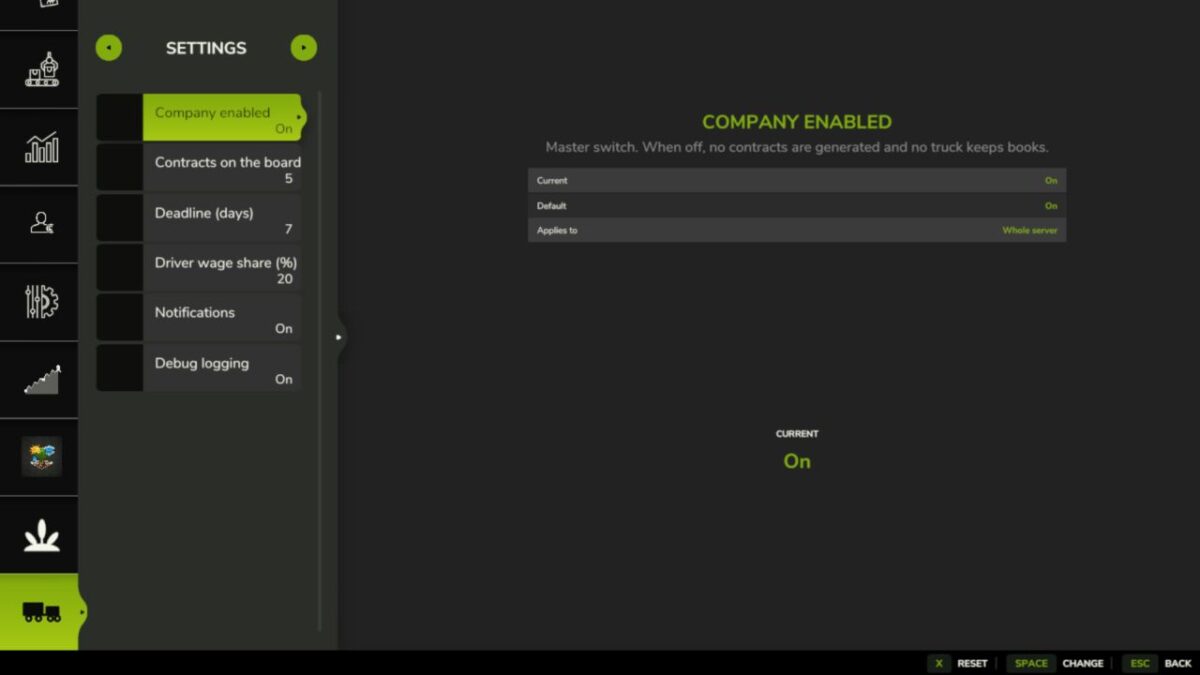
Four tabs in the in-game menu, built from stock FS25 menu widgets so it looks and behaves like the rest of the game.
Credits:
tisonK


