


Tramline Shop Filter v 1.0


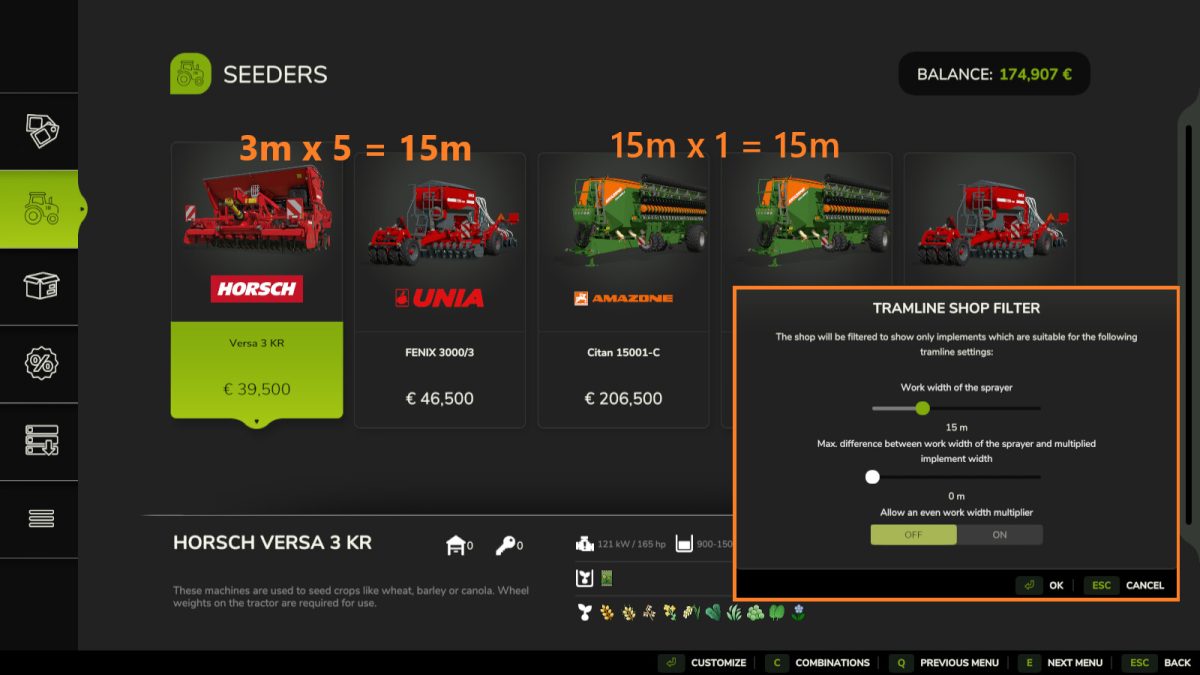
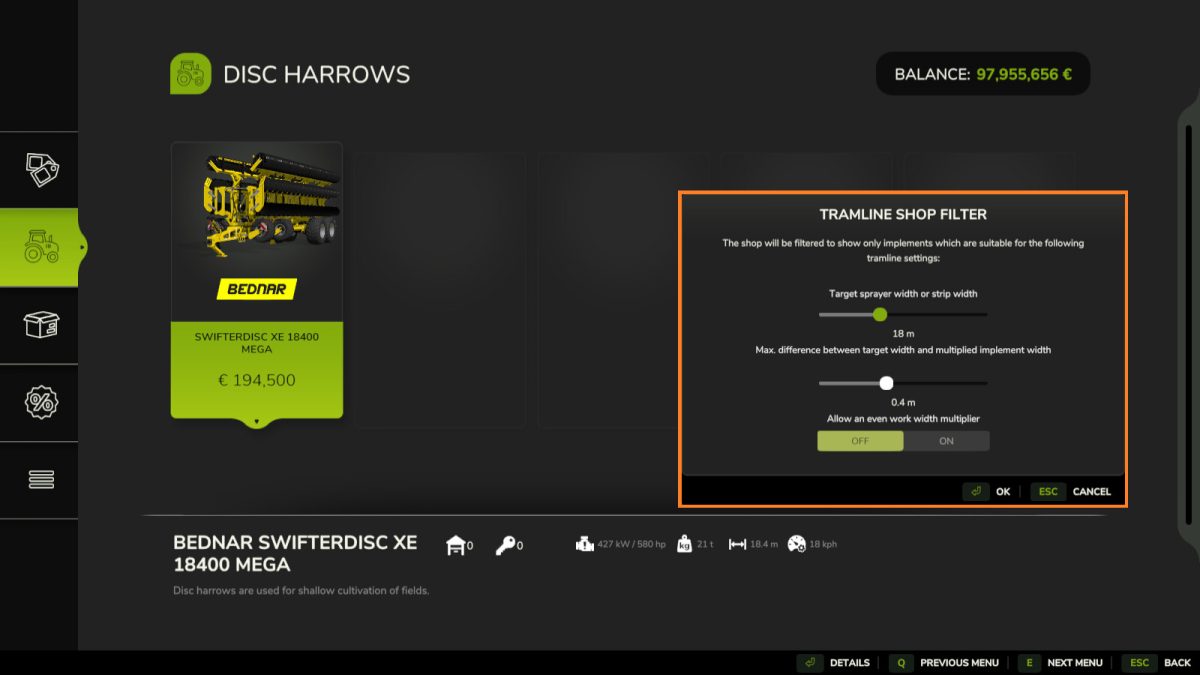
This mod allows filtering the shop for work widths which are compatible with a target tramline (or strip) width.
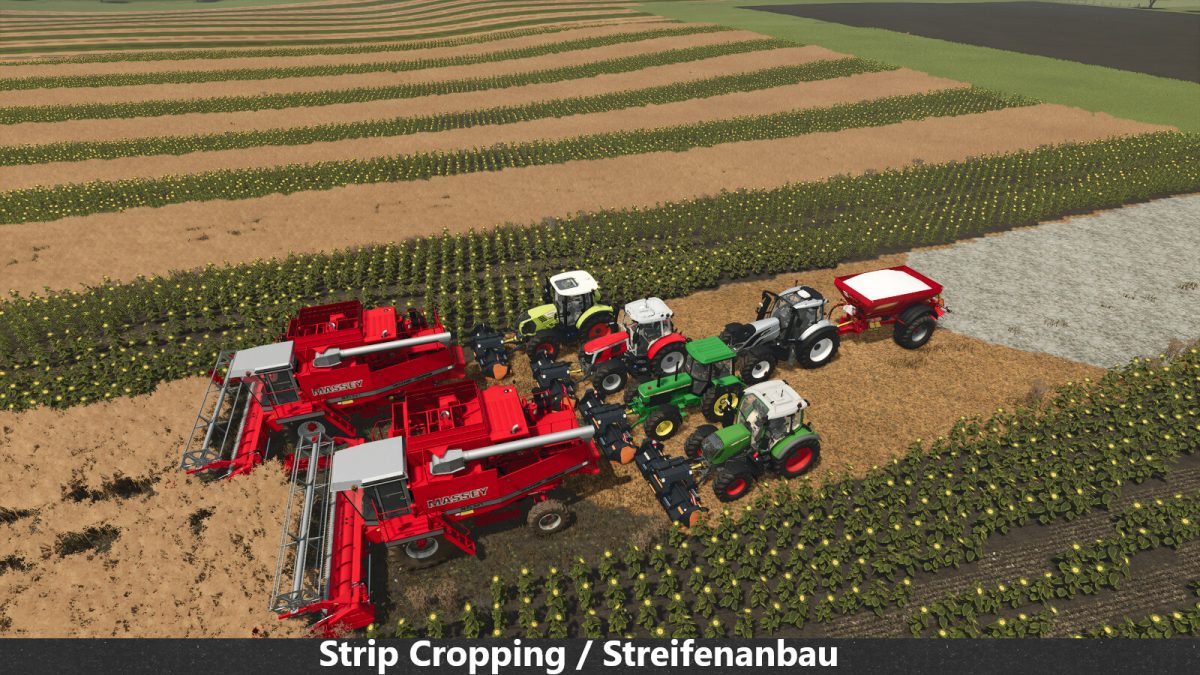
This is intended for players who are playing with tramlines/CTF and especially players who are practicing strip cropping, alley cropping (agroforestry) or similar.
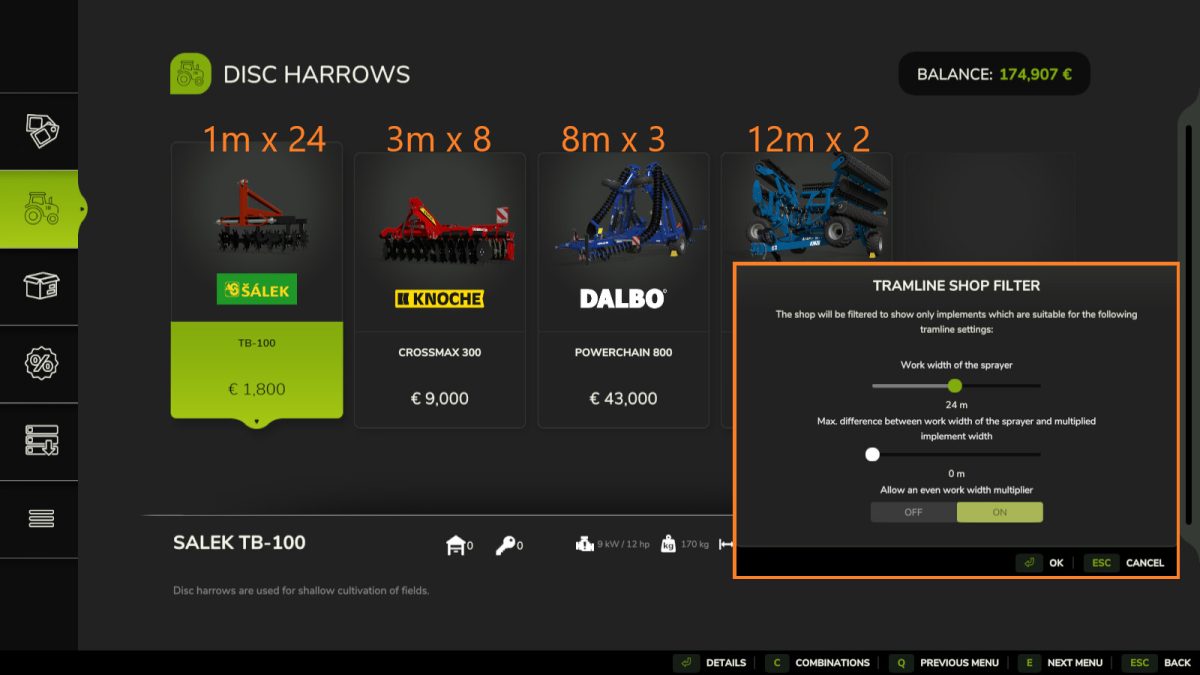
By default, only tools with a work width which are an odd factor of the sprayer width are shown. For example, a 3m seeder would not be shown for a 12m sprayer width since the tramline would not be in the center. A 4m seeder would fit, however (no tramline + tramline + no tramline = 12m).
It is however possible to also allow even factors, which is useful for finding implements like mulchers or rollers for a strip cropping system.
The filter dialog can only be opened while in the main shop menu, and closing the shop or cancelling the filter dialog will reset the filter.
This mod is compatible with the “Enhanced Shop Sorting” and “Store Search” mods.
Hotkeys: [T] opens the filter dialog while in the main page of the shop.
Credits:
Farmsim Tim (timmeey86)


