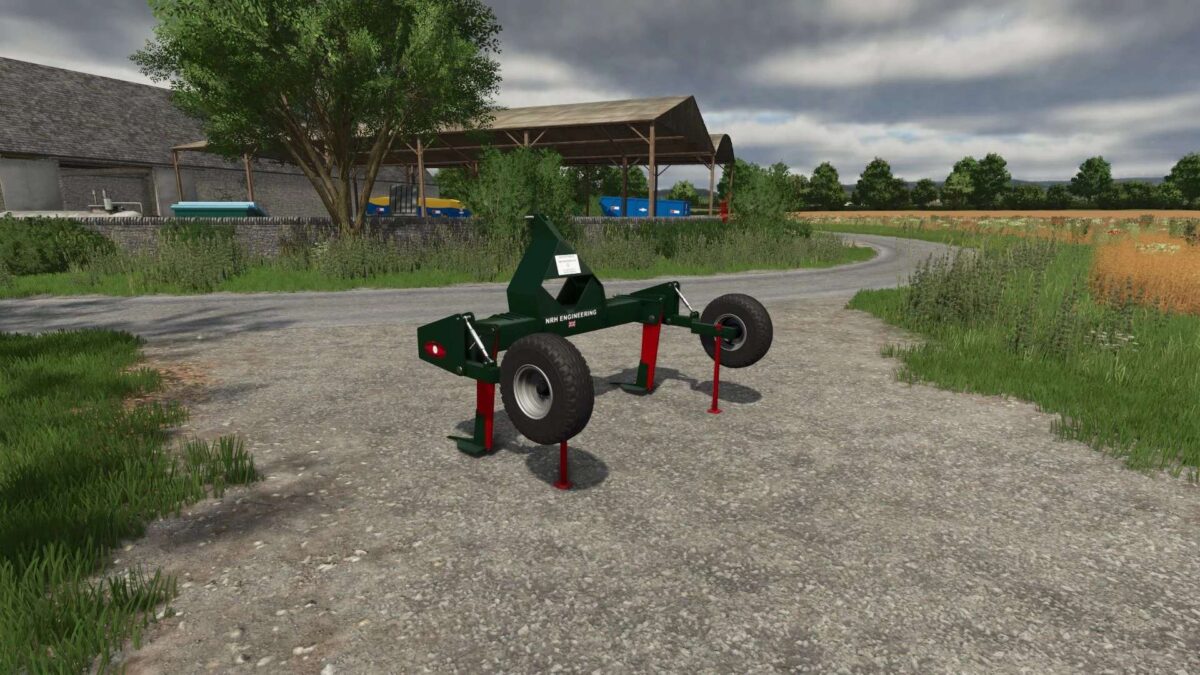
Tramline Buster v 1.0


The Tramline Buster v1.0 is a specialized subsoiler designed for Farming Simulator 25, adapted from its predecessor in FS22. This tool is particularly useful for creating tramlines in agricultural fields or alleviating the issues caused by compacted tramlines. Its design allows for efficient operation, as the two legs of the subsoiler are strategically positioned to follow the tractor’s wheel tracks. This ensures that the tramlines created in the soil correspond accurately to the tractor’s wheels, enabling improved field management and crop growth.
– Converts tramlineBuster from FS22
– Subsoiler tailored for tramline creation and removal
– Two legs designed to perfectly fit behind tractor wheels
– Directly subsoils only the ground behind the wheels
Credits:
JonteFjonte Modding, IJ Creative Design