

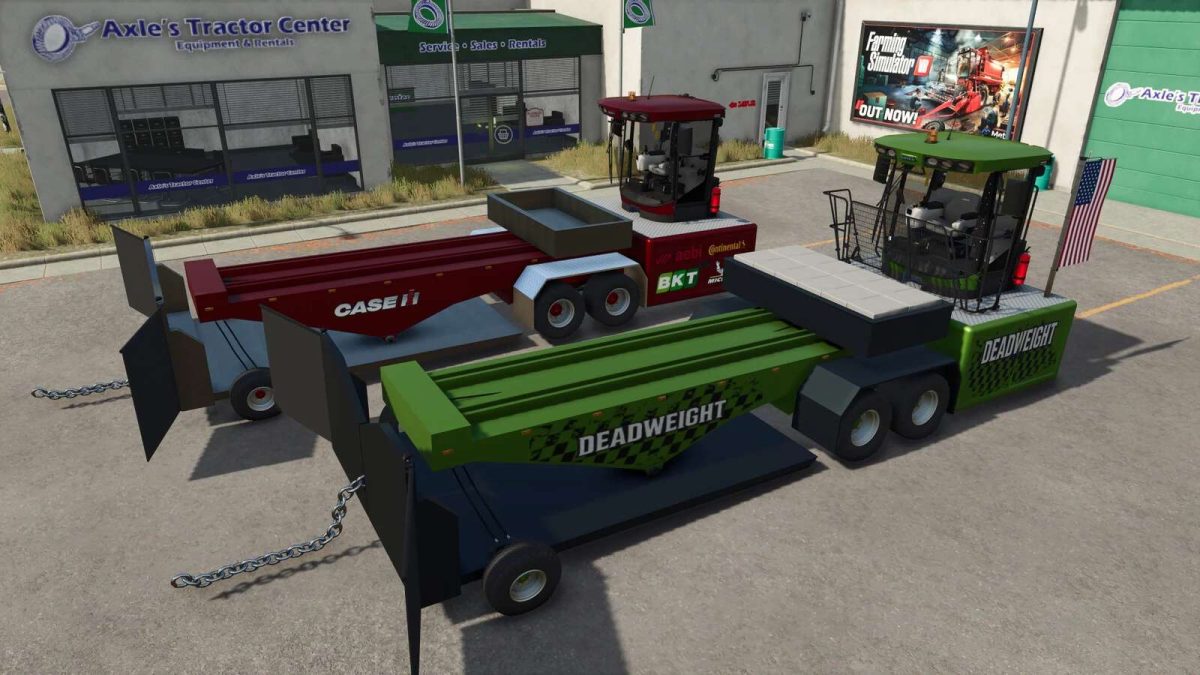
Tractor Pulling Sled v 1.0


This tractor pulling sled allows you to put your tractors to the ultimate test.
The sled features adjustable weight transfer to simulate realistic pulling conditions.
Ideal for tractor pulling events or testing machine performance.
– Category: Miscellaneous
– Price: $6,000
– Power: 1000 hp
– Max. speed: 31 mph
– Capacity: 20,000 L
USAGE:
First choose your weight (the sled can be filled with additional liquids for more weight if needed) in the store depending on the size and HP of the vehicle you use to pull it. Drive the sled in to position and lower the front wheels. Attach your tractor or truck to the front chain, extend the sled and see how far you can go! For easy transport, a semi attacher can be unfolded on the front and will work with all semi trucks.
Credits:
Bb Mods, Ridiculous Dominick


