

To Pasture and Back v 1.0


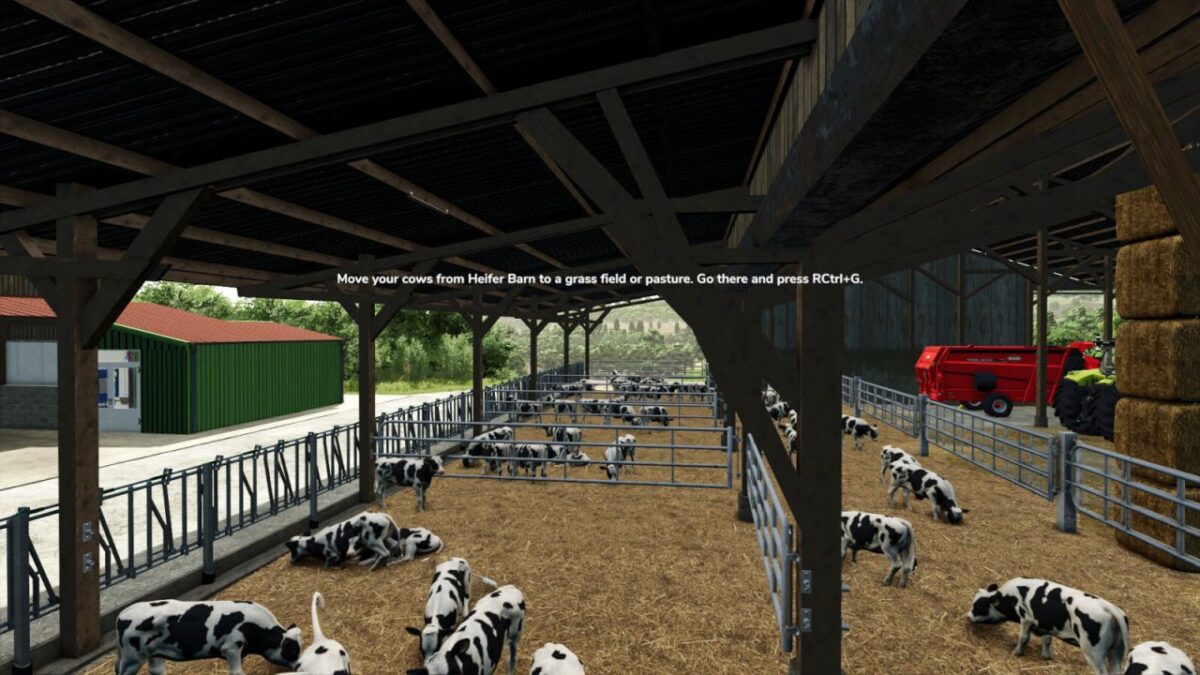
In FS25, barns with attached pastures let animals roam freely between the barn and the pasture or meadow. But standalone barns keep livestock locked inside. To Pasture and Back changes that.
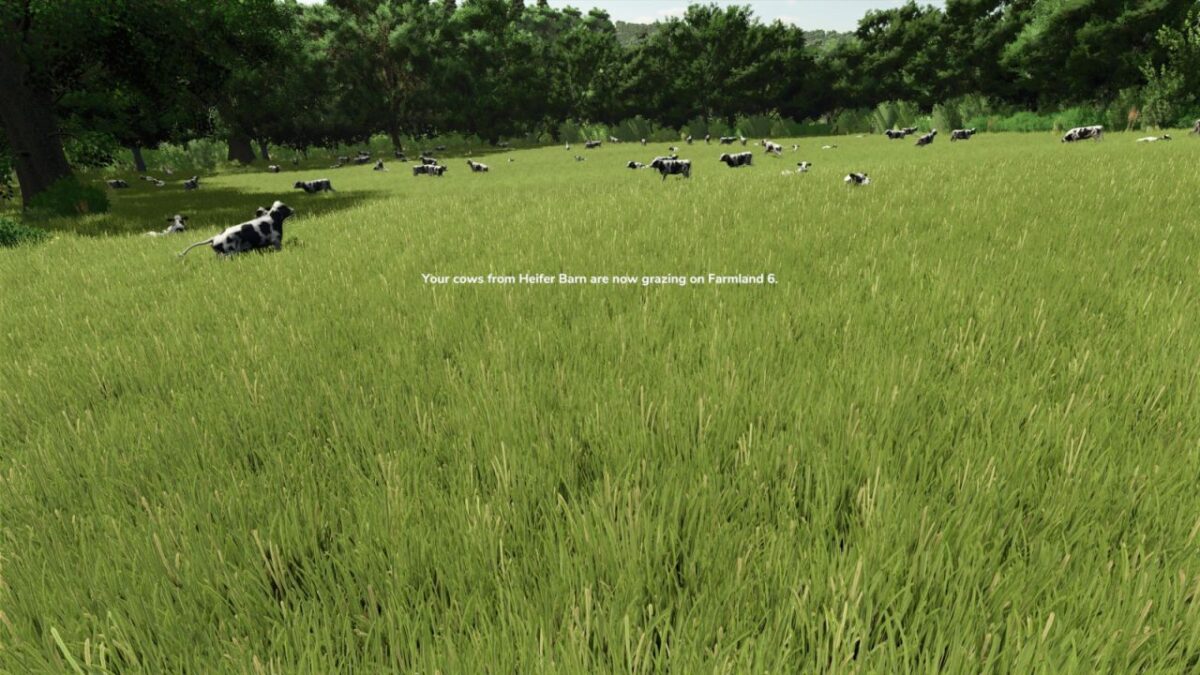
This mod emulates the experience of letting otherwise barn-locked animals roam freely on fields and pastures suited to each species, especially useful when a barn is not attached to its own pasture. Send your animals to a field where they can graze, forage, wander, and rest. While the herd is out on pasture, only the youngest animals stay behind in the barn. When you recall them, the animals return to their stalls.
Feeding, breeding, and production continue as normal in the barn. The mod handles the visual side without affecting your farm’s economy.
All livestock supported (cows, sheep, goats, pigs, horses). Chickens excluded.
Designed for the base game animal husbandry system.
FEATURES:
Send herds from any barn to a suitable field: cows and horses graze grass, sheep and goats browse rougher pasture, pigs forage on mowed fields and stubble
Collect several herds and drop them one per keypress: stack compatible species on one field or spread them across different fields
Animals too young to leave the barn stay home and remain visible in their stalls while the rest of the herd is out
Animals refuse fields with growing crops; grass at any stage and harvested stubble are fine
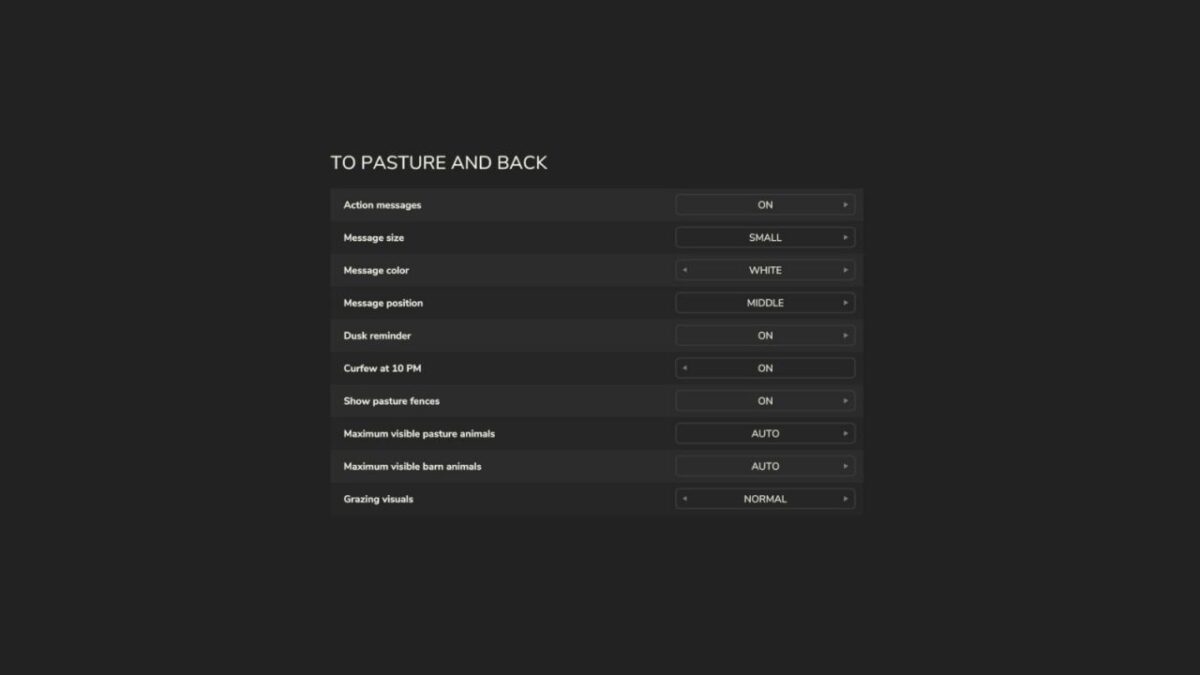
Adjust how many animals are visible at barns and pastures, per player (Auto picks by graphics quality, or 25 to 500 manual)
For fields without an existing fence, decorative temporary fences mark the grazing area (visual only, no collision, toggleable)
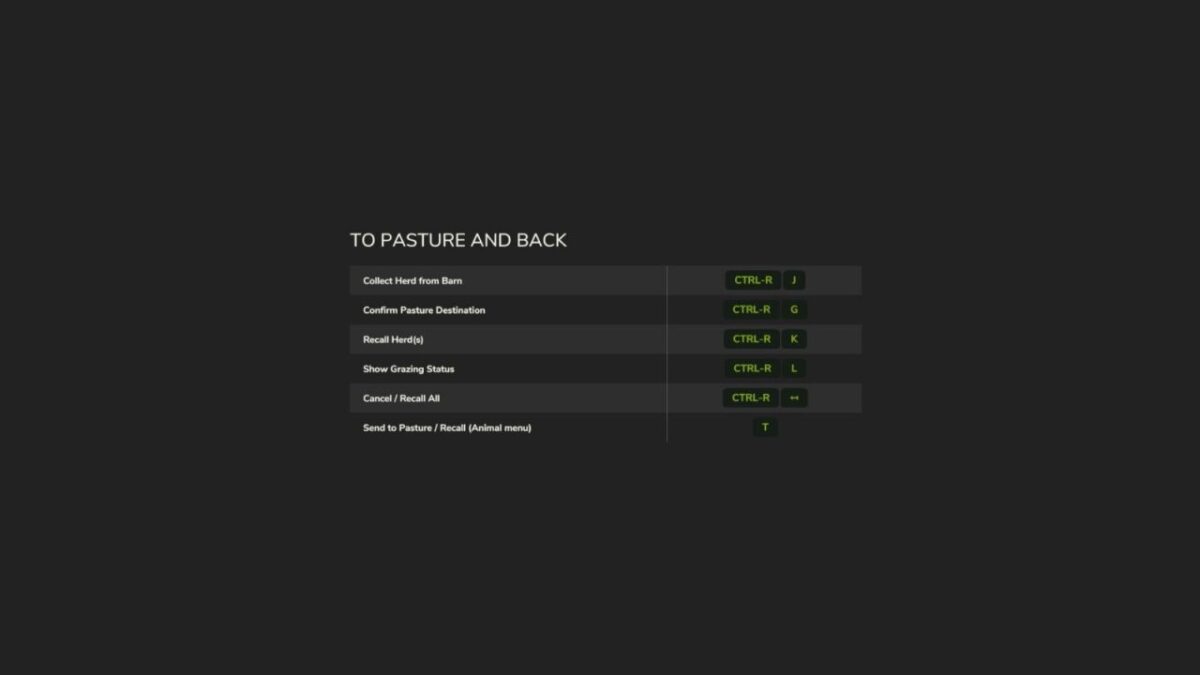
Manual recall any time (RCtrl+K)
Optional 10 PM curfew and 6 PM dusk reminder as safety nets for forgotten herds
Customizable on-screen messages (size, color, on/off)
Multiplayer supported
Saves and loads across sessions
Credits:
Kijbev


