

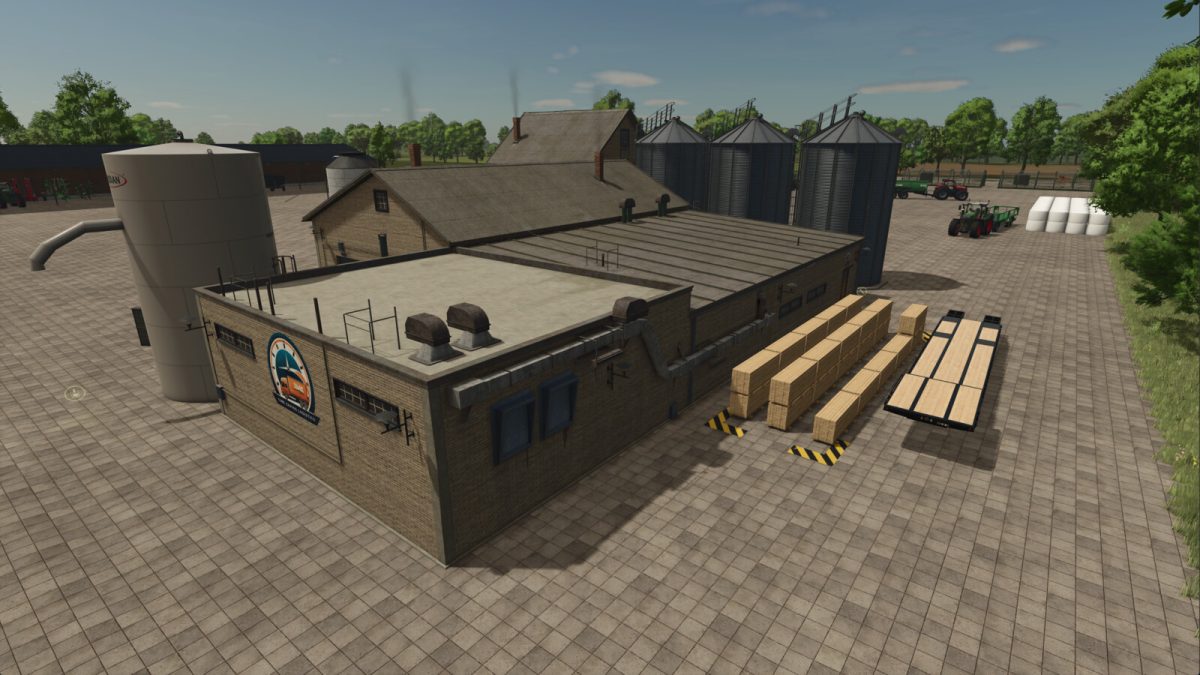
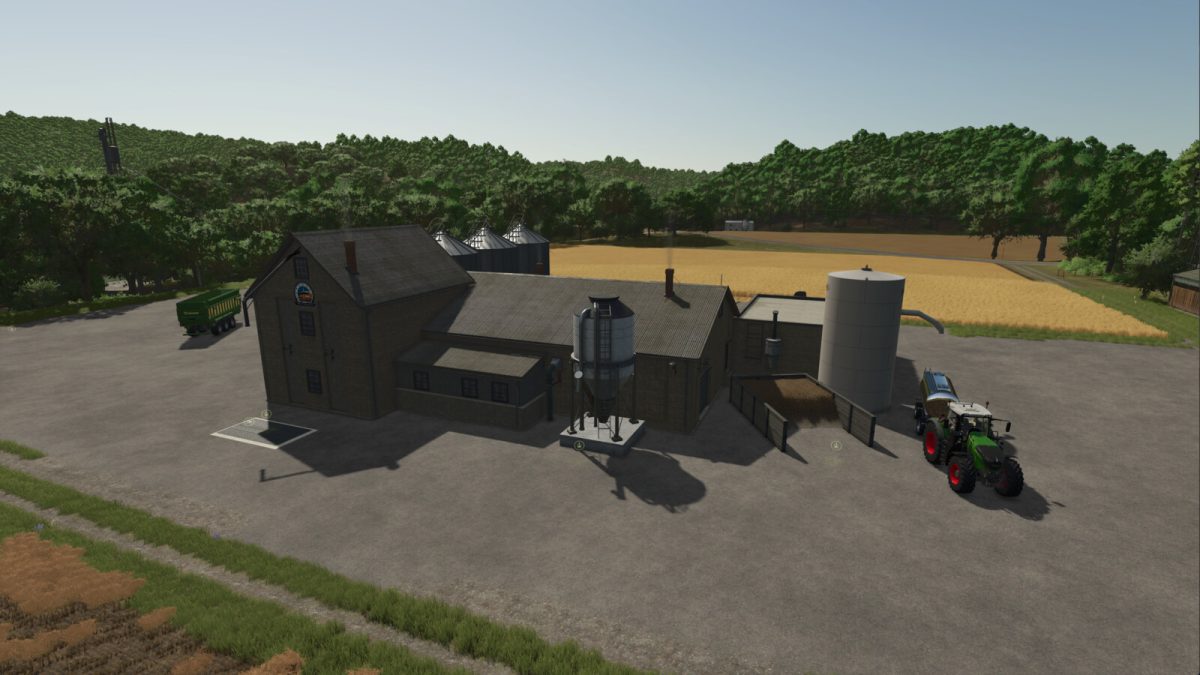
Time Saving Logistics v 1.0.0.1


Tired of collecting & distributing grain & pallets to and from all your productions. Let Time Saving Logistics (TSL) take care of all this and allow you to get back to farming.
For each output of your productions set the them to distibuting and activate the corresponding production of TSL. At the top of each hour it will be transferred to TSL for a cost (determined by the game).
TSL also distributes to your productions meaning you can place grain in and it will distribute to your productions.
Price: 50.000 $
Daily upkeep: 100 $/day
Capacity:
– 10,000,000 L each bale type
– 5,000,000 L each pallet type
NOTE:
– Set all the outputs to distributing otherwise pallets will spawn.
– To spawn pallets set the output to store
– Not possible to spawn wood.
– Bales can be added but only loose returned.
Version 1.0.0.1:
* Fixed Barley production
Credits:
twproductions


