

Tidy Shop v 1.0


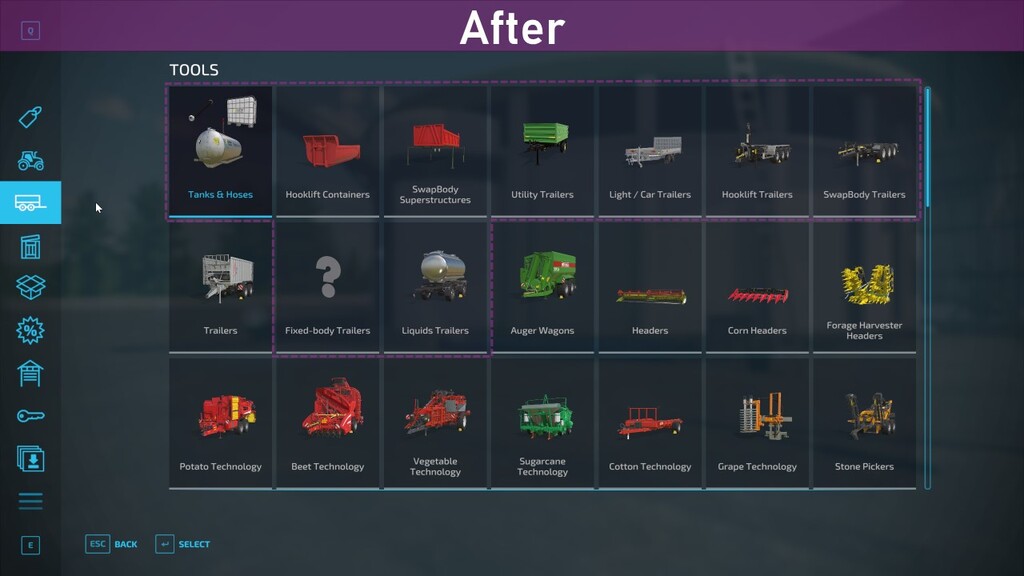
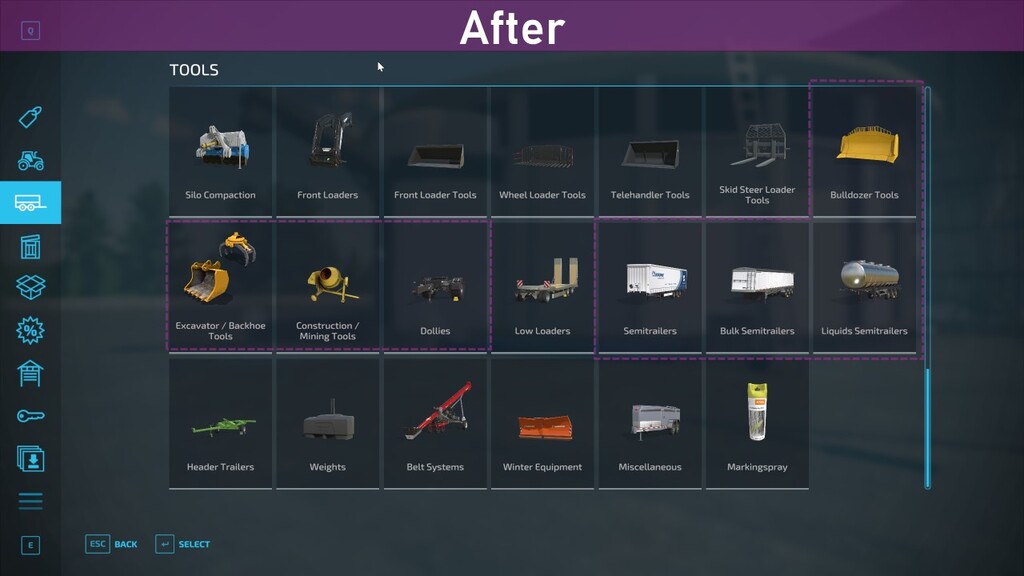
The development team behind the dealership website have been hard at work to optimize the machine catalogue to make it easier for you to find the right equipment for every situation.
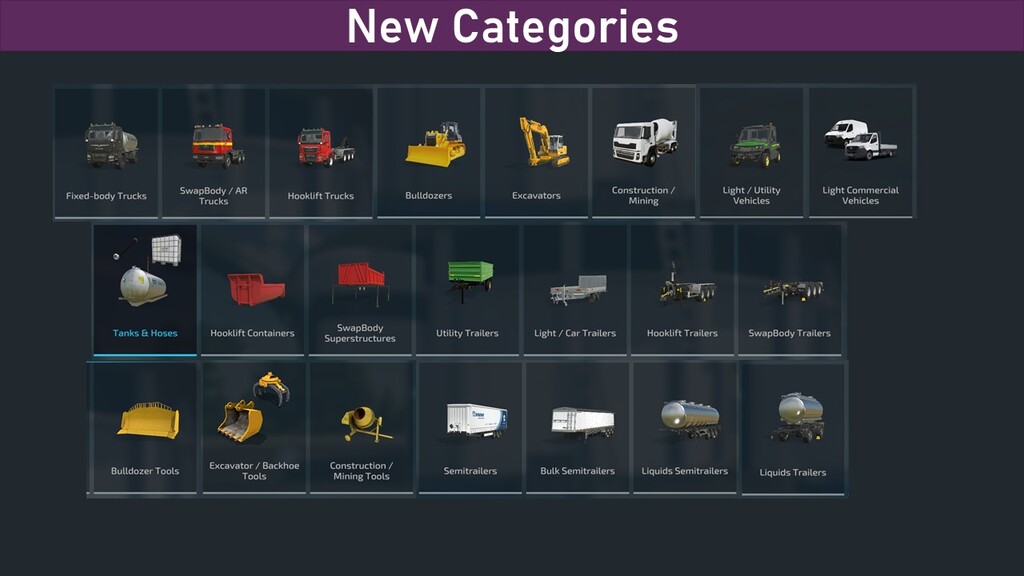
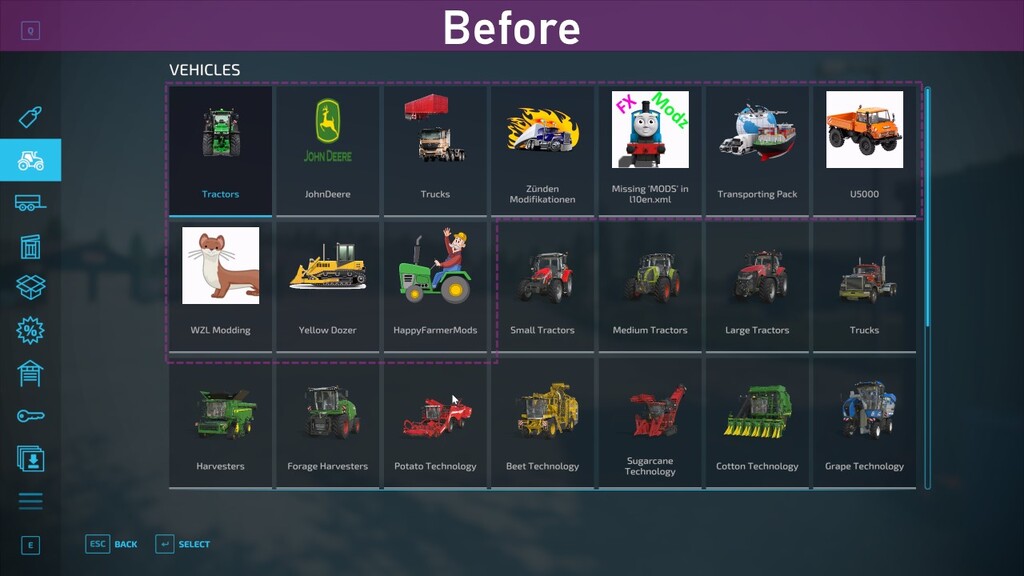
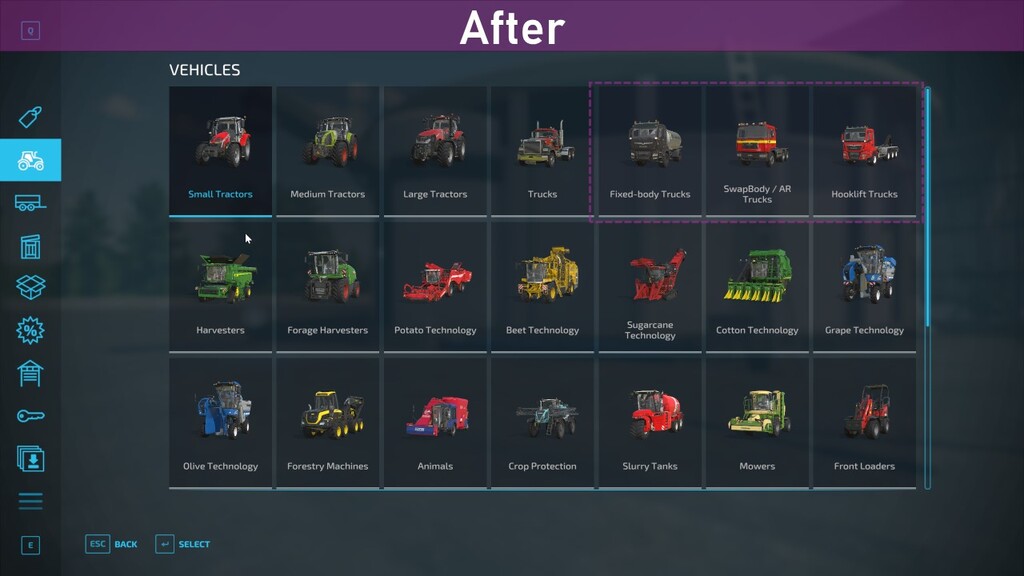
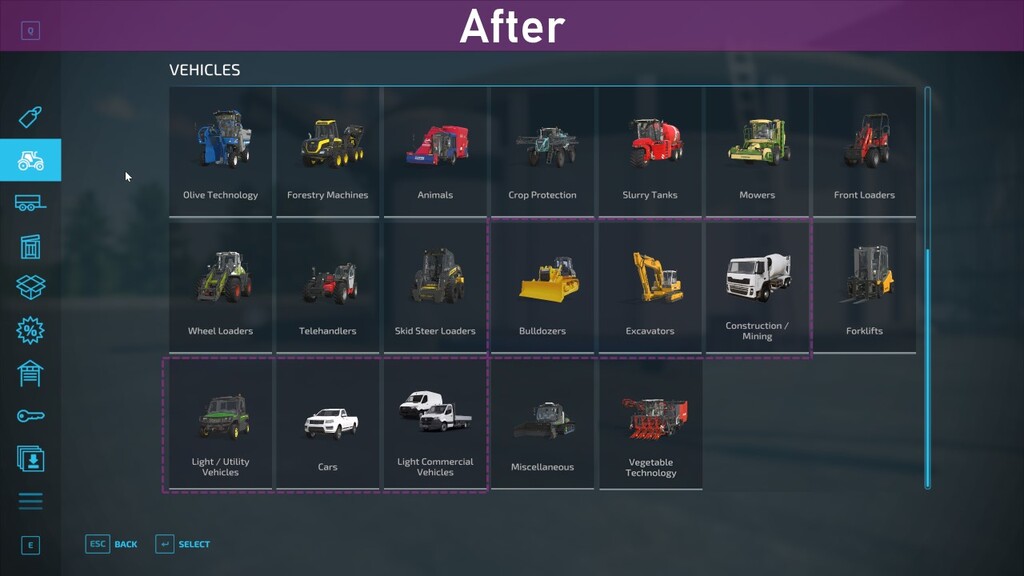
Some new categories has been added and some existing categories have been split up while others have been merged. On top of that they added various additional tweaks to give you the best exeperience possible.
FEATURES:
– Splits up large mixed categories (eg. trailers) into several more specific categories (eg. car trailers, semi trailers, hooklift containers, swapbody structures)
– Adds additional categories for specialized equipment and buildings such as utility vehicles, excavators, snow removal, factories, bale storage etc
– Some equipment added to multiple categories (e.g. a semitrailer augerwagon is both in category Bulk Semitrailer and Auger Wagons)
– Reorganized basegame categories (e.g. vegetable technology is now related to beet technology)
– Improved display of brands with high quality store optimized logos and merging duplicates into one brand category
Credits:
w33zl


