

Through The Years v 1.0


Are you yearning for the days of old? Looking for an extra challenge? Wanting to play a bit differently than you’ve done before? Want to play with machines that you’ve typically never done before?
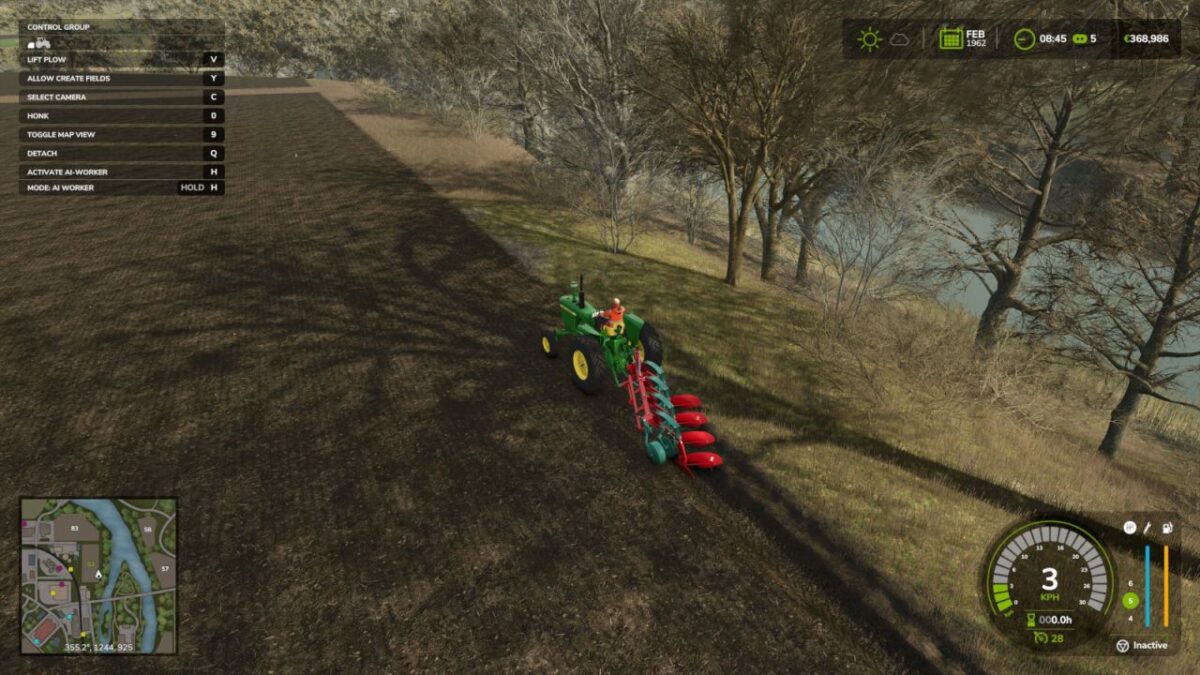
Through the Years will take you and your friends through the years, unlocking newer and more powerful machinery each year as you progress.
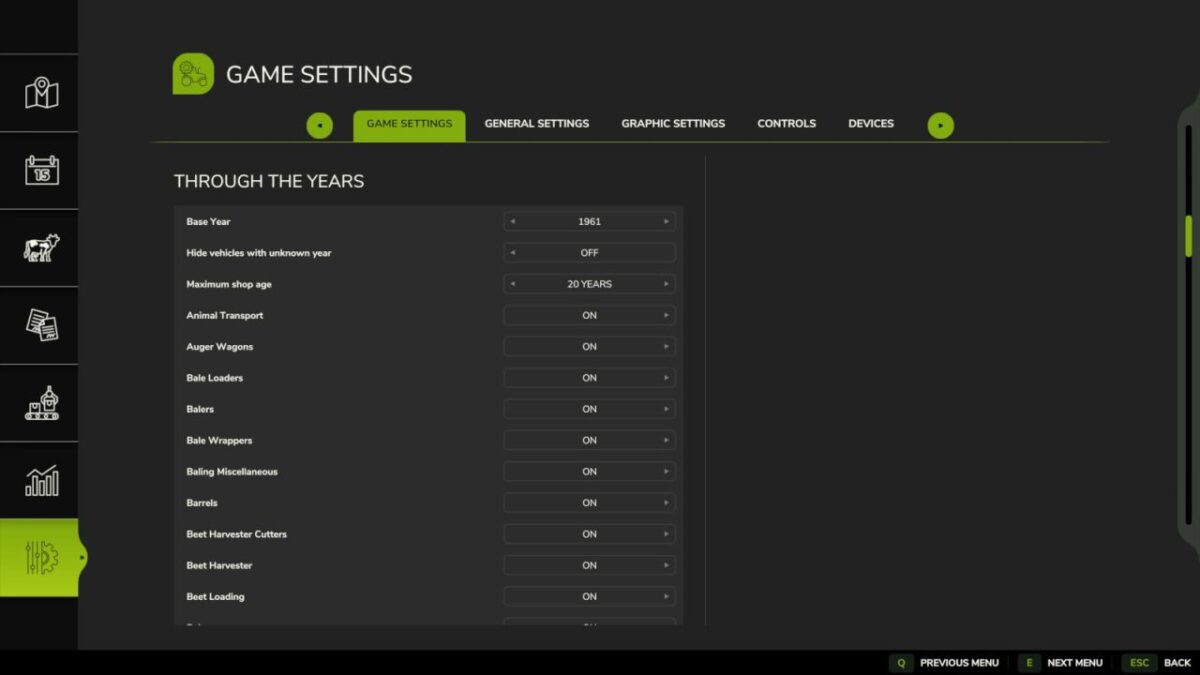
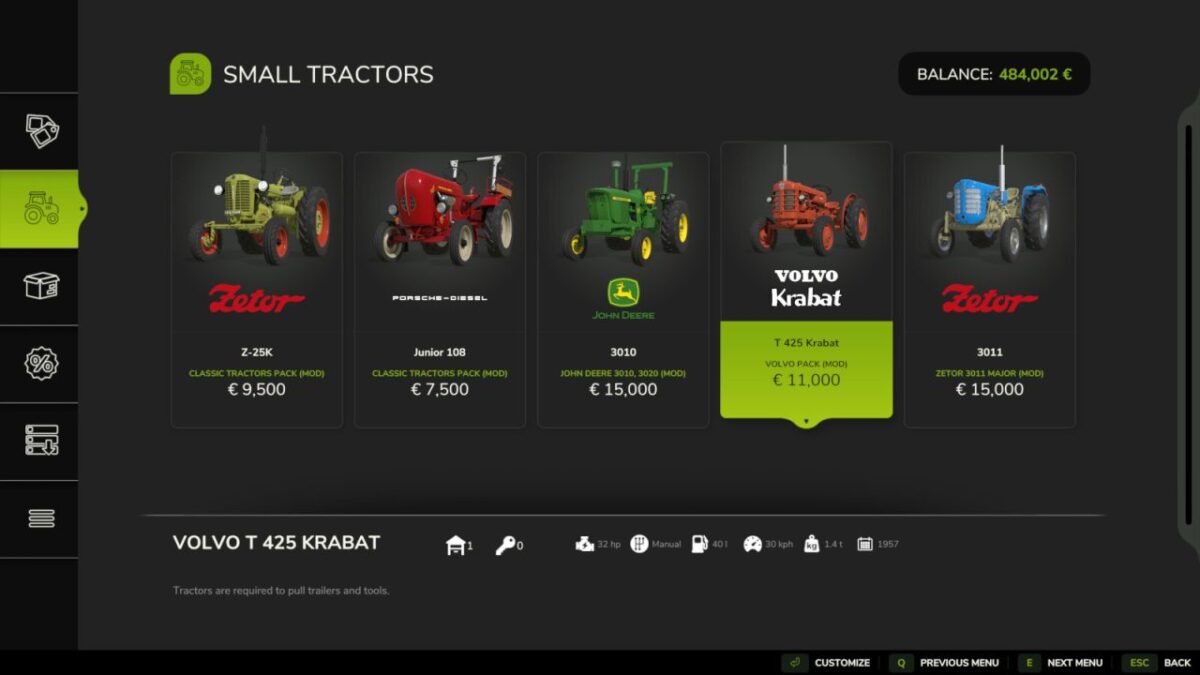
With heavy customization for your specific wants, this mod will restrict your buying options to the vehicles available at the time of your game. With a starting year as low as 1950, you can work your way from tractors with less than 50 horsepower and plows with 2 furrows to the new and powerful machinery of the modern agricultural world.
This mod adds a completely new layer of progression, as you know from so many other simulation games, and you will get to play with machines that you’ve probably never tried before.
The absolute majority of the basegame vehicles are very modern, so this mod works best with the use of other mods. Which mods to use is completely up to you.
The mod is heavily configurable to provide the best gameplay experience for you.
Credits:
Thalley


