

The Three Small Farms Map v 1.0


– 1 Farm with Cows and various storage buildings
– 1 Farm with Pigs and various storage buildings
– 1 Farm with Sheep and various storage buildings
– 1 fish farm
– 1 market garden with its apple press
– 1 BGA
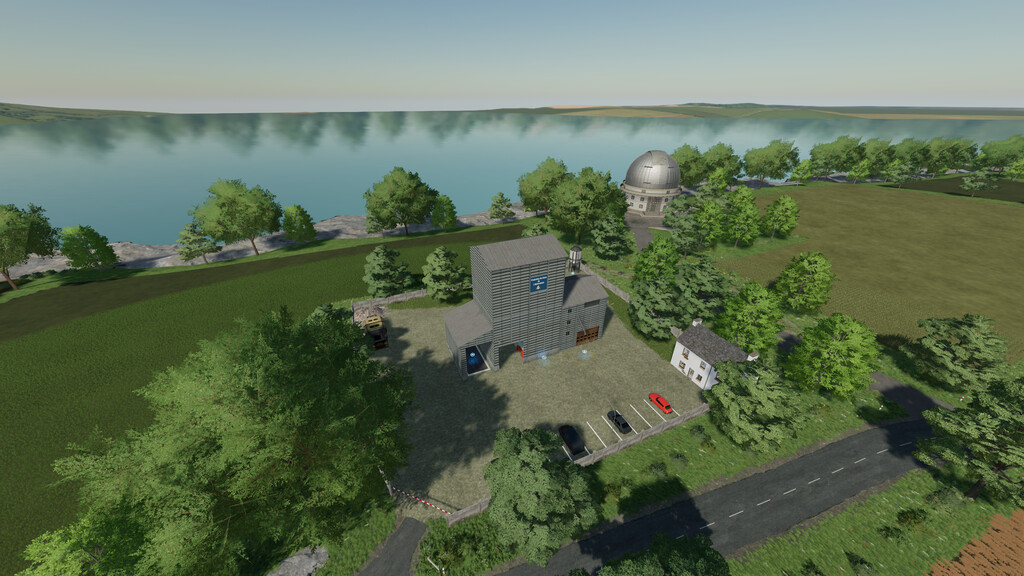
– 3 Agricultural Cooperatives
– Points of sale and repairs distributed throughout the map
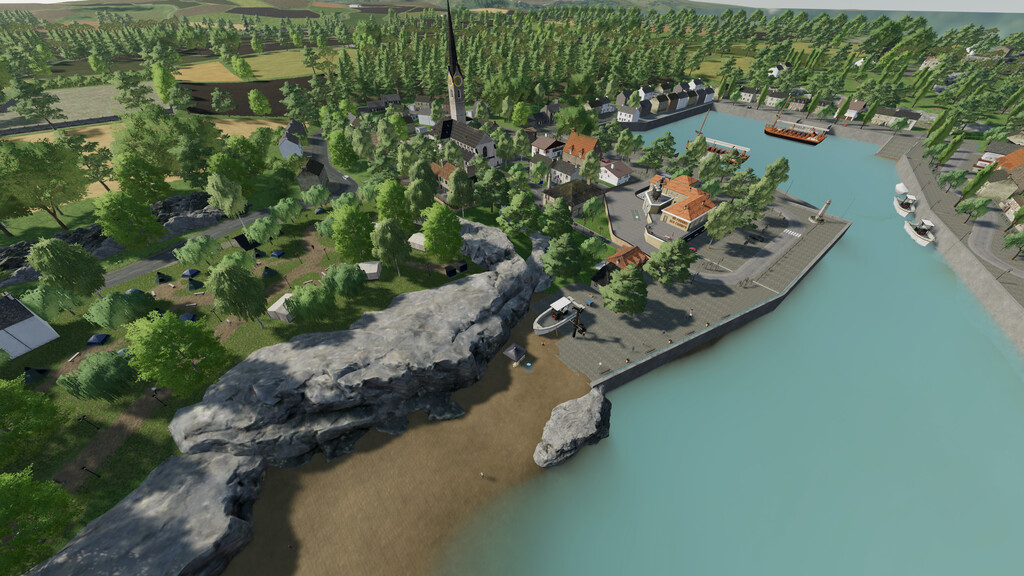
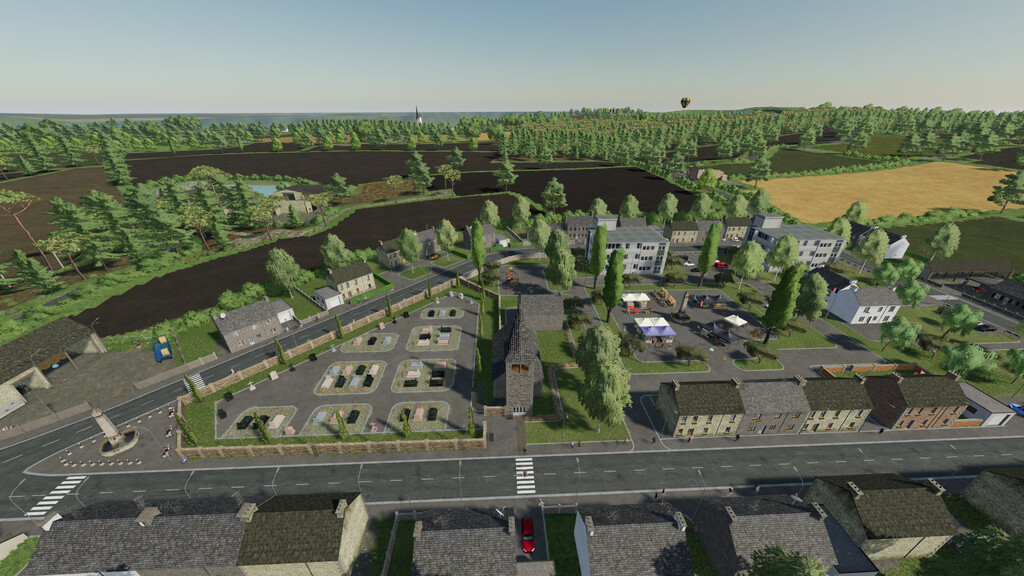
– 2 Villages including 1 with its own walk
– 2 campsites
– 1 Massey Ferguson dealer
– 1 lime production plant
– 3 free placeable areas
– 2 independent farms with placeable areas
– 1 sawmill
– 2 Gas station
– 7 Mods required
– 20 personalized Collectibles available
– There are 113 fields and meadows, various forest patches on the map
– Factories scattered all over the map, to transform your crops
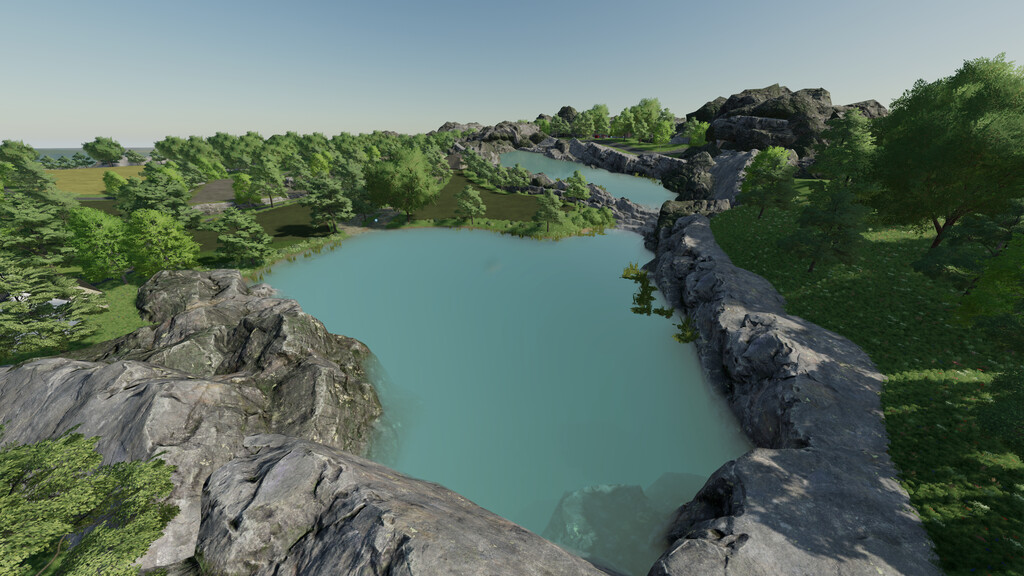
– Various water points to refuel your crops and animals
– There are the standard missions as well as the missions on the meadows (mowing, pressing, etc…)
– Custom soil map for precision agriculture
Credits:
JC Fra-Cassés, Fr€d Fra-Cassés


