


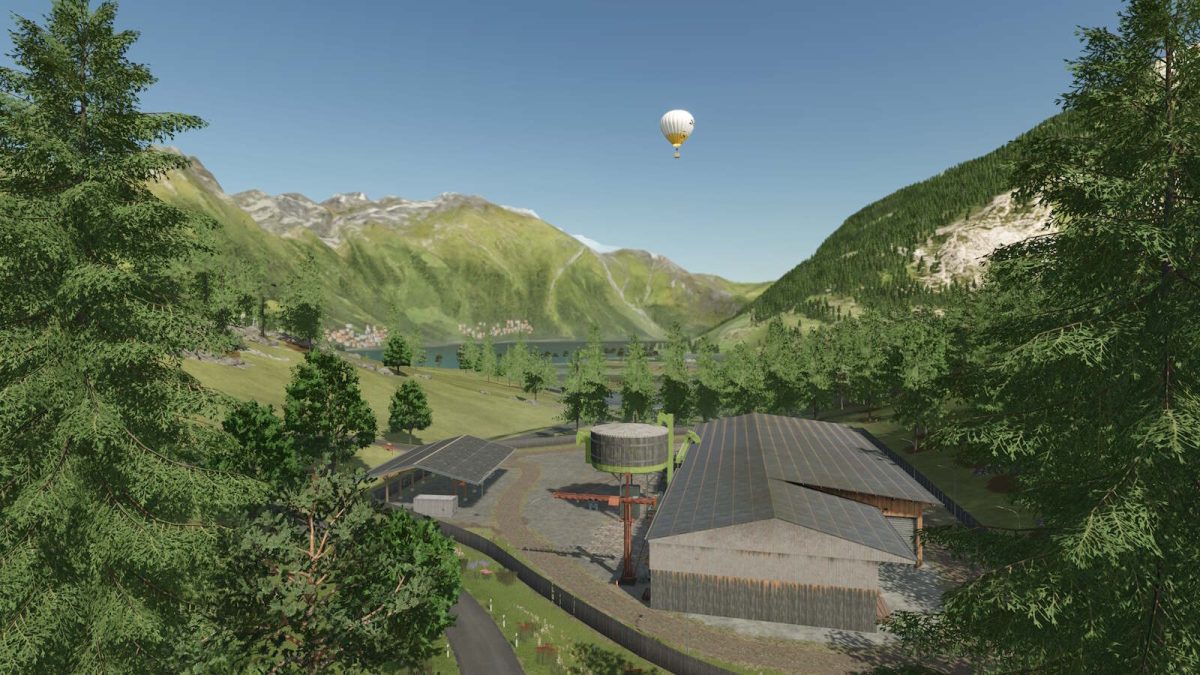
The Alps Map v 1.0.0.1


– Number of purchasable fields: 31
– Average acre size: 2,1 ha
– Number of purchasable forestry land: 5
– Water can be taken from the river/lake or the small pond near the farm
Version 1.0.0.1:
* Placeable fences adjusted in Patch 1.14
* Animal stables revised
* Farmhouse and farmyard shed revised
* Terrain corrections
* Additional paintable ground textures in the game
* Added some missing collisions on rocks
* Price of cereal factory corrected
* The last three tree types on the seedling pallets are Alpine trees
* Prefabricated walls can now be purchased from LWG
* New production facility, Vegetable Center Vegetal
* Mountain road to the Firstbahn station now equipped with traffic lights and parking spaces
* All missions from the main game have been added
* The map has been adapted to the “highlandsFishing DLC.” This feature only works with the DLC
* Since map version 1.0.0.1 is a major update, a new save game is required
Credits:
Lamai


