

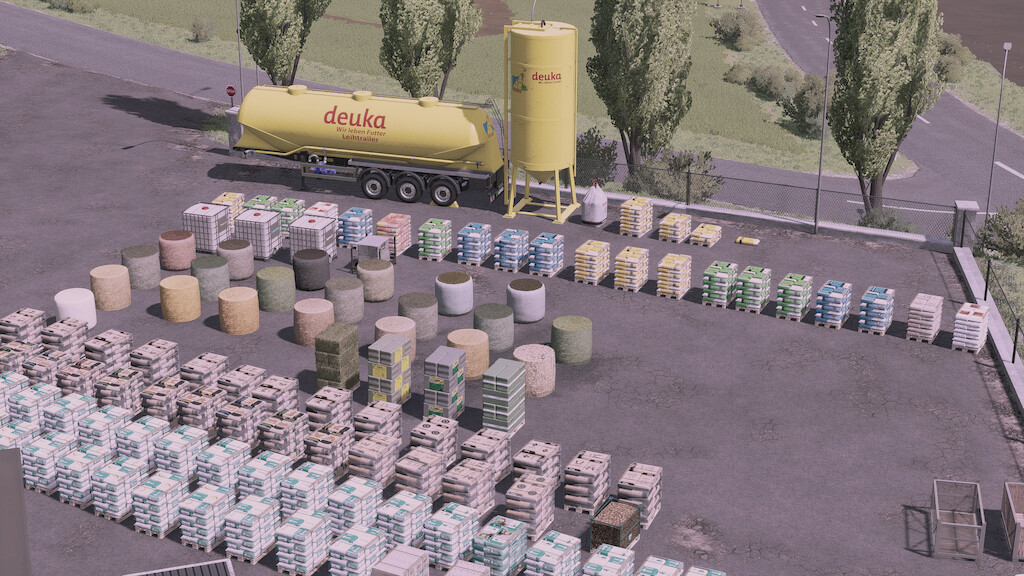
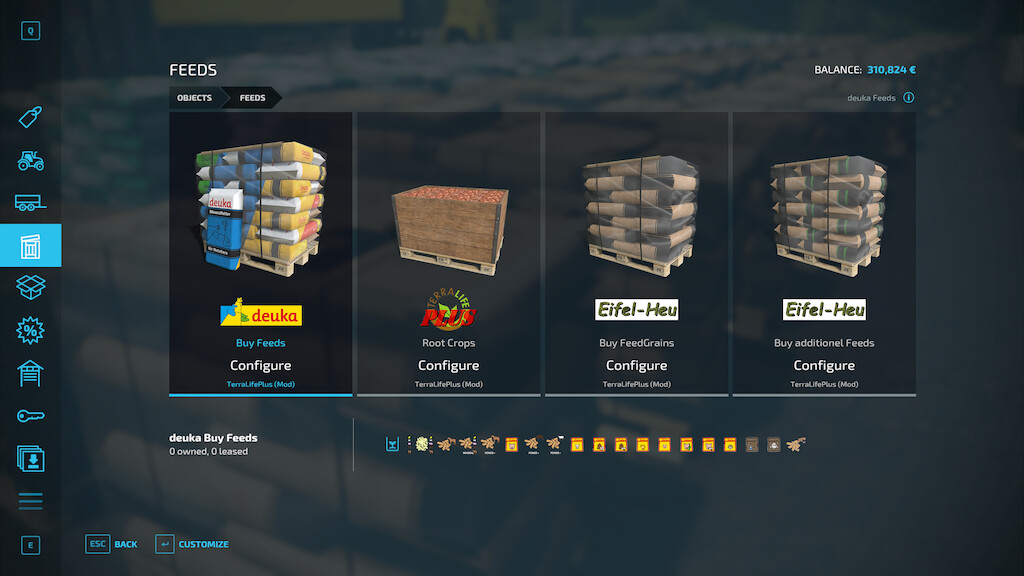
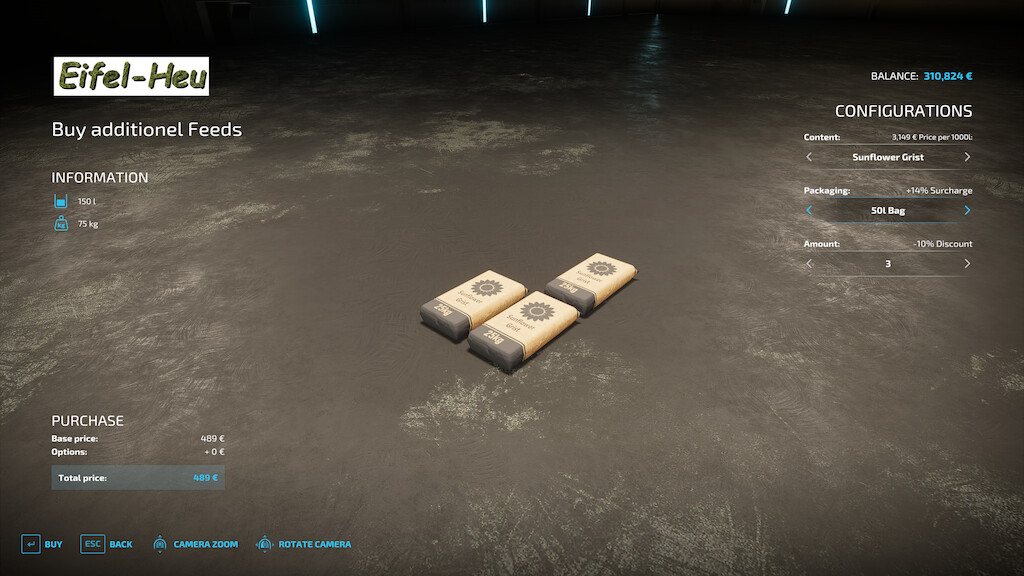
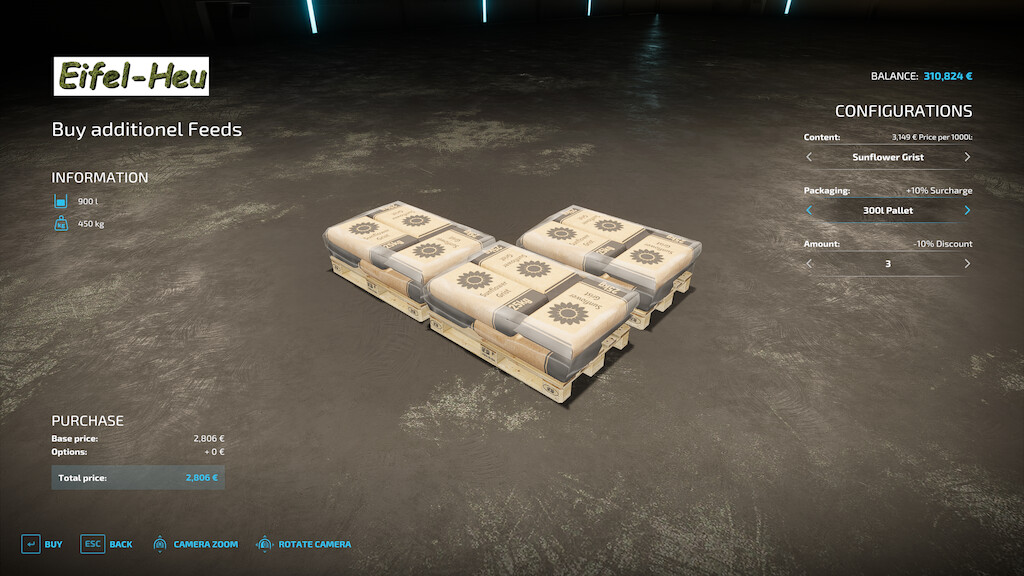
TerraLifePlus Assets v 1.1.1


Utils for TerraLifePlus can only be used on maps created for TerraLifePlus.
This mod is part of the TerraLifePlus project. For more Information, please read the description of the mod “TerraLifePlus”.
The charity project was also supported by:
– Agrar Asse
– AgrarDesign Austria
– BernieSCS
– Bigfarmer145
– Cinématique Farming DK
– Creative Mesh
– DMI
– DSA Kastor & Floowy
– EireAgriModding & 4D Modding
– FarmerFiveTom
– Jogi
– Landbauer
– LeoLeo
– MA7 Quentin & Team
– Pikaso
– RealismusModding
– SMI-Matteo
– TakerLS
– TopAce888
– Univers-Simu Bruno & Latic
– Wopster
Version 1.1.1:
* Fixed issue when buying calf hay
* Fixed various motion path errors
* Added realistic pallets for salad, tomatoes, strawberries and honey
* Fixed issue with some chicken transporters
* Corrected prices of several buyable pallets
* Corrected sizes of root crop seed boxes
* Improved pallet fork handling of liquid pallets as well as storing those in Giants object storages
* Recalculated prices for all animals based on realistic data
Credits:
Farming Agency


