

Target Fill Level v 2.0.1.1


Ready to Load Like a Pro?
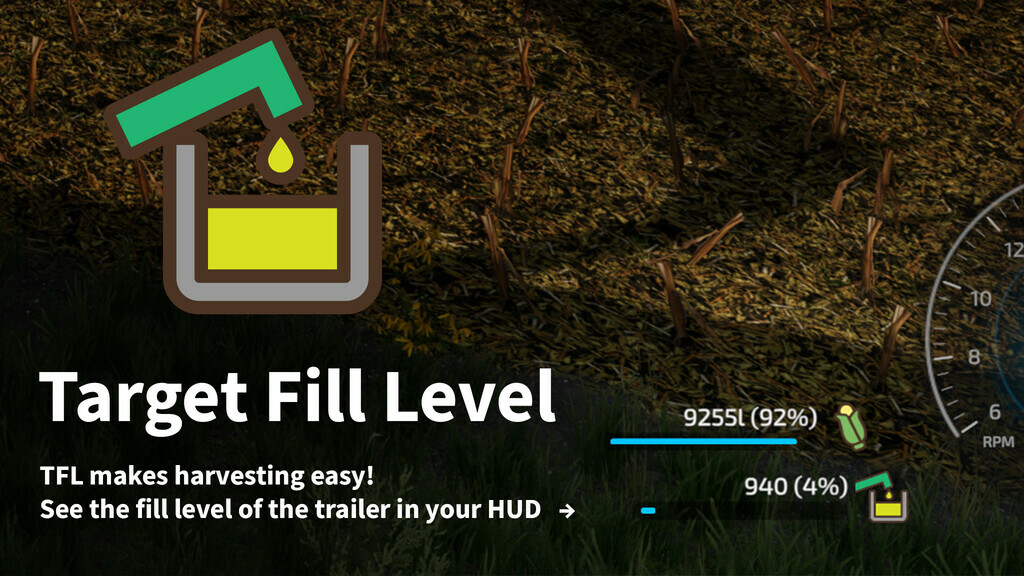
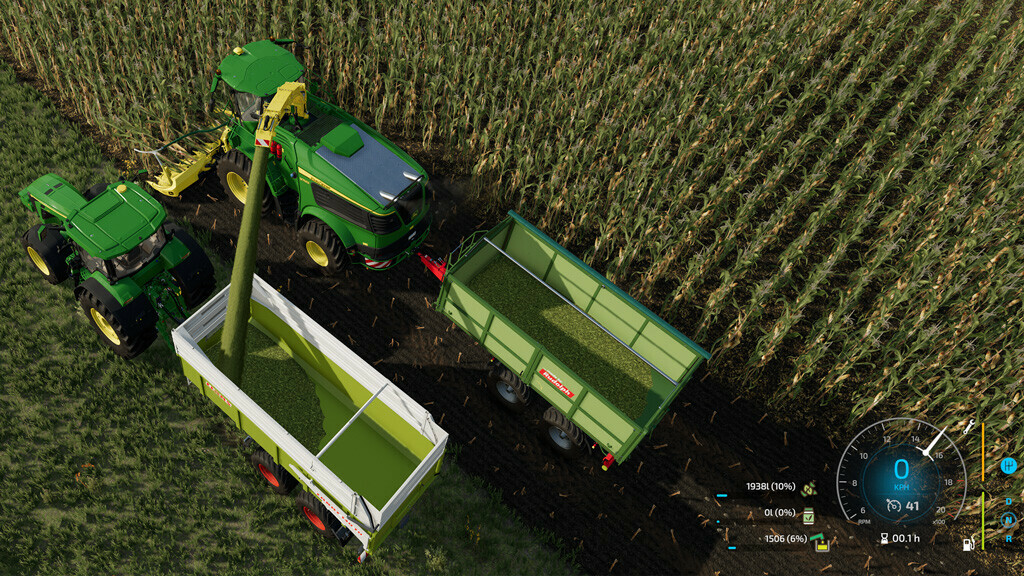
Imagine you’re driving your big combine or forage harvester in Farming Simulator 22, and you need to know when the trailer or silo you’re unloading into is almost full. With the Target Fill Level mod, you can see exactly how full it is—right on your screen!
Why is this Awesome?
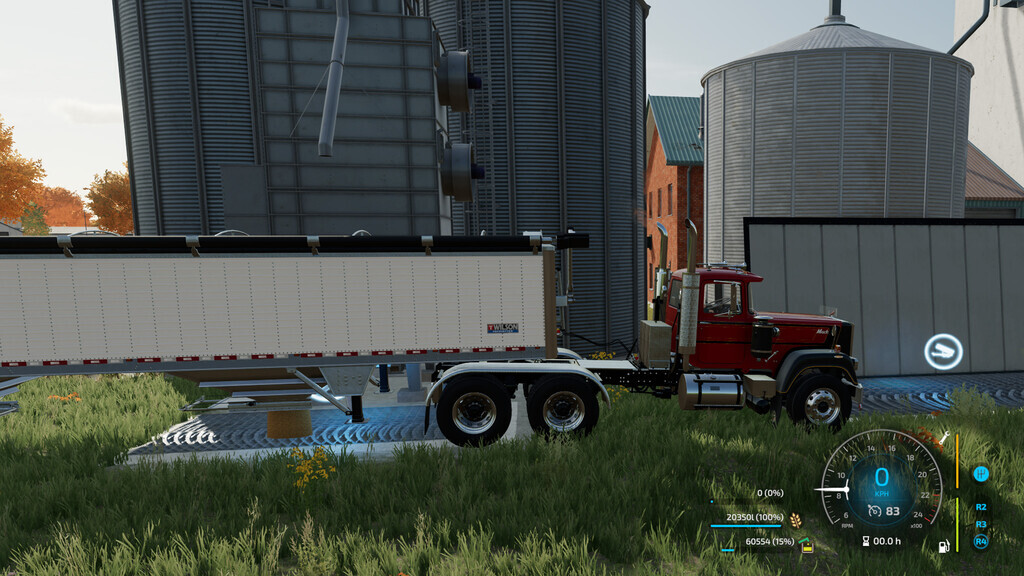
– See the Fill Level: Always know how full the trailer or unloading station is, so you don’t spill any crops or waste time.
– Get Alerts: The game will tell you when the trailer or silo is 80% full or totally full, so you can plan your next move!
– Perfect for Combines & More: Whether you’re driving a combine, forage harvester, or using any vehicle with a pipe, this mod has you covered!
Get ready to farm smarter, not harder. Download “Target Fill Level” and become the best farmer in the game!
Have ideas to make the mod even better? Found a bug? Let us know on Github so we can keep improving the mod together!
Version 2.0.1.1:
* Fixed LUA issue with unloading TMR with mixer wagon
Credits:
-tinte-


