

Tanker Universal Fill v 1.0


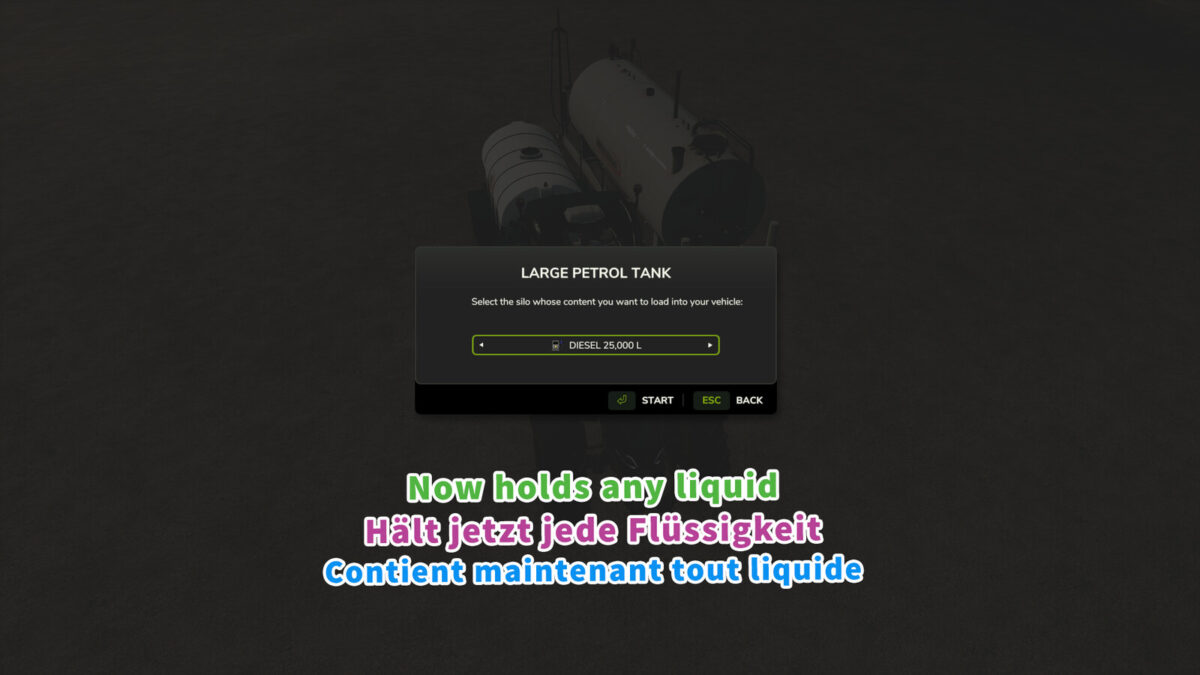
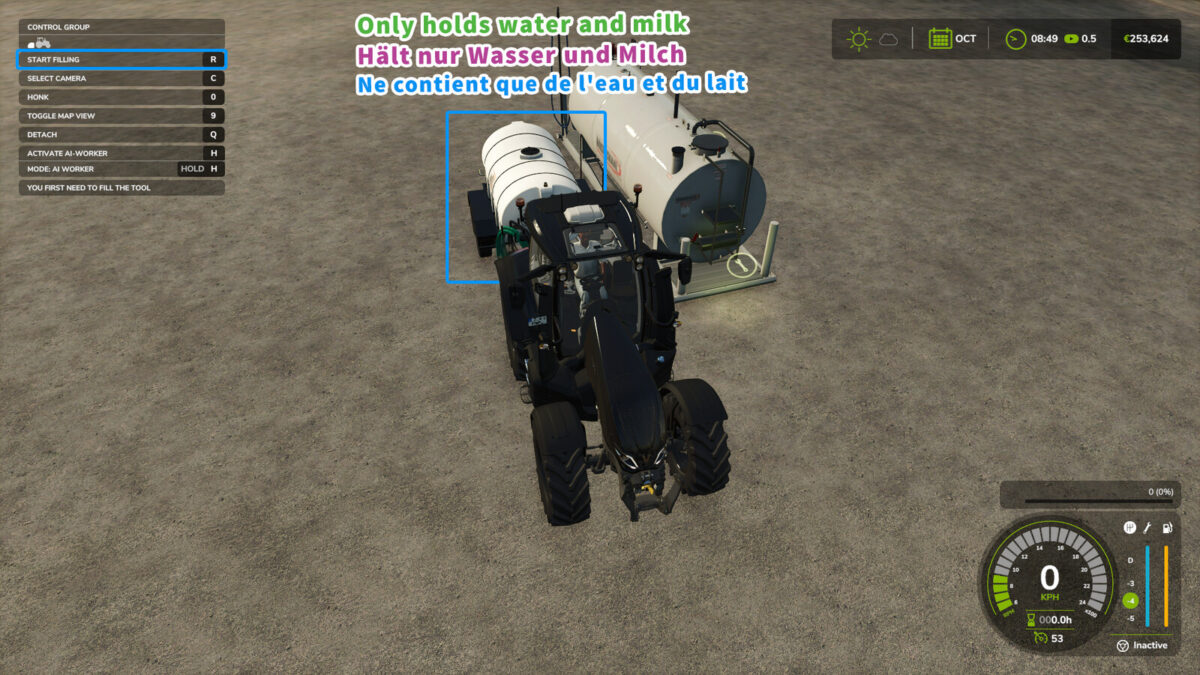
The Tanker Universal Fill mod for Farming Simulator 25 introduces versatility in how you manage liquids within the game. With this modification, players can use any tanker trailer to store a variety of liquid types, not limited to the original intended purpose of the trailer. For example, if you have a tanker designed for transporting water, this mod enables you to also fill it with liquids like milk or any other liquid you prefer, expanding your storage options significantly. Although the trailers will continue to display only the original liquids in the game’s in-store menu, you have the freedom to utilize them for different purposes in your farming operations.
– Allows any tanker trailer to store various liquids
– Functionality beyond manufacturers’ intended liquid types
– Supports liquids such as water, milk, and more
– Enhanced gameplay for liquid management
– Retains original display for liquid types in-store
Credits:
olaf.tnt


