

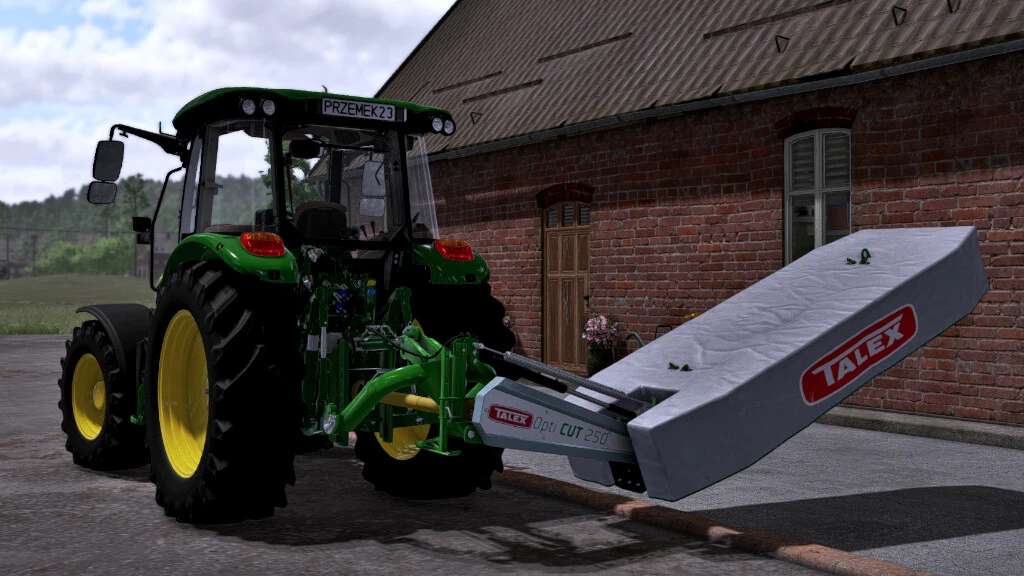
Talex OptiCut Mowers Pack v 1.0


Pack of disc mowers from the Polish brand TALEX. The pack contains 7 models of disc mowers in various widths, from 2.10m to 3.20m.
Available configurations:
– choice of color
– choice of coupling balls or pins
– cover
OptiCut 210
Price: 8500 €
Required power: 30 HP
Working speed: 20 km
Working width: 2.10 m
OptiCut 220
Price: 9000 €
Required power: 60 HP
Working speed: 20 km
Working width: 2.20 m
OptiCut 250
Price: 10000 €
Required power: 45 HP
Working speed: 20 km
Working width: 2.50 m
OptiCut 260
Price: 10500 €
Required power: 70 HP
Working speed: 20 km
Working width: 2.60 m
OptiCut 280
Price: 12000 €
Required power: 60 HP
Working speed: 20 km
Working width: 2.80 m
OptiCut 300
Price: 13500 €
Required power: 80 HP
Working speed: 20 km
Working width: 3.00 m
OptiCut 320
Price: 15000 €
Required power: 80 HP
Working speed: 20 km
Working width: 3.20 m
Credits:
Przemek23433


