

Take Single Objects v 1.0


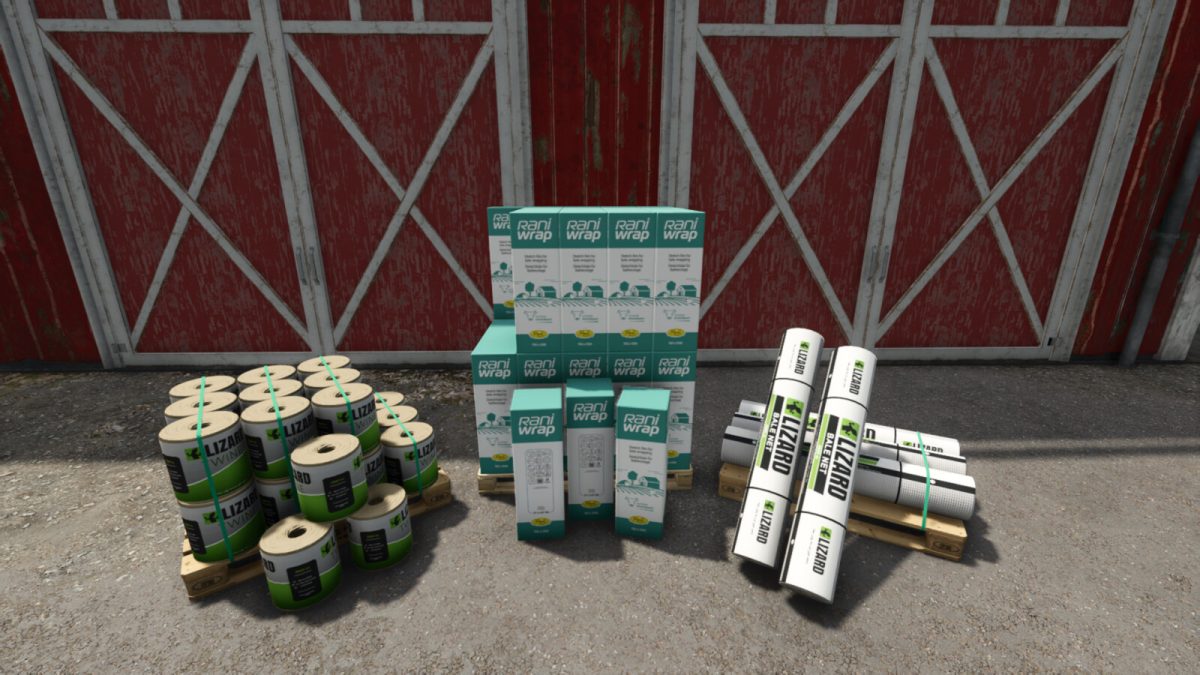
Allows taking single items from pallets (default: right mouse button).
Taken items can be returned to pallets (default: N).
On pallets with configurable brands you can mix different single items on the same pallet.
Taken objects inherit the same farm ID as the source pallet; adding is limited to that same farm ID.
Works with the following base game pallets:
– Pioneer Seed (bags)
– Lizard Mineral Feed (bags)
– Rani Wrap Bale Wrap (rolls)
– Bale Net (rolls)
– Bale Twine (rolls)
– Rice Seedlings (pieces)
For modders: custom pallets from mods can be added via the API. The mod must include a `tso_mappings.xml` and the respective single-item XMLs. You can copy `tso_mappings.xml` from this mod.
Console commands:
tsoList – lists all loaded mappings
tsoReload – reloads mappings from all mods
Credits:
Lism


