Szpakowo Map v 1.1.0.1


– New crop textures: barley, rapeseed, corn, oats, oilseed radish, wheat, grasses
– New textures: decoBush, decoFoliage, groundFoliage,
– New crops: clover, alfalfa, triticale, rye, green rye
– New textures for fields, manure, lime and fertilization
– Kneaded stubble has been added to crops (after enabling the option: crop destruction)
– Added more painted plants, trees and fields in construction mode
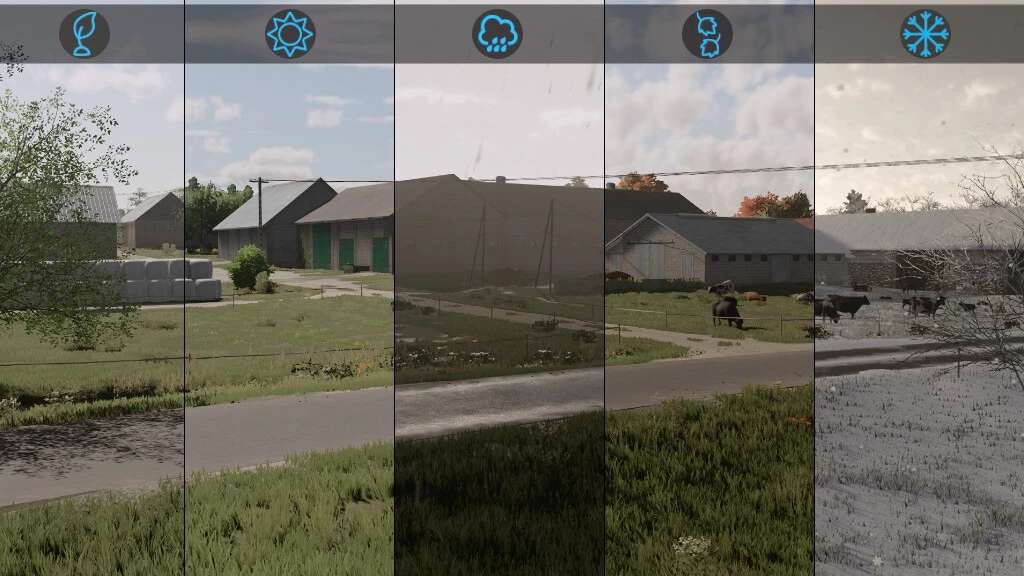
– Added seasonal decorations such as: leaves, snowmen, wet roads during rain, flooded meadows, Christmas lights on houses, artificial farmers in the field)
– Multiterrain
– Added some new sounds to the map
– New finds (100 collectibles)
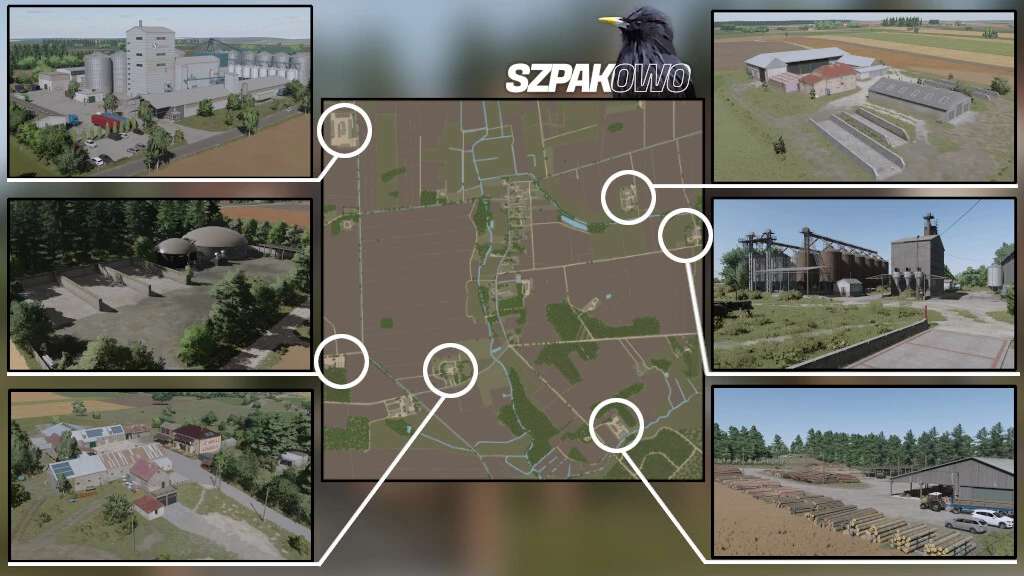
– Productions: mill, dairy, carpenter, sawmill, spinnery, tailor’s shop
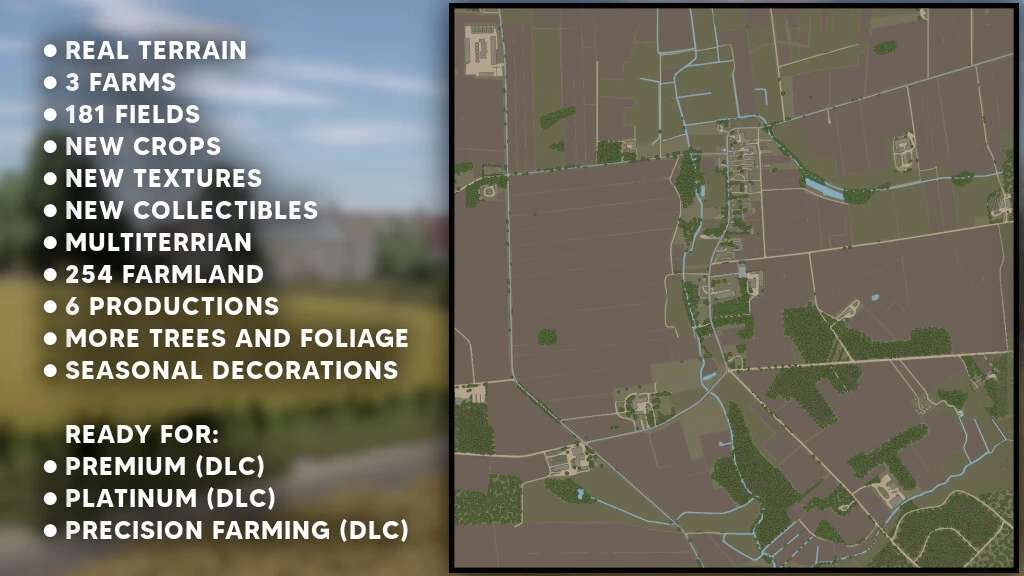
– 3 farms
– A place to build your own farm
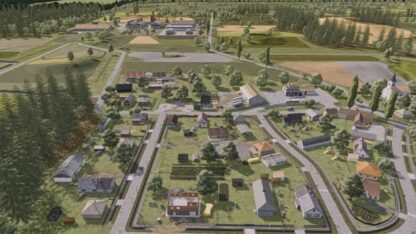
– Varied terrain
– 3 large selling points
– Purchase points for items from DLC Platinum and DLC Premium
– 5 pastures to be purchased together with the land
– BGA
– Liming station
– Animal dealer
– Many forests
– License plates for the map region
– 181 fields (including 67 meadows) (from 0.1ha to 9.45ha)
– 254 farmlands available for purchase
– The map has a new map under Precision Farming
Version 1.1.0.1:
* Fixed game saving
* Fixed placeable silos
* Fixed invisible objects
Credits:
RajotGPLAY, Jankus