

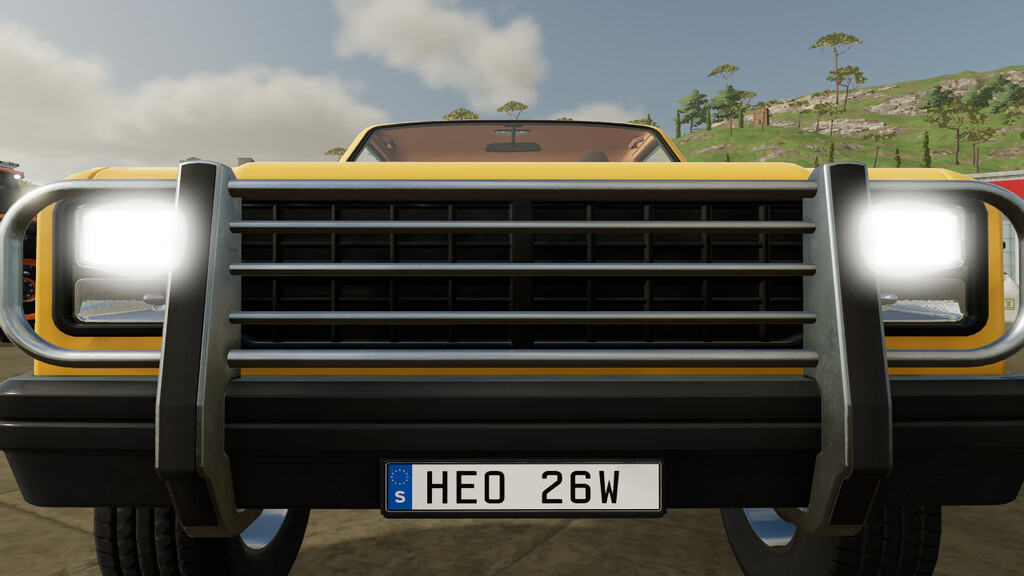
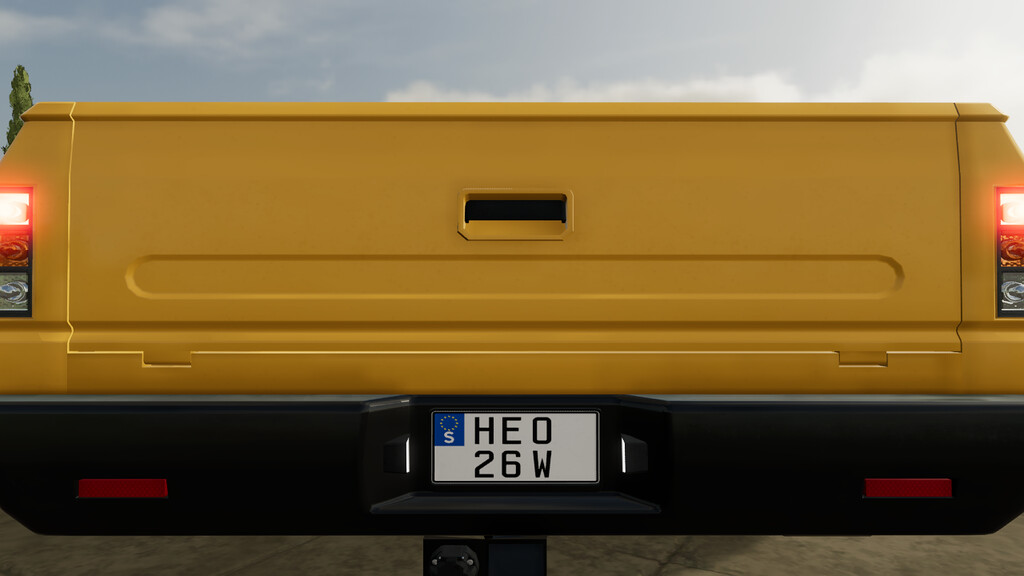
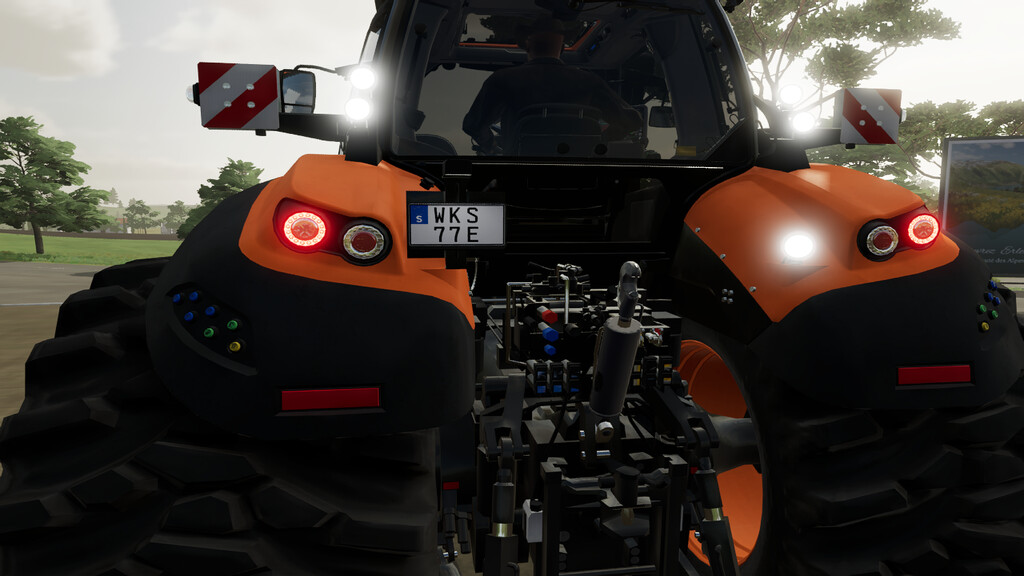
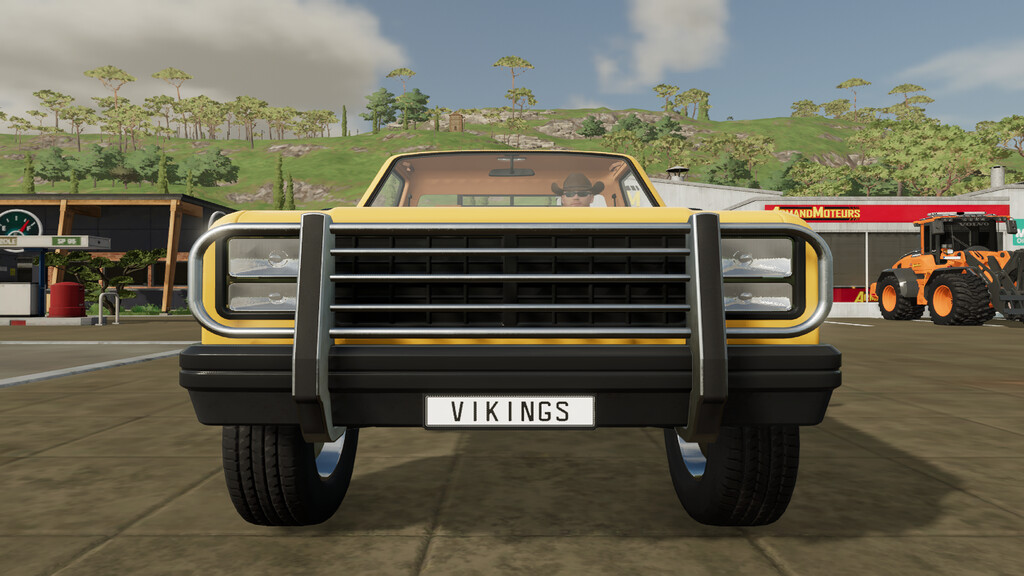
Swedish License Plates (Prefab) v 1.0


This is not a mod (Prefab), it is In-game version replacement vehicle licenseplates:
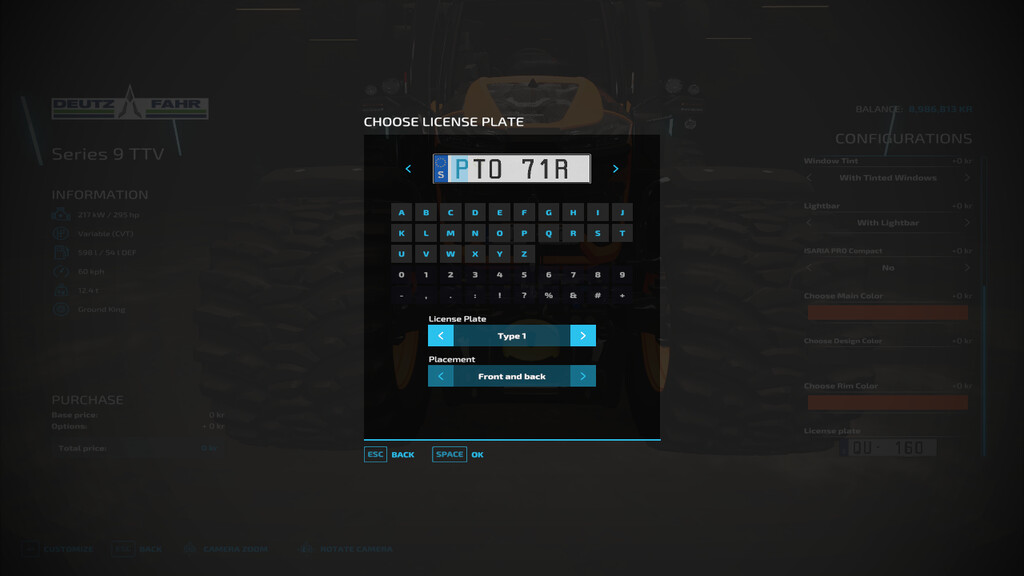
– In-game vehicles can have Swedish elongated license plate, 3 letter, 3 numbers or 2 numbers/1 letter
– In-game vehicles can have Swedish squarish license plate, 3 letter, 3 numbers or 2 numbers/1 letter
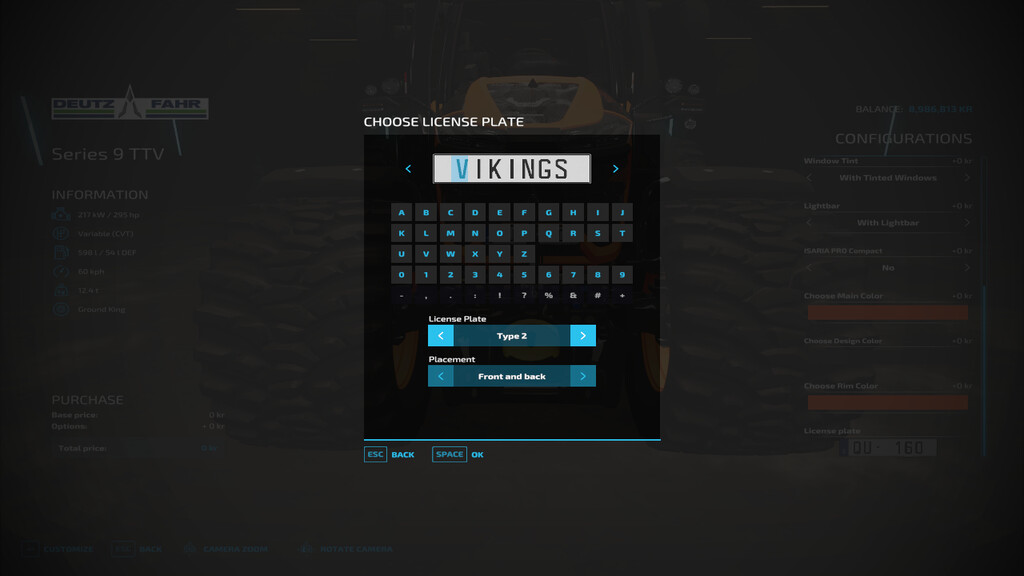
– In-game vehicles can have Swedish squarish personalized license plate, 7 letter/numbers
– ai-Vehicles have Swedish squarish small(USA version) license plates, 3 letter, 3 numbers
– It is very simple to install these licenseplates to the Farming Simulator 22 game directory,
the replacement licensePlate folder contains already prepared xml-files for each original in-game map.
No coding experience needed, no texture editing needed, all you need is some basic PC/MAC knowledge so
that you install this Prefab properly.
If you are unsure or need to know “how to”, there is a “readMe_instructions.xml” installation guide included.
Credits:
Scandinavian Vikings Mod-Rebuilds Team


