Super Clean AIO Service v 0.1.1.9


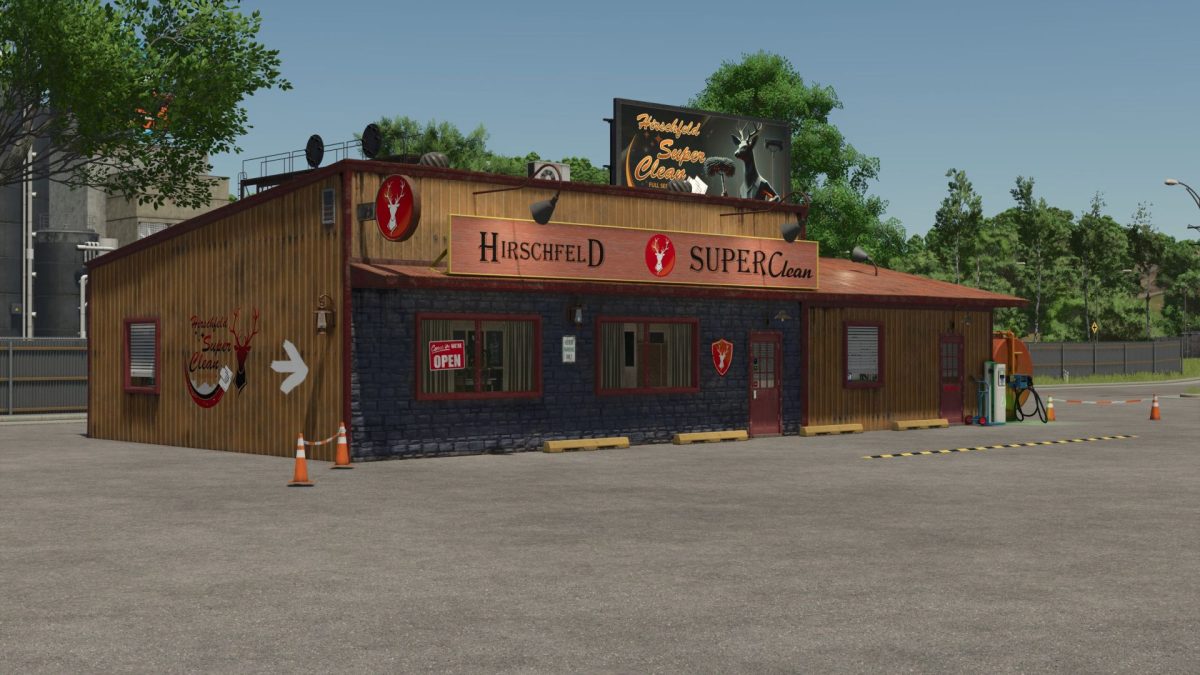
Discover the revolutionary solution for interviews and cleaning on FS25 with the Hirschfeld SuperClean.
This all-in-one service station is the response to all the maintenance and care needs of your vehicles and devices.
With just a visit to the station, you can:
– Have automatic repairs made
– Wash your machines carefully
– Possibly repain the vehicles if you choose the extended variant
– Fill your fuel tanks and electricity on site
The station offers an all round service that will amaze you.
Regardless of whether you are in basic or premium service mode, your machines will be brought back into shape in no time.
Version 0.1.1.9:
* Three versions of the full-service station
* Repair, painting, configuration, and car wash
* Integrated diesel filling station
* Charging station for electric vehicles
* Optional solar panels for self generated electricity
* Detailed construction and realistic functions
Credits:
Mario Hirschfeld