

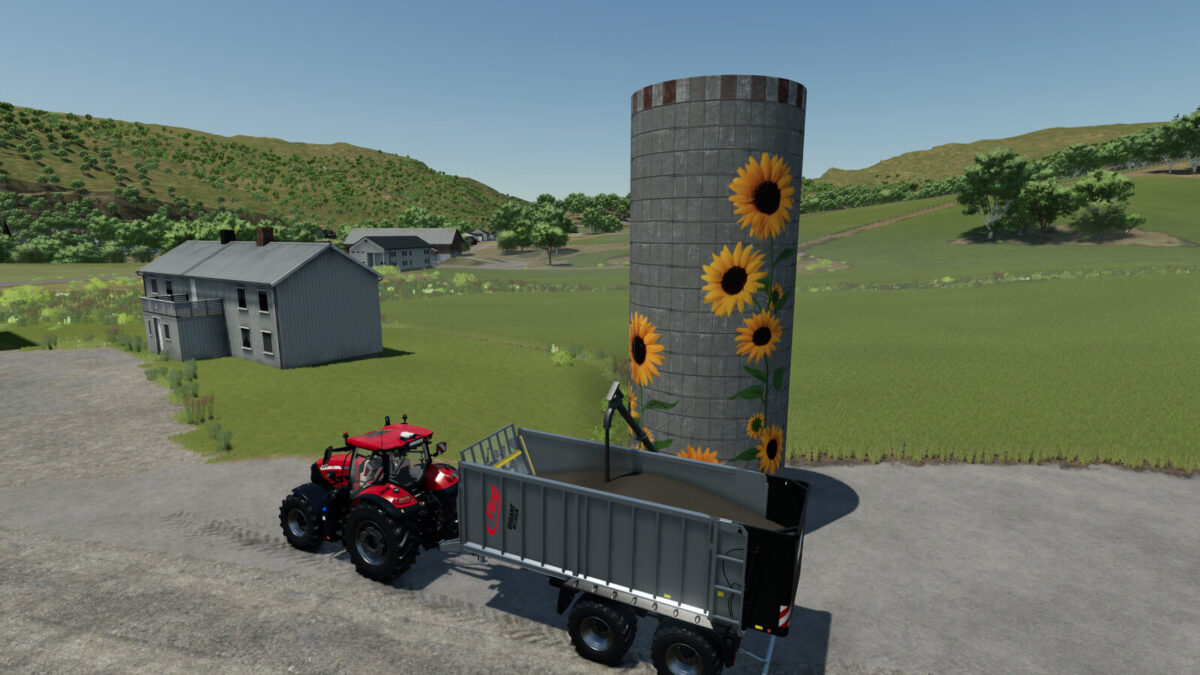
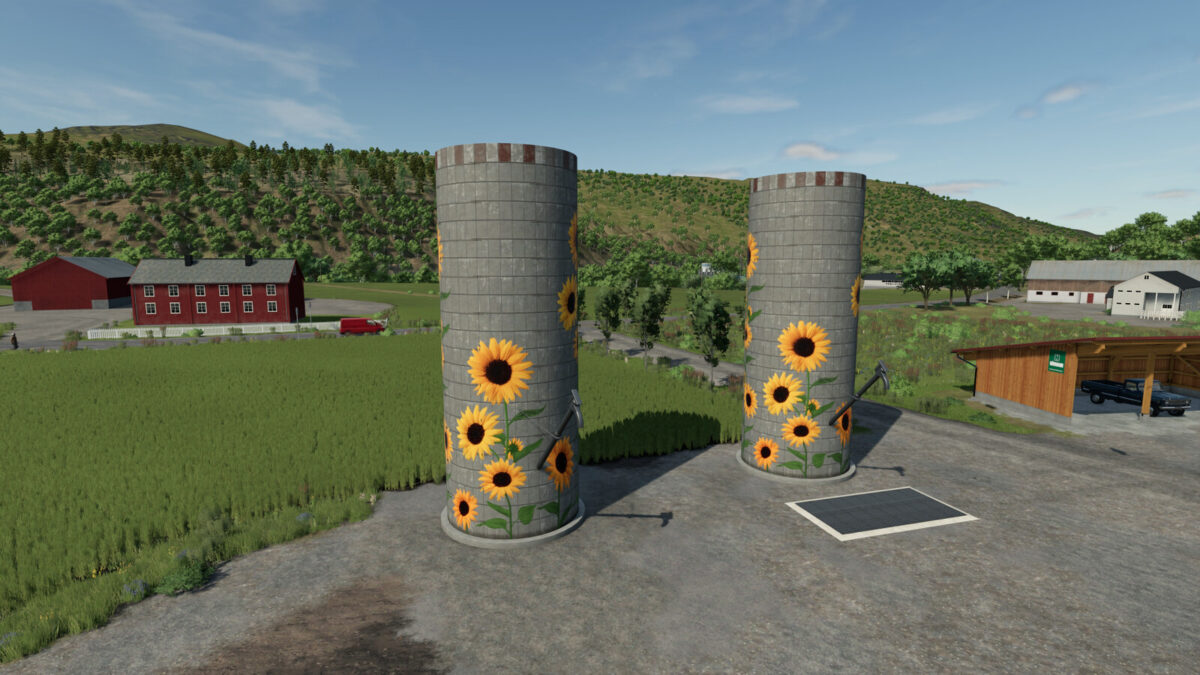
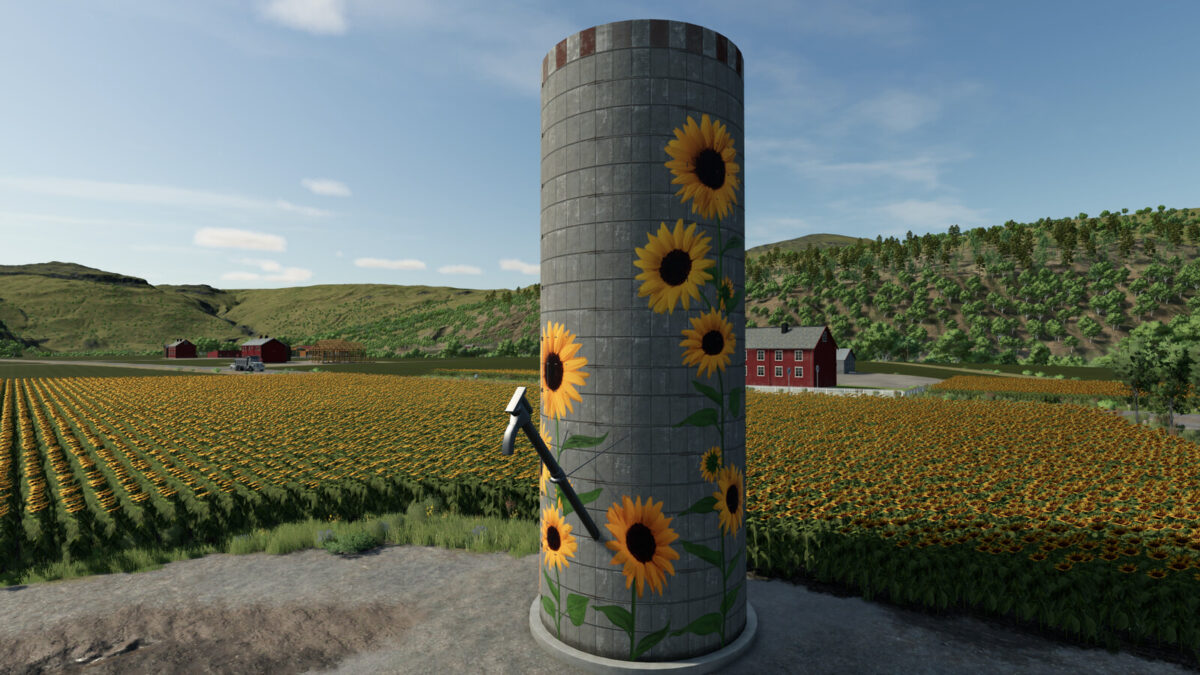
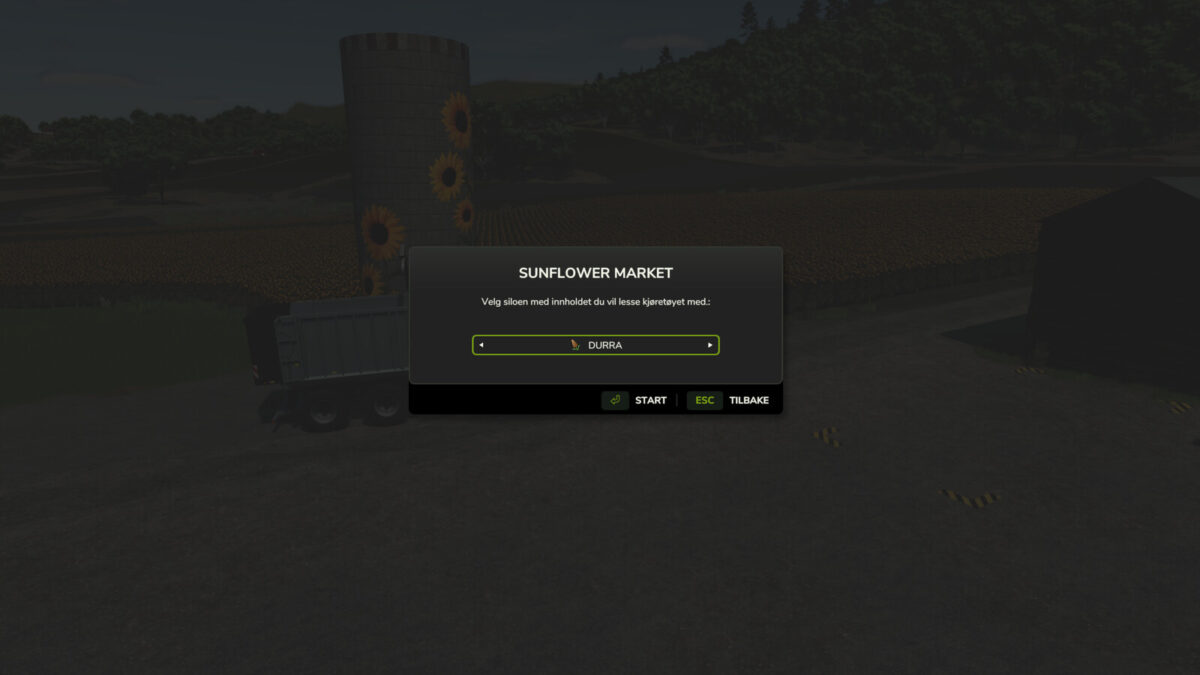
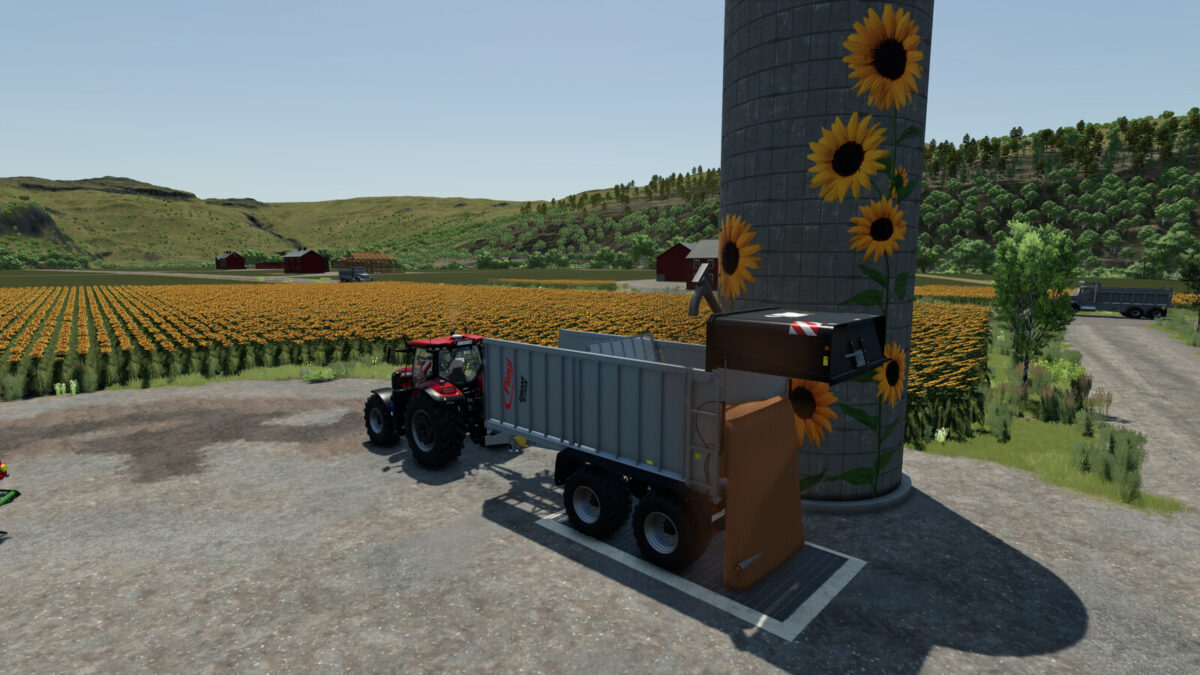
Sunflower Farm & Market Pack v1.0.0.3


*** v1.0.0.3 – UPDATE (2026-11-08) ***
– Added two new market variants supporting the Beans & Alpacas DLC.
– Added support for 19 new DLC pallet products.
– Added standard and discount purchase options for DLC products.
– Added unique store icons for both new market variants.
– The five original placeables remain unchanged.
*** v1.0.0.2 – UPDATE (2026-05-14) ***
– Expanded pack to 5 variants: 2 Market silos and 3 Storage silos.
– Added “Small Storage” (150,000L – €3,500) and “Large Storage” (550,000L – €8,500).
– The Large Storage variant now supports most bulk filltypes for maximum farm flexibility.
– Fixed bulk purchase issue: All bulk goods and products can now be bought at the market.
– Added “Market” and “Discount Market” versions with unique store icons.
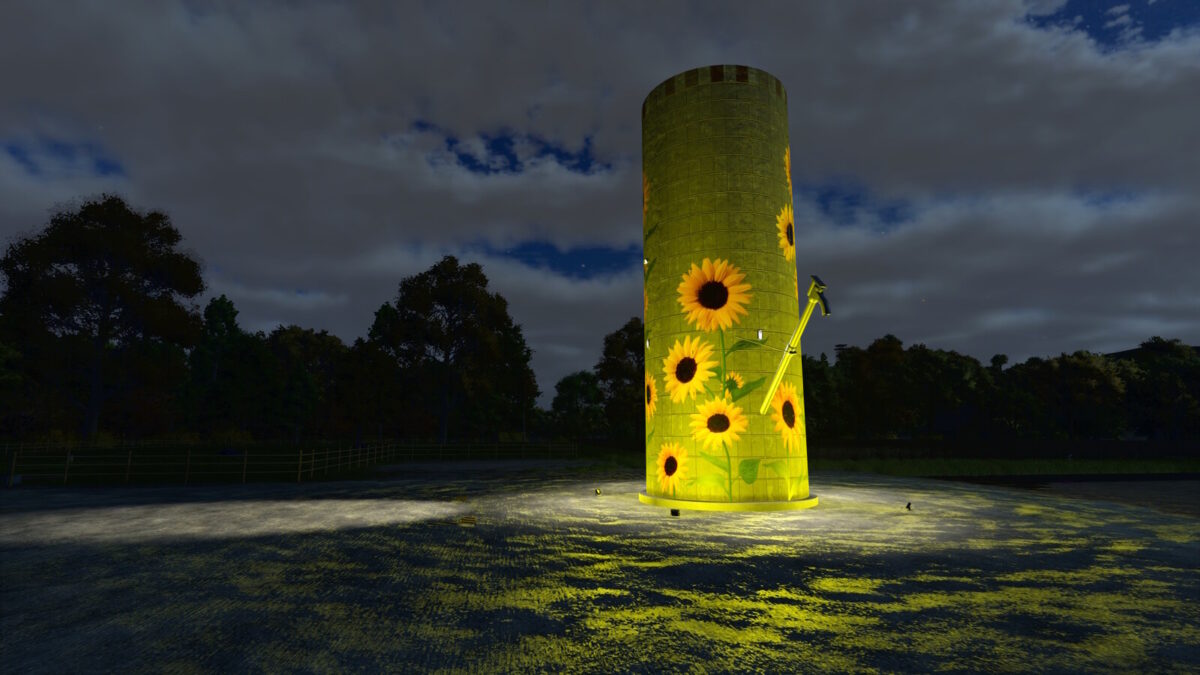
– Integrated automated night lighting and support for NO, EN, DE, FR, PL.
*** v1.0.0.1 – EARLIER UPDATE ***
– Increased loading speed to 3000 l/s.
– Added German translations.
Original Description:
Sunflower Farm & Market Pack includes discounted purchase stations and multiple storage options.
Credits:
21Modding


