

Straw Recycling v1.0.0.0


Straw Recycling
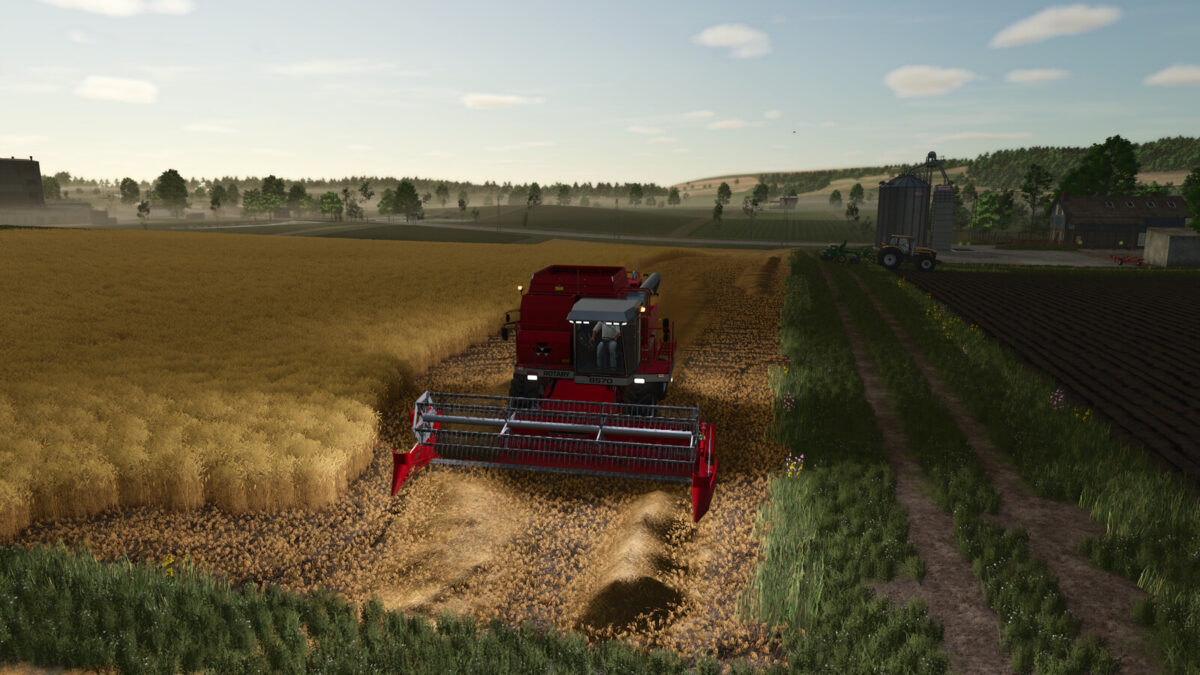
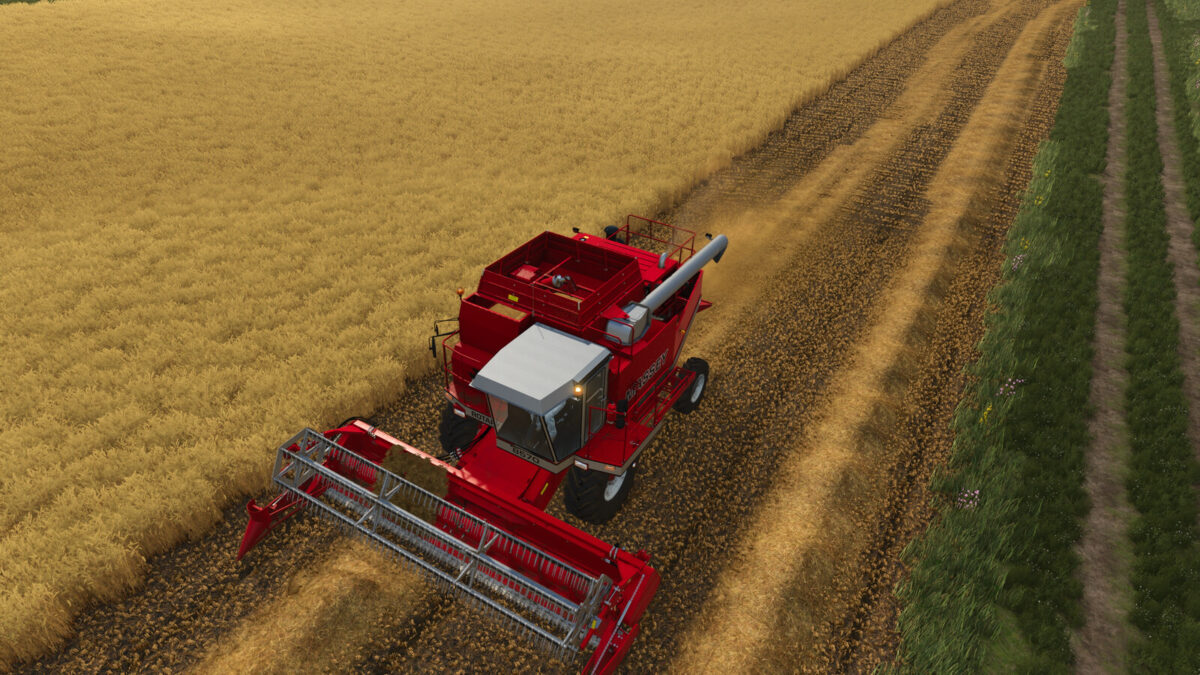
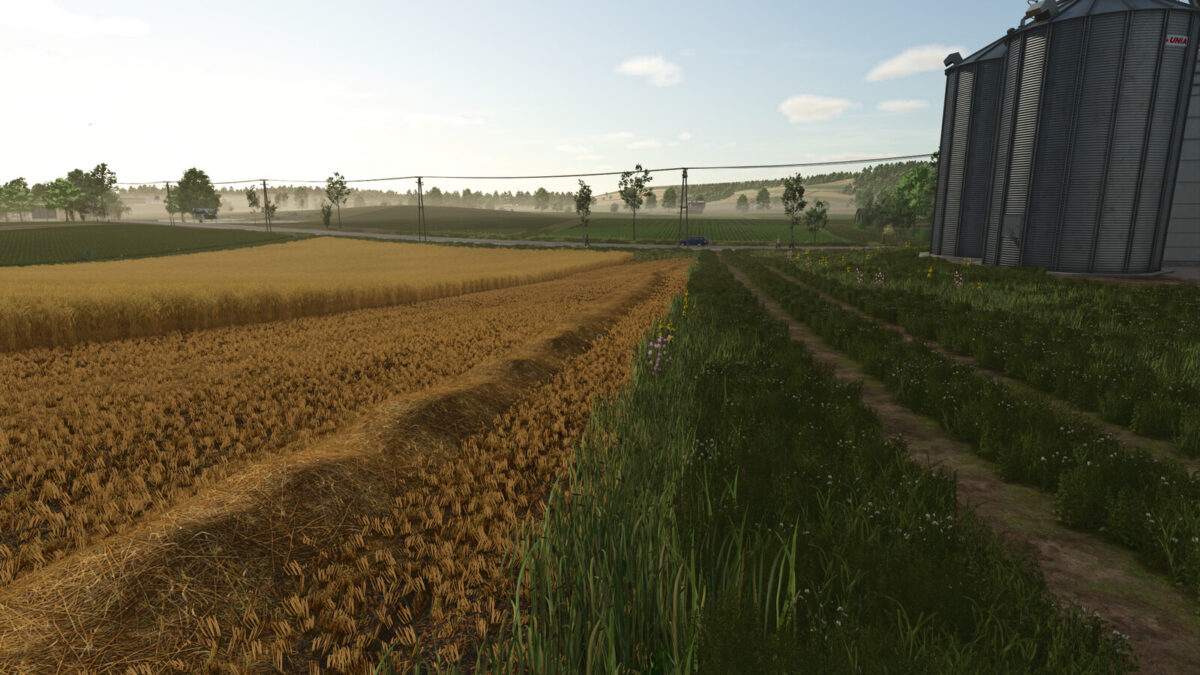
Recover grain from loose straw swaths with your combine harvester. An active header picks up straw from the ground and processes it again.
Grain recovery is calibrated to 20% of the original grain-equivalent yield represented by the collected straw. In addition, 30% of the picked-up straw is deposited again behind the combine as a real, collectable loose straw windrow; the remaining 70% of the straw is lost during recycling.
Multifruit support is automatic: additional map/mod crops are recognized through the LS25 fruit manager when they define a valid harvest fill type and windrow. Shared cereal straw is identified from the harvested crop/stubble or the combine/header crop context.
The recycled output uses the crop’s registered windrow material. No chopped-straw ground texture is painted and no chopper output effect is used for the returned swath.
Raise or switch off the header if you do not want to collect straw.
Credits:
[BFM] Nightmare


