

Store Deliveries v1.0.7.0


Get the store to deliver your purchases for a fee.
– Location is set based on the player’s position.
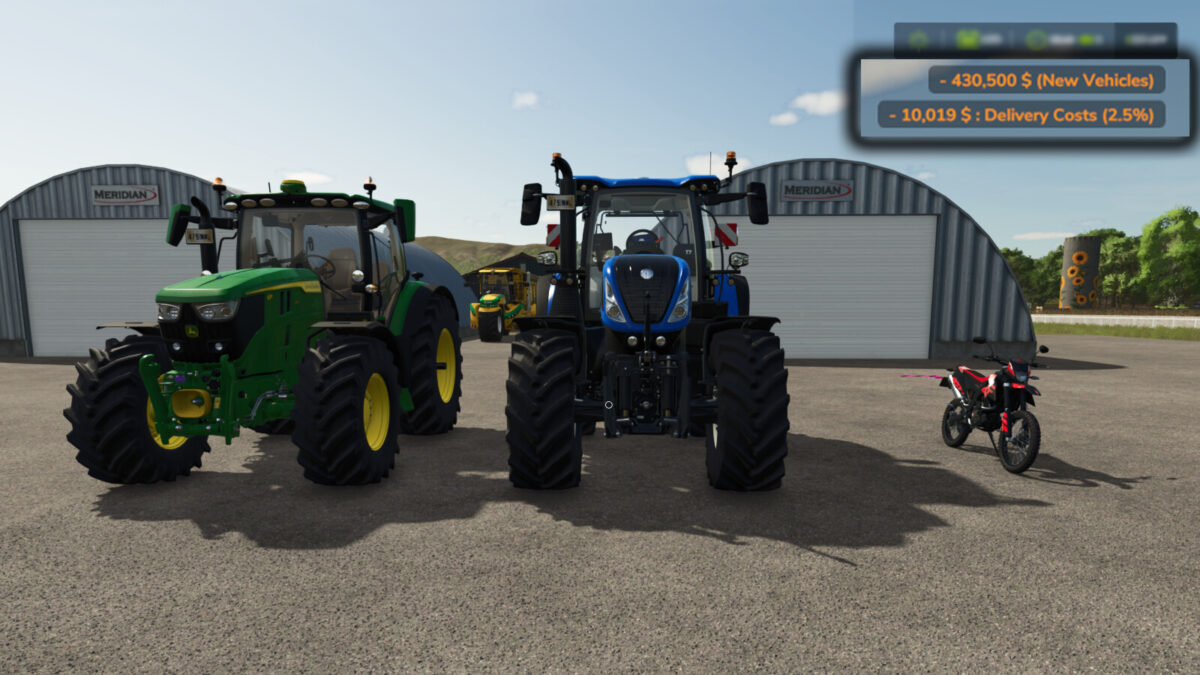
– A delivery charge of 2.5% per item cost is applied to your purchases when using delivery.
– All deliveries are confirmed by a special sound at the time of purchase.
– Also acts as the reset location for vehicles in most cases. *
– *if your delivery spot is full or blocked, the item will end up at the old store location, if it is a vehicle you can clear the delivery spot and reset the vehicle from the map.
Controls:
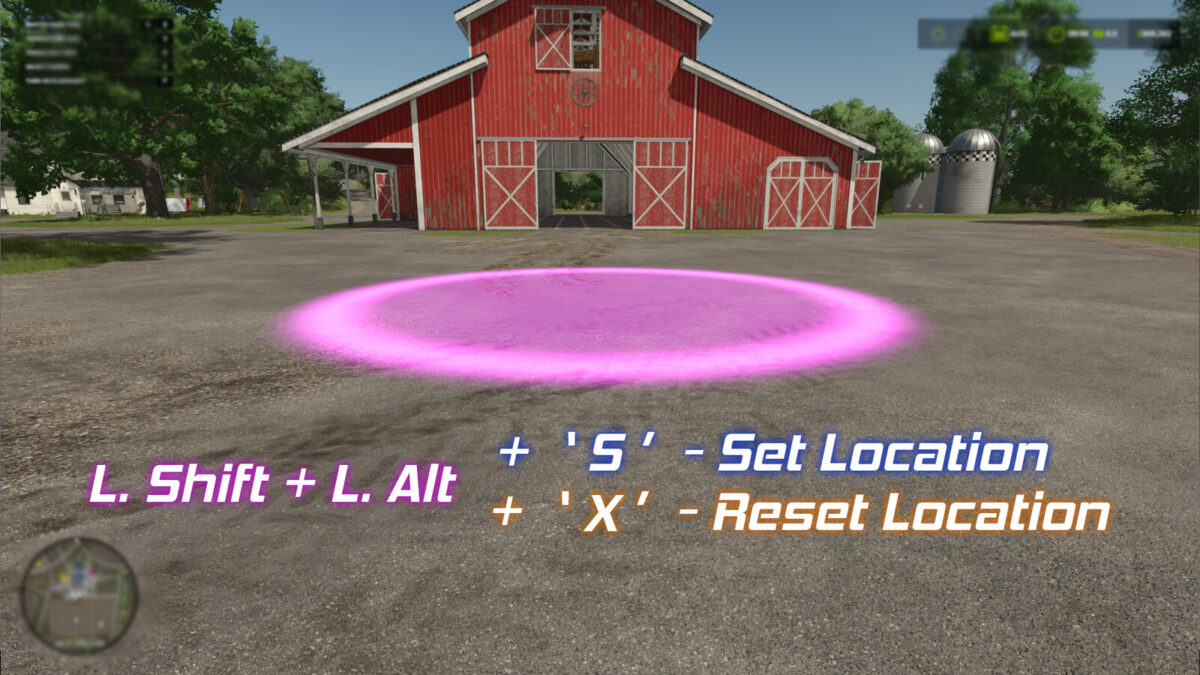
– Hold “Left Shift” + “Left Alt” to view the marker on the ground which represents the location.
– Hold “Left Shift” + “Left Alt” and press “S” to set the location. (A sound will play and the marker will flash once.)
– Hold “Left Shift” + “Left Alt” and press “X” to reset the location back to default (the store).
ChangeLog v1.0.0.1
– Fixed Multiplayer Support.
ChangeLog v1.0.1.0
– Added a check to make sure the intial loading of the mod isn’t bypassed due to other mods.
ChangeLog v1.0.7.0
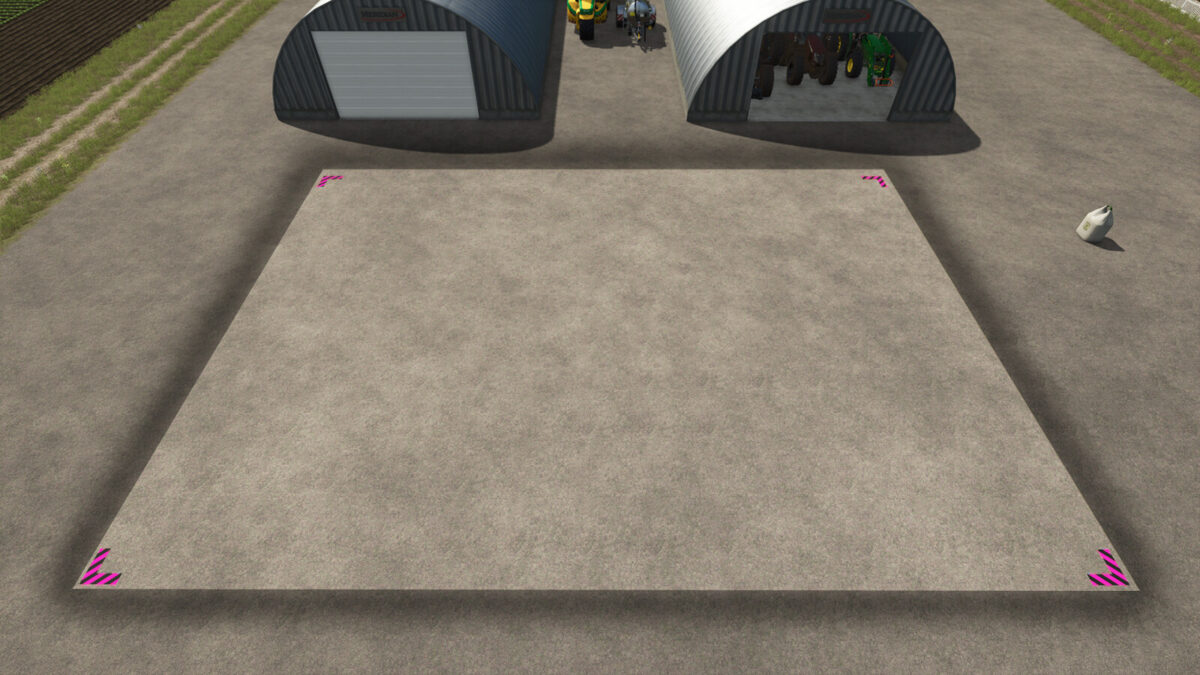
– The Set location is now the very left of the delivery area. Spot marker changed/updated to reflect the positioning.
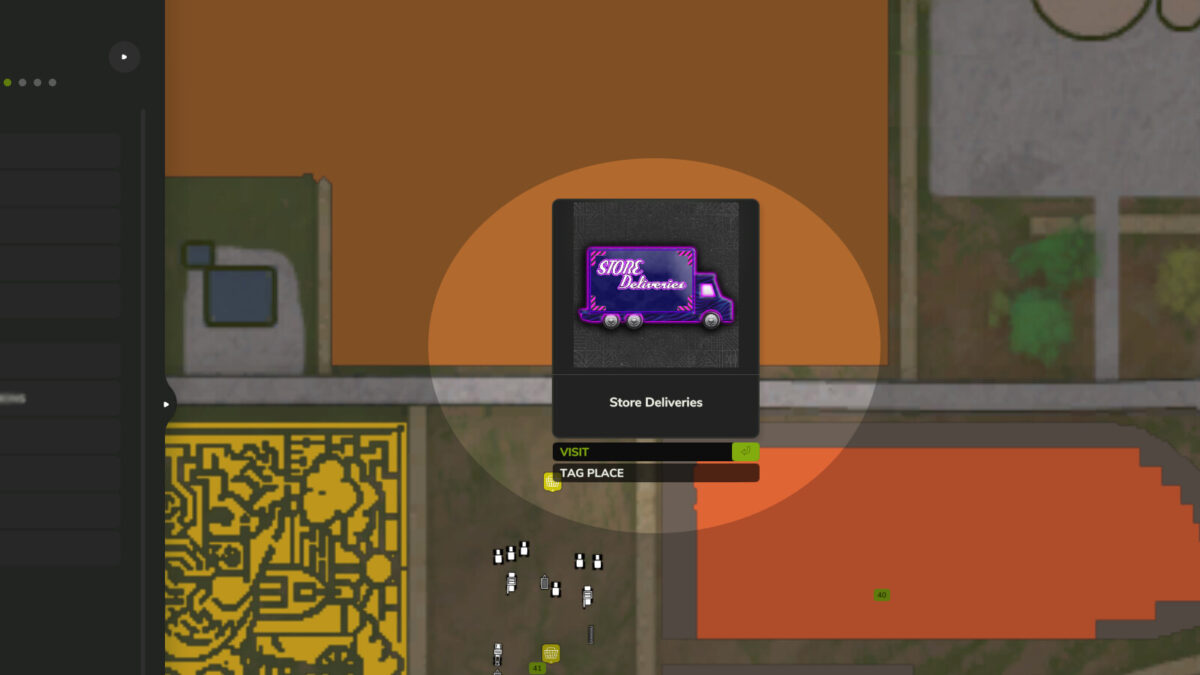
– Ability to click on the map Icon restored.
– Controls input corrected to only when not in a vehicle.
– Other bug fixes.
Credits:
ViperGTS96


