

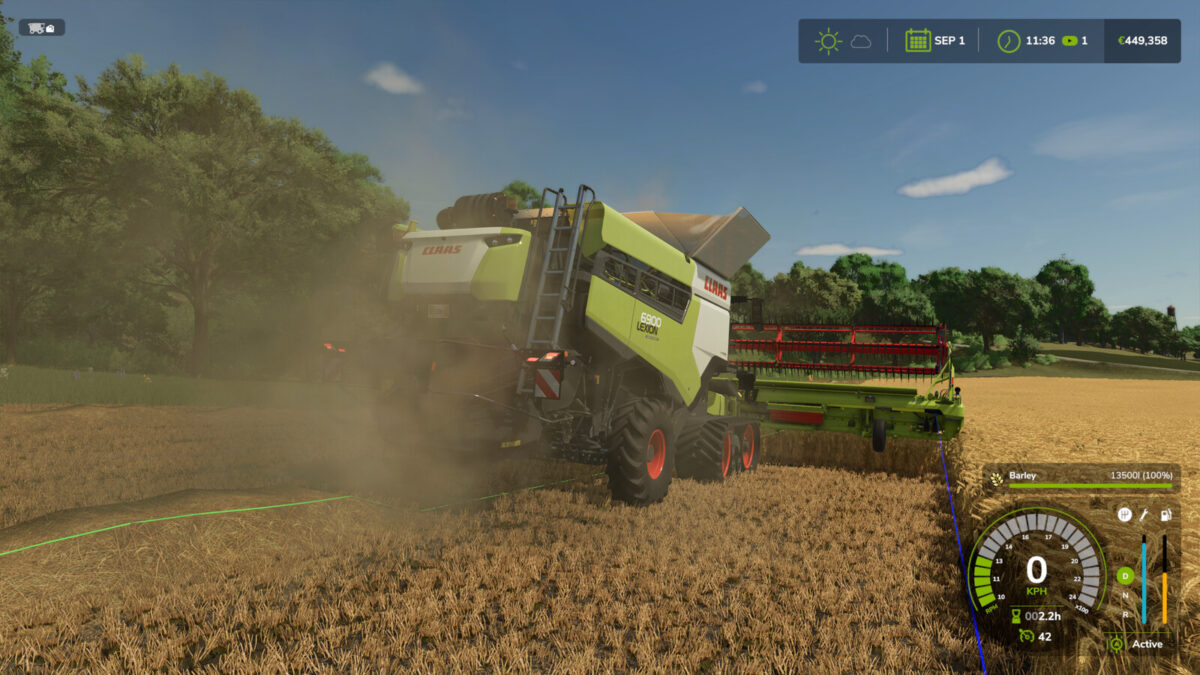
Stop Full Combine v 1.1


With this script the combine stops when it is full. It is then held for 5 seconds, during that time the brake lights also light up.
When the combine harvester is full and the swath was active, it is briefly switched off and on again so that no straw piles up behind the combine harvester.
You can also activate an automatic discharge pipe control. This can be switched in 5 steps:
– Off
– 70%
– 80%
– 90%
– 100%
The percentages indicate the level at which the discharge pipe is automatically extended.
If the automatic discharge pipe control is active, the discharge pipe retracts automatically when it has been automatically extended and the combine harvester is empty.
Keyboard shortcuts for the automatic discharge pipe control:
Keyboard: [U]
Controllers (X-Box): [LB] + [RB] + [A]
Version 1.1:
* The mod no longer causes log errors on self propelled cotton harvesters
* For the Oxbo MKB-4TR and BP2140e there is now only ‘off’ or ‘100%’ to choose from for the automatic bunker control. It makes little sense if the bunker lifts up before capacity is reached, thus interrupting harvesting
Credits:
Ifko[nator]


