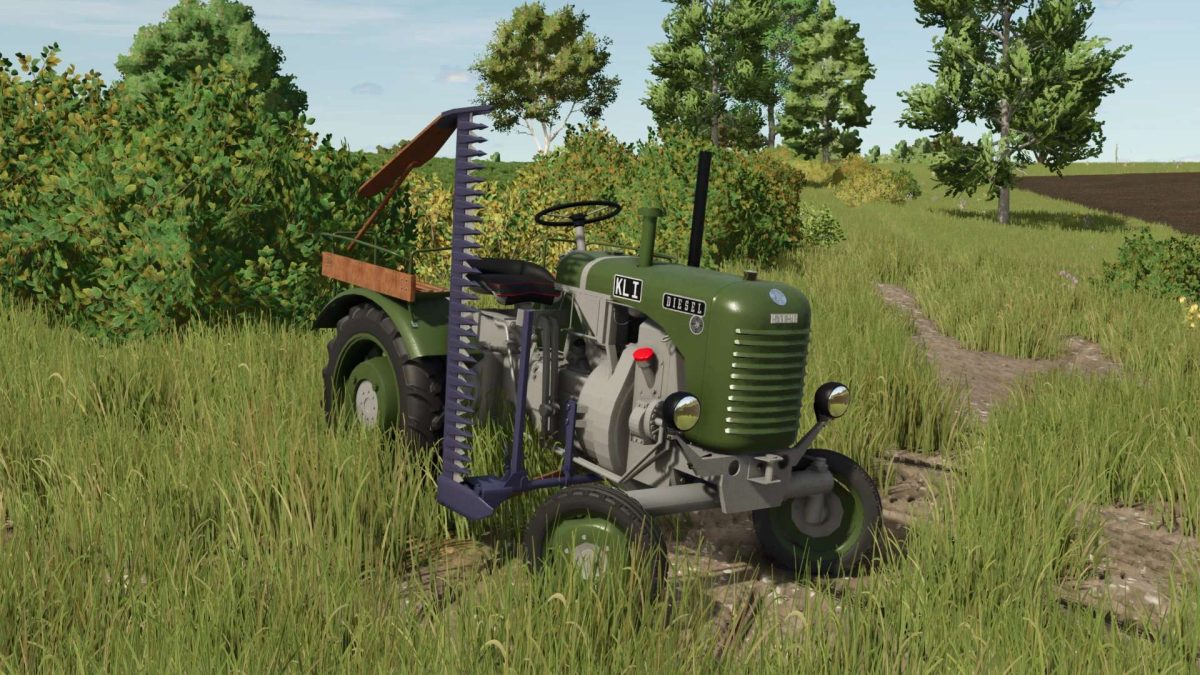
Steyr T80 v 2.0.0.2


Clutch Animation: The driver presses the clutch and actively reaches for the gearshift lever when changing gears.
Seat Suspension: Smooth movement when driving over uneven terrain.
Revised Textures & Colors: Especially on the passenger seat and cutter bar.
Version 2.0.0.2:
* Returns with several visual and functional improvements
* Mower bar updated: The mower bar now features a grey color, giving it a more authentic and realistic appearance
* Fender configuration improved: When selecting the configuration without fenders, reflectors are now added for better detail and realism
* Lights adjusted: The lighting has been refined for a more natural and fitting look on this classic tractor
* AI Helper added: The T80 now fully supports the AI helper, making fieldwork more convenient and functional
Credits:
AvatarWidi97