

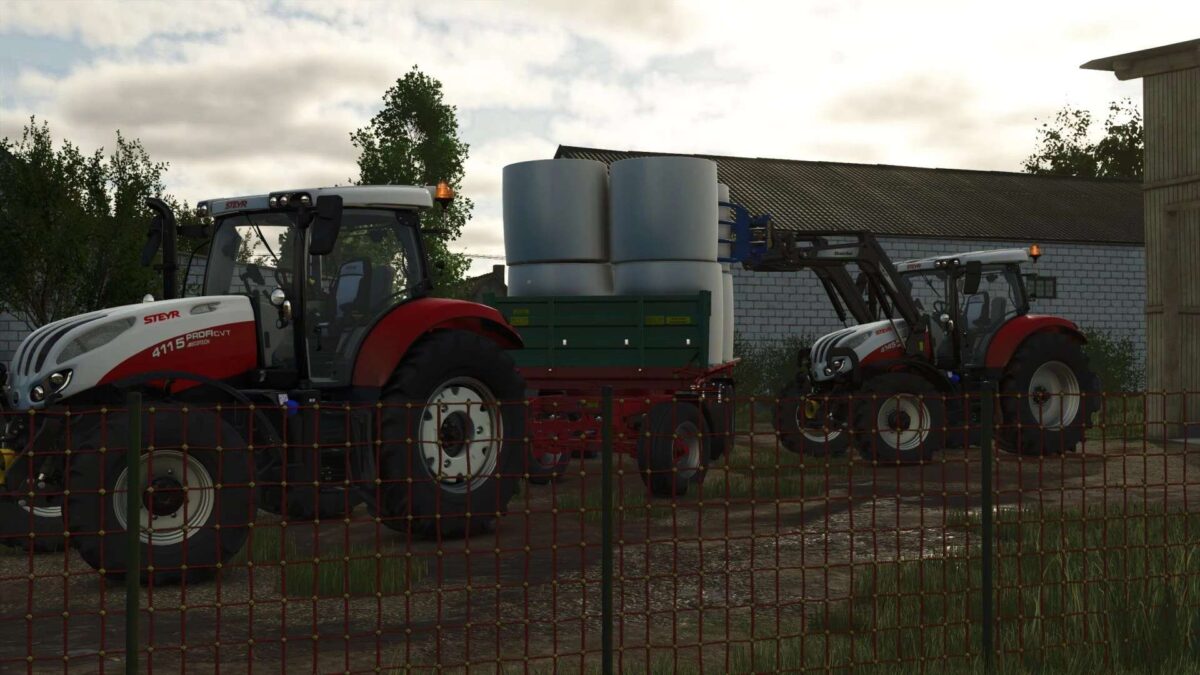
Steyr Profi Tier 4B v 1.0


– Base price: 120000 $
– Power: 145-175 hp
– Max. speed: 50 kph
Configurations:
– Engine: Four four-cylinder and one six-cylinder option with even more torque
– Transmission: S-Control CVT (continuously variable) or S-Control 8 (24/24 powershift transmission)
– Tyres
– Monitor
– Front fenders
– Auxiliary working lights
– Beacon lights
– Original front hydraulics or Hauer FS-4
– Front PTO
– Fuel tank capacity (218 or 263 litres)
– Frontloader console (Hauer or Quicke)
– Color choice (main, design and rim color)
Engine and transmission configurations:
– 4115 Profi (145 hp)
– 4115 Profi CVT (145 hp)
– 4125 Profi (155 hp)
– 4125 Profi CVT (155 hp)
– 4135 Profi (169 hp)
– 4135 Profi CVT (169 hp)
– 4145 Profi (175 hp)
– 4145 Profi CVT (175 hp)
– 6145 Profi (175 hp)
– 6145 Profi CVT (175 hp)
Credits:
ramas, Austria Modding


