
FS25 Misc

Statistics Extended v 1.0.0.1

Statistics Extended v 1.0.0.1

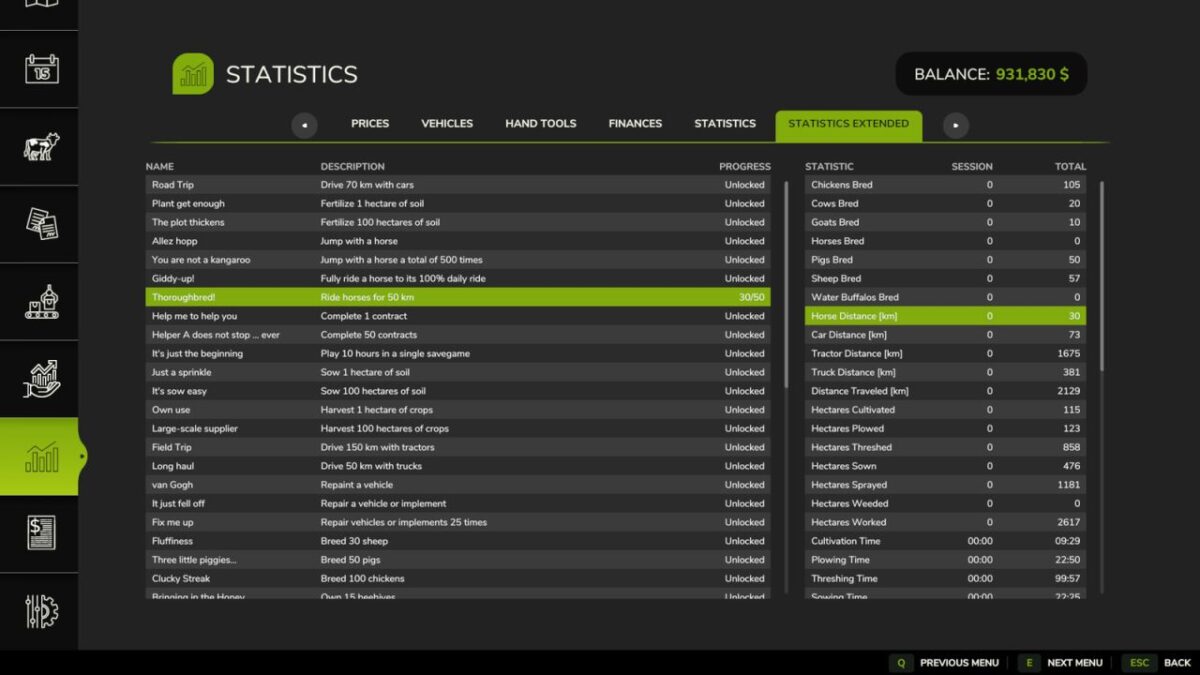
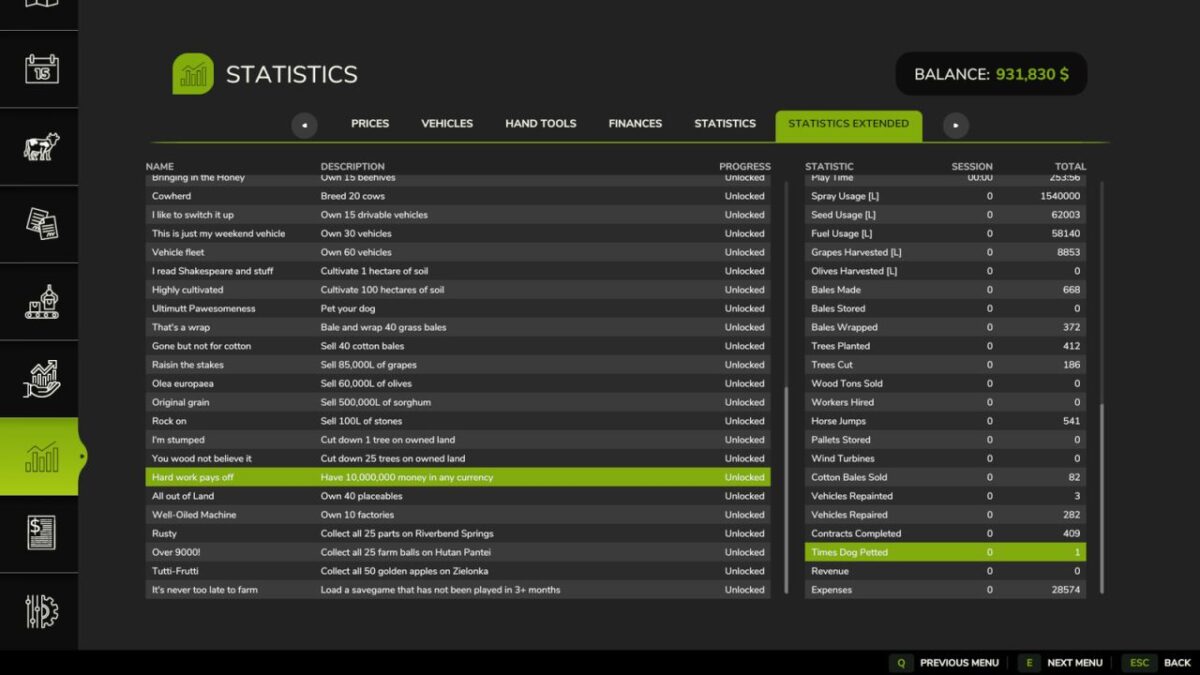
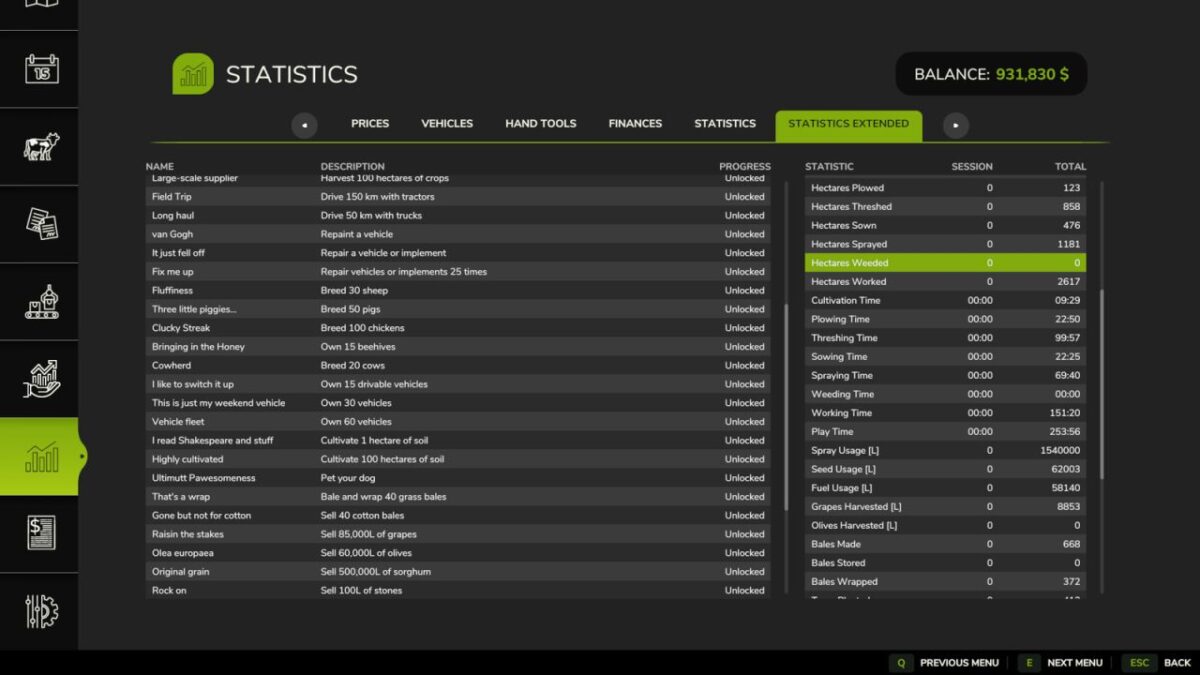
Adds a “Statistics Extended” tab to the in-game Statistics screen with two lists for your active savegame:
Achievements: name, description, and progress (or “Unlocked”) for every achievement registered by the game. Note: some unlock condition descriptions are best-effort guesses, not official text.
Farm Statistics: session and all-time totals covering breeding, distances traveled, field area worked, time spent on tasks, resource usage, harvests, bales, wood, and more. A few of these duplicate values already shown on the vanilla Statistics tab.

Version 1.0.0.1:
* Adds implementation for the LoadedOldSavegame achievement (It’s never too late to farm)
* Improves implementation for collectible achievements (Rusty, Over 9000, Tutti-Frutti)
* Adds Italian translation

Credits:

Evan Kirsch

How to install FS25 Misc?
Firstly find a mod which you like and want to download. Then download a mod to your PC. Mods are usually in .zip format file. But sometimes it can be in .rar. If a mod file is a .zip format no needed additional actions. If a file is in .rar, then you must unarchive mod with software like WinRar or Zip7. Windows 10 users no need to use software for archives, Win10 itself has a feature to unarchive files.
The next step is to find mods folder in your PC. Usually, it is in Documents/My Games/Farming Simulator 25/2025. Open the "mods" folder and put downloaded .zip archive or unarchived .rar file to this folder.
Last step. Enjoy of FS25 mods!

Leave a Reply

Your email address will not be published. Required fields are marked *