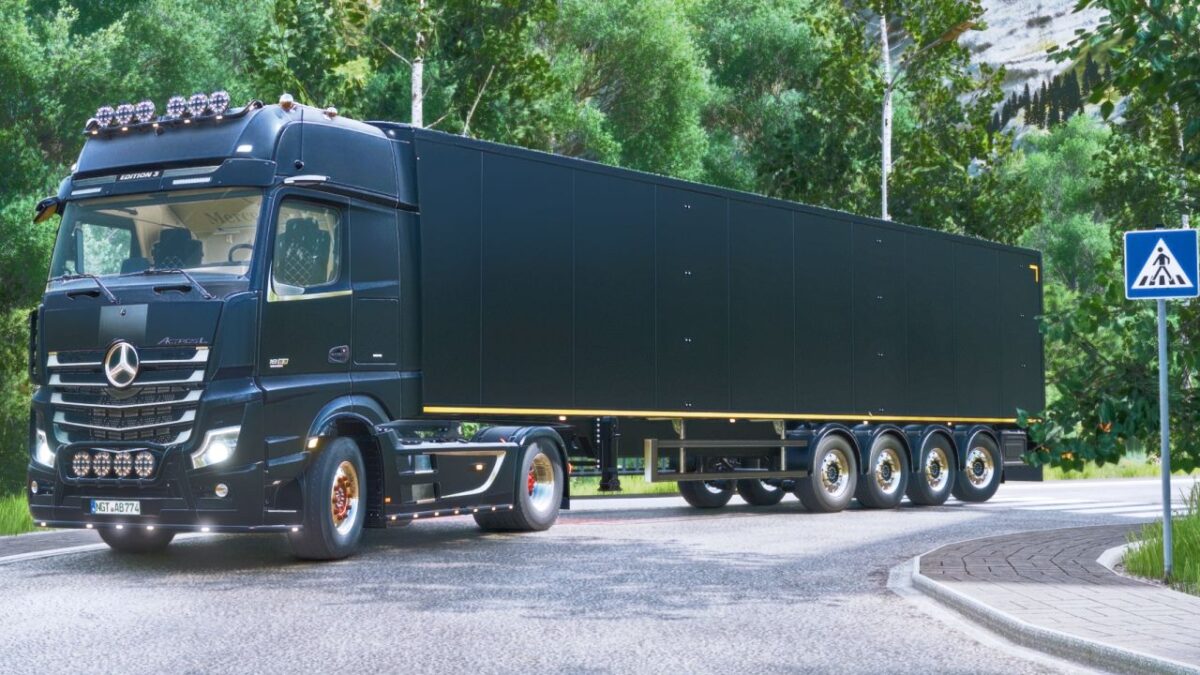
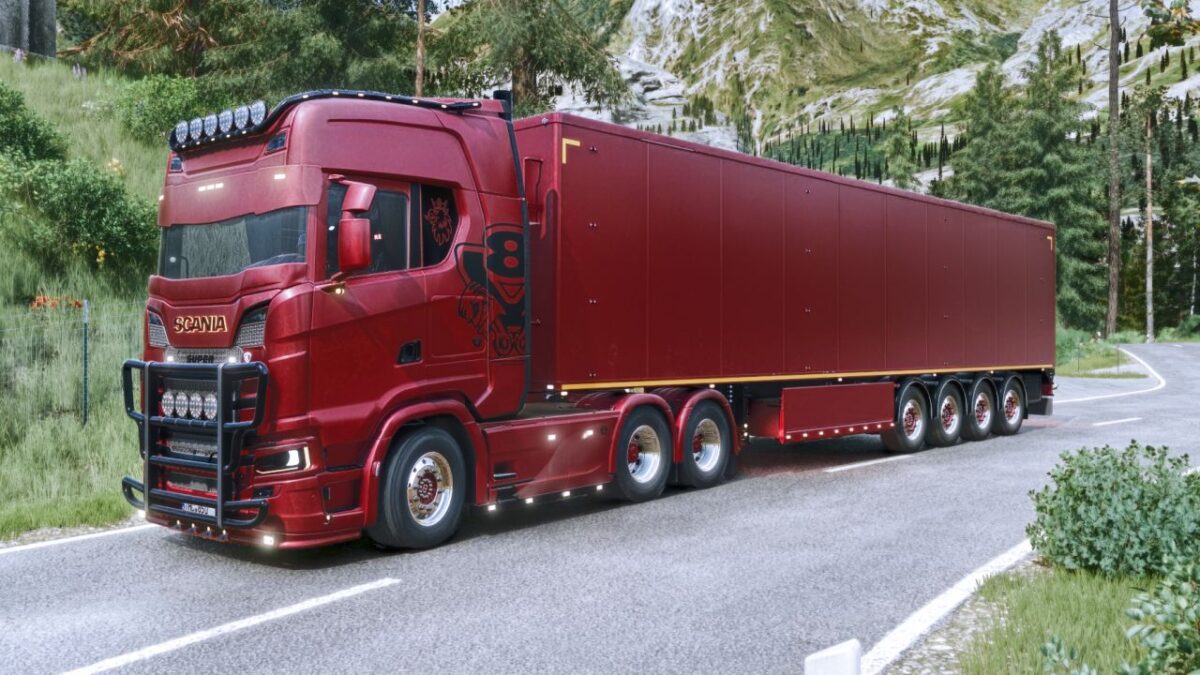
Stas Walking Floor Trailer v 1.2


Complete rebuild of trailer including animations of the floor
Over or under cover for fillvolume
Added lights
Multiple color configs
3/4 axle grouped/ungrouped version
3 spread axle dutch-style
Rear hitch
Tensionbelts to load wood/pallets/bales
Included in the mod, MaanTieBanaani dolly with some edits, from his Taillift Pack
For hardcore players, you can manually load bales trough the rear doors, by letting the walking floor running on forward position, and unload them by opening doors and let put the floor on backward
For autodrive users: Currently autodrive deliver/load setting does not support simultaneous bulk and tension belt configuration, if you want to use autodrive to load/deliver bulk with this trailer, tension belt configuration must NOT be used
Trailer has max mass limit, it can be used with trailer fill limit setting for more realistic gameplay
Version 1.2:
* Added rear lights configs for trailer and dolly
* Various fixes
* Fixed steering axle issue with scania NTG from modhub
Credits:
Fabiomf, Agrartechnik Nordeifel, BD_Modding, MaanTieBanaani