

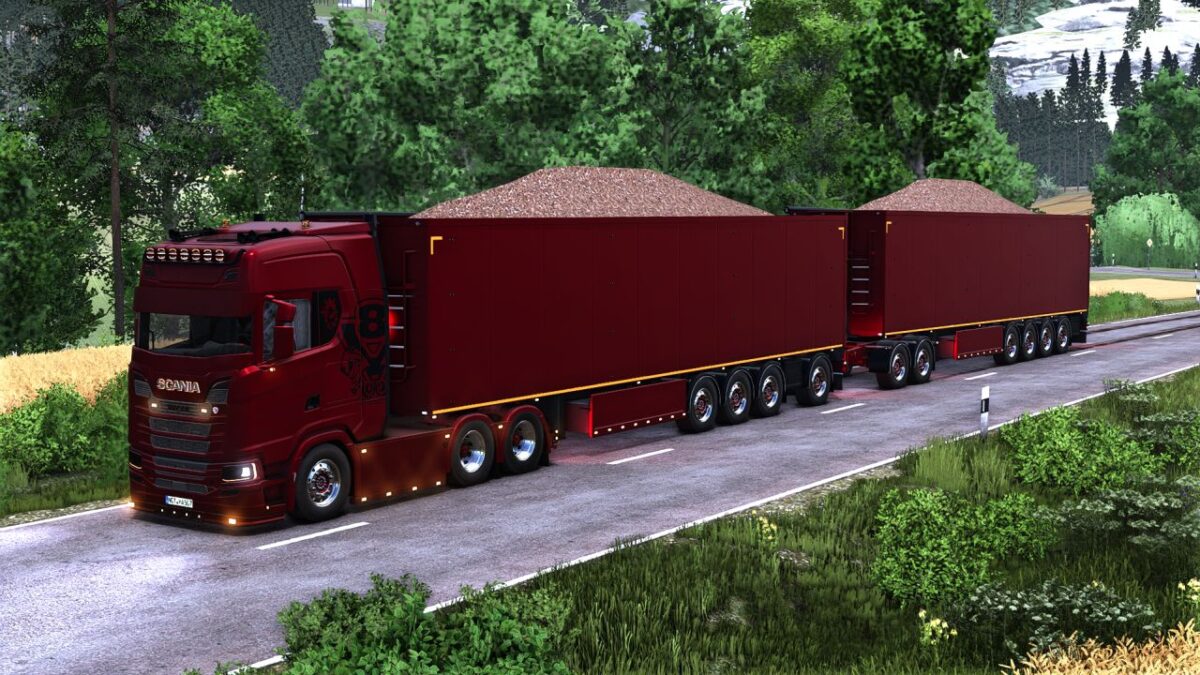
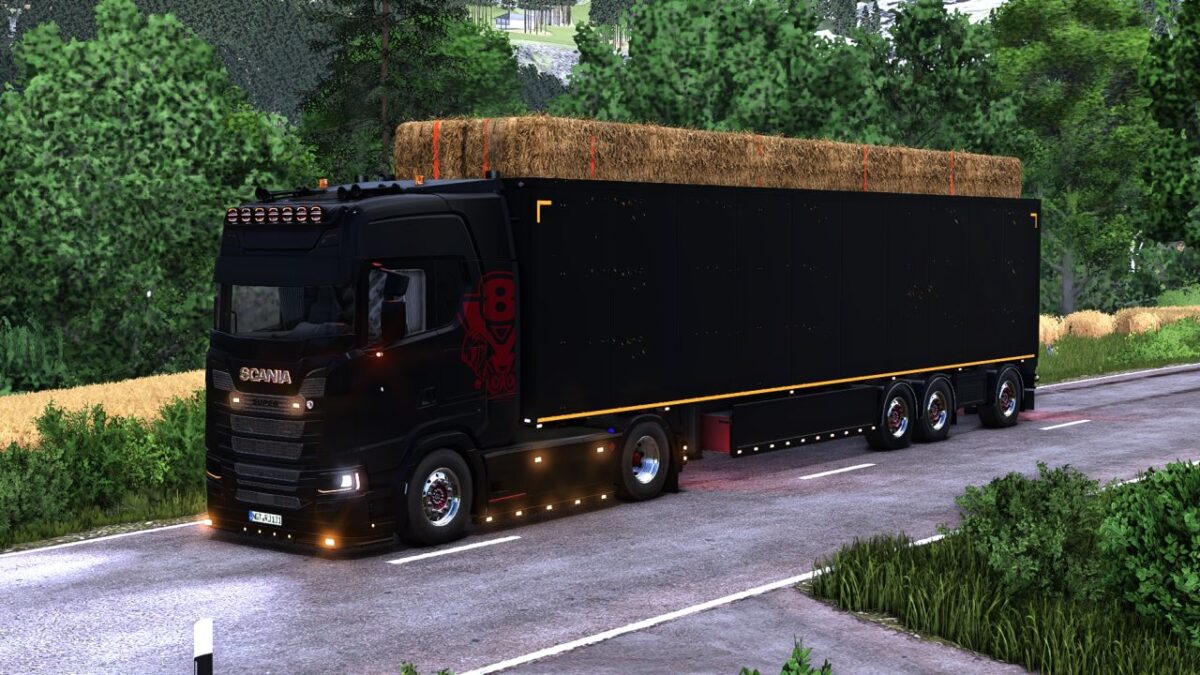
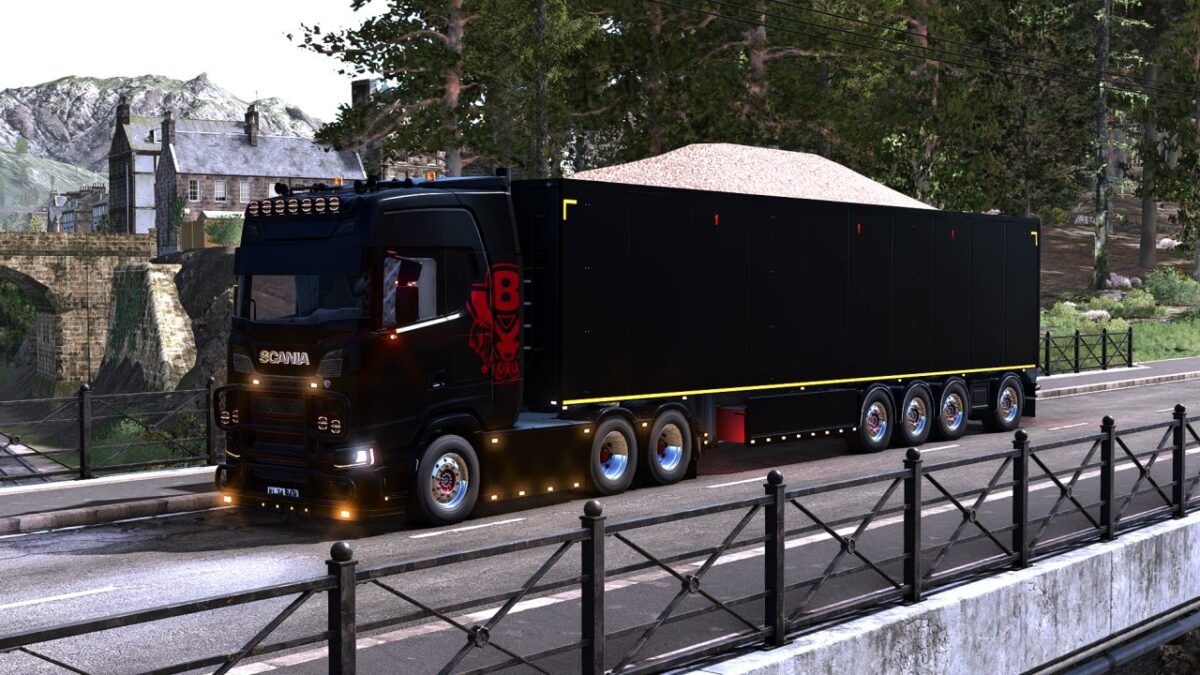
Stas Walking Floor Trailer v 1.1


Complete rebuild of trailer, including animations of the floor
Over or under cover for fill volume
Added lights
Multiple color configs
3/4 axle grouped/ungrouped version
3 spread axle dutch-style
Rear hitch
Tension belts to load wood/pallets/bales
Included in the mod, MaanTieBanaani dolly with some edits, from his Taillift Pack
For hardcore players, you can manually load bales through the rear doors, by letting the walkingfloor running on forward position, and unload them by opening doors and putting the floor in backward position
For autodrive users: Currently, autodrive deliver/load setting does not support simultaneous bulk and tensionbelt configuration. If you want to use autodrive to load/deliver bulk with this trailer, the tensionbelt configuration must NOT be used
Trailer has a max mass limit; it can be used with trailer fill limit setting for more realistic gameplay
Version 1.1:
* Added 3 spread axle dutch style wheel config
* Fixed 3d bug in chassis
* Fixed light error in config
* Added over/under cover fill volume
Credits:
Fabiomf, Agrartechnik Nordeifel, BD_Modding, MaanTieBanaani


