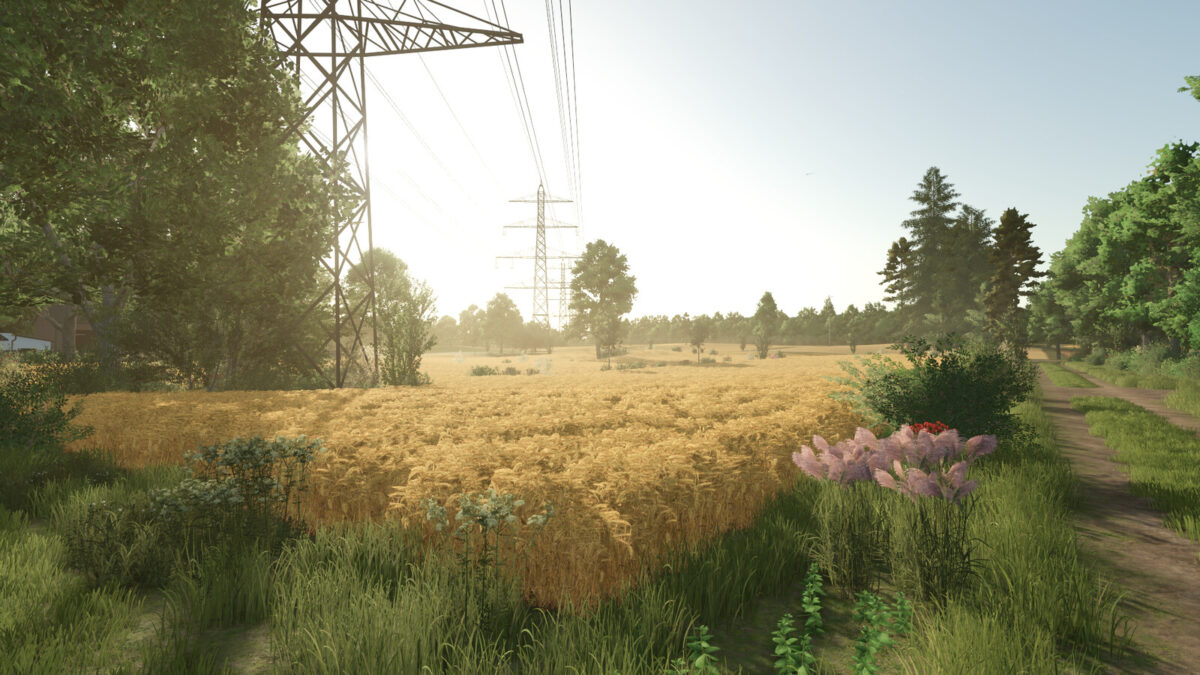
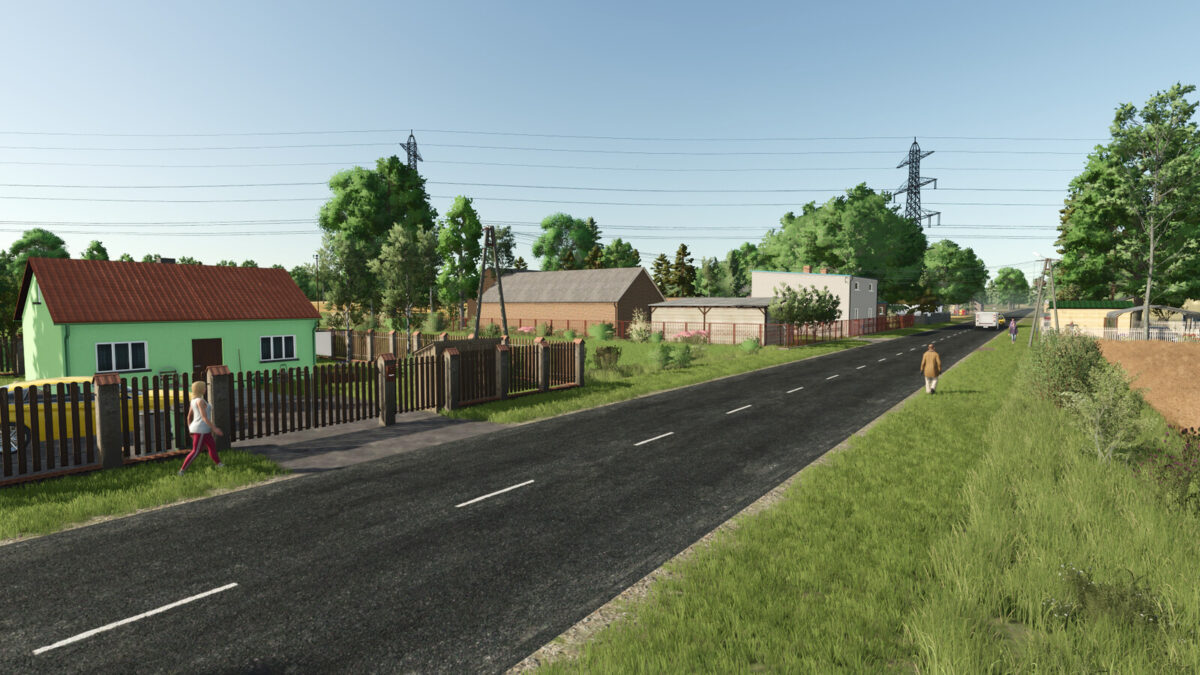
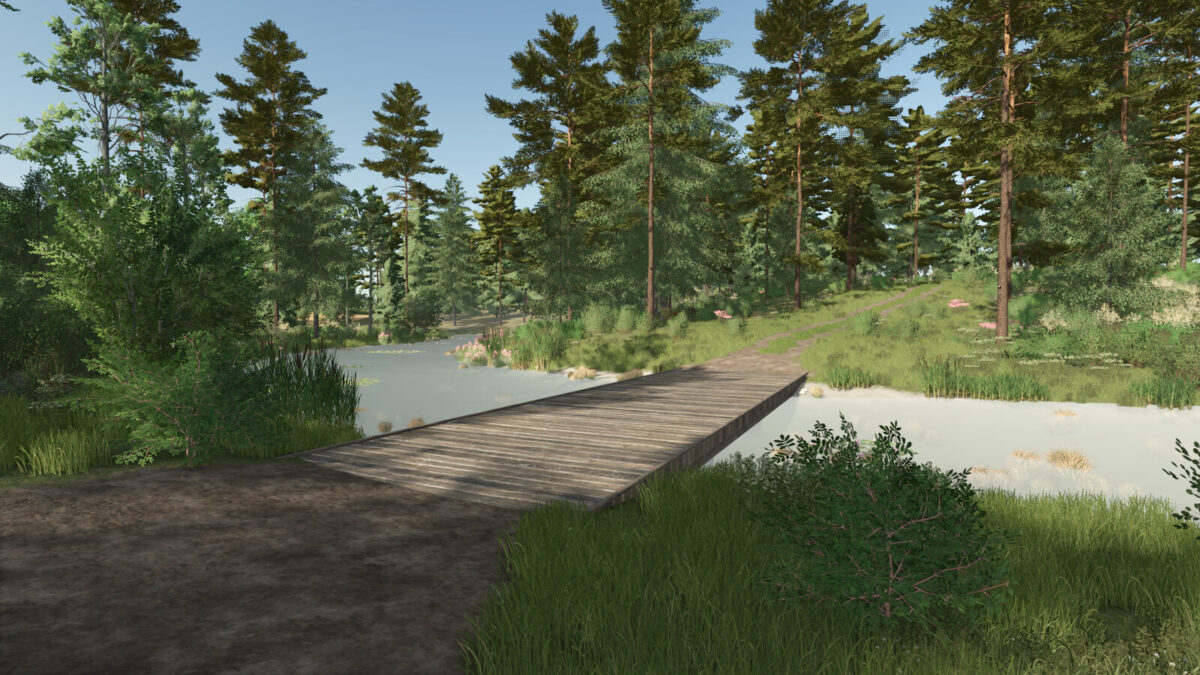
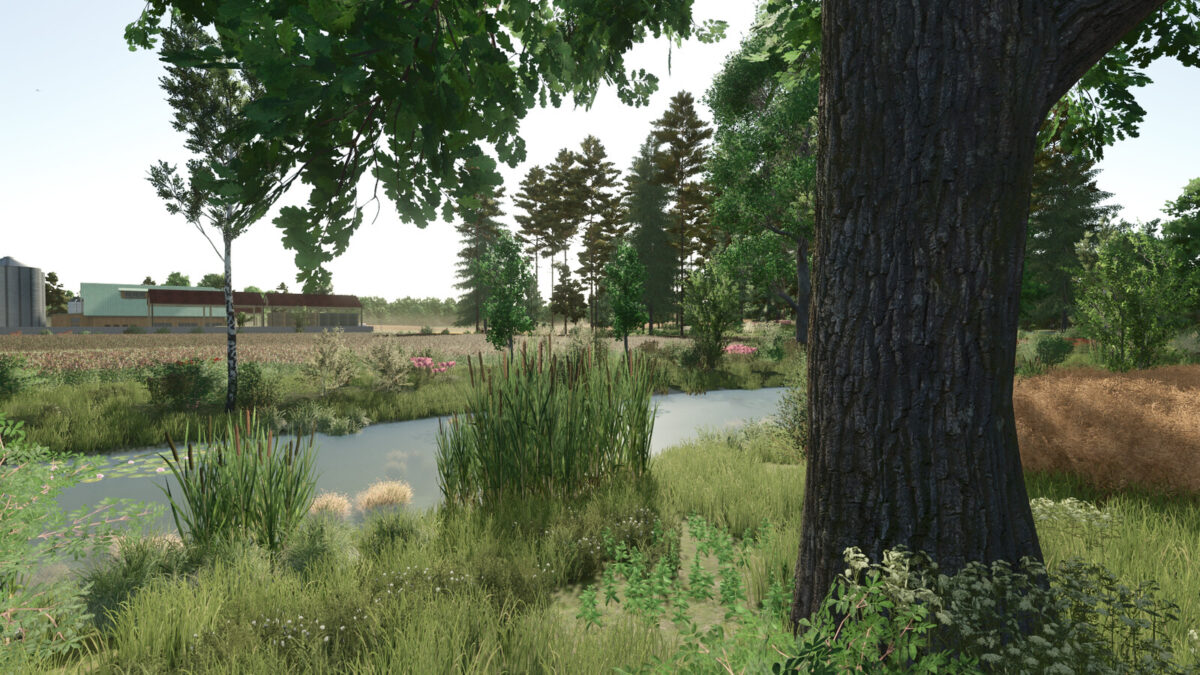
Starowies Map v 1.4


– 92 fields
– 114 areas
– Biogas plant
– Sawmill
– A few sale points
– A few production points
– A new crop – alfalfa
– New bunker silos adapted for alfalfa
– Two areas to build
– A house to build
– A starting farm, which can be sold in its entirety
– A forester’s house to buy along with the area
– A new greenhouse with blueberry production, which can be processed into many products
– The aforementioned greenhouse can be bought in the store and placed anywhere
– A new item for production in the bakery – cream cakes
– Traffic
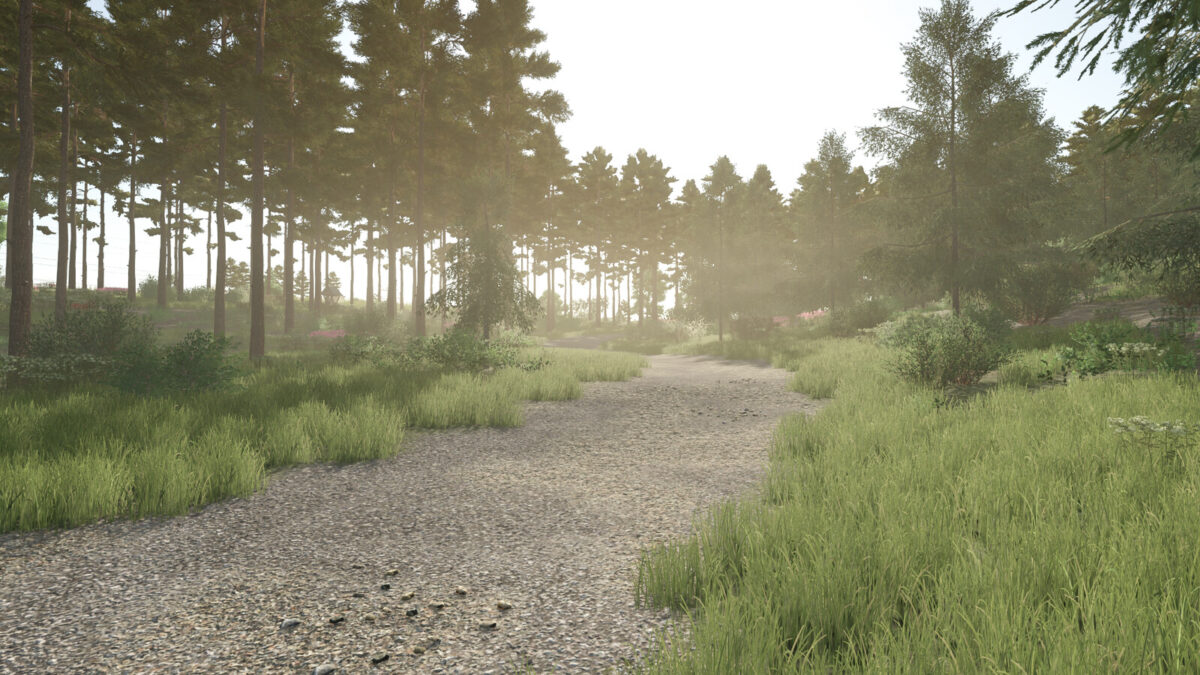
– A few forest areas
– Missions with transporting wood, destroying stones and removing dry trees
– Various terrain features
– Details in autumn and winter, for example snowmen and leaf mounds
– New collectibles
Version 1.4:
* Changed yields and prices for some crops
* Added the ability to store lavender in silos
* Added the ability to sell wood containers at existing sales points
* Added new products: Canned Lentils, Canned Beans
* Added chip and canned food factories to the store
* Added a large lavender drying facility to the store
* Added AI splines
* Fixed a bug with the inability to sell wood chips in bales
* And a few other minor fixes
Credits:
Greeniak, Faevrey