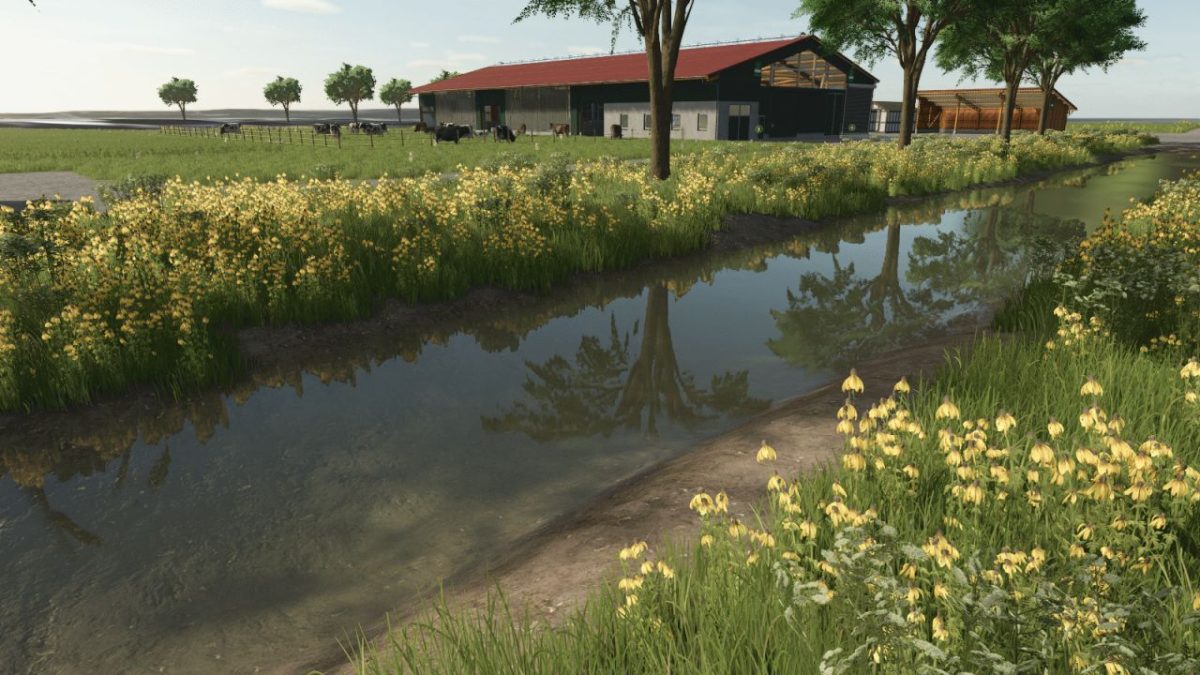
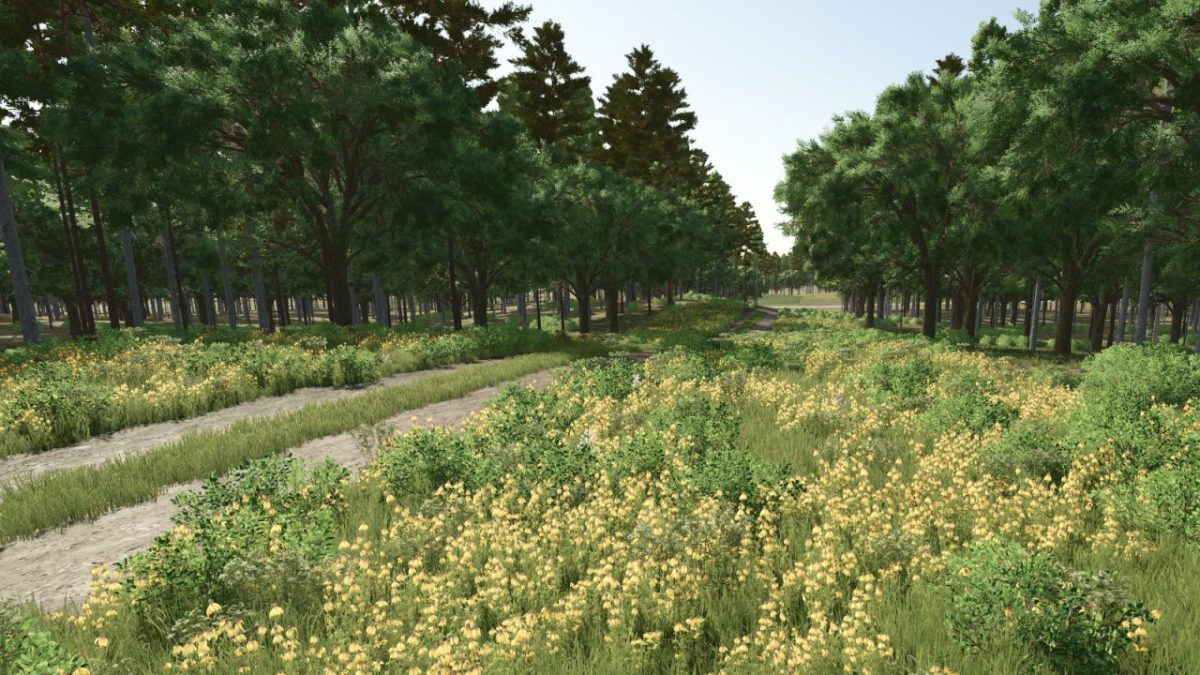
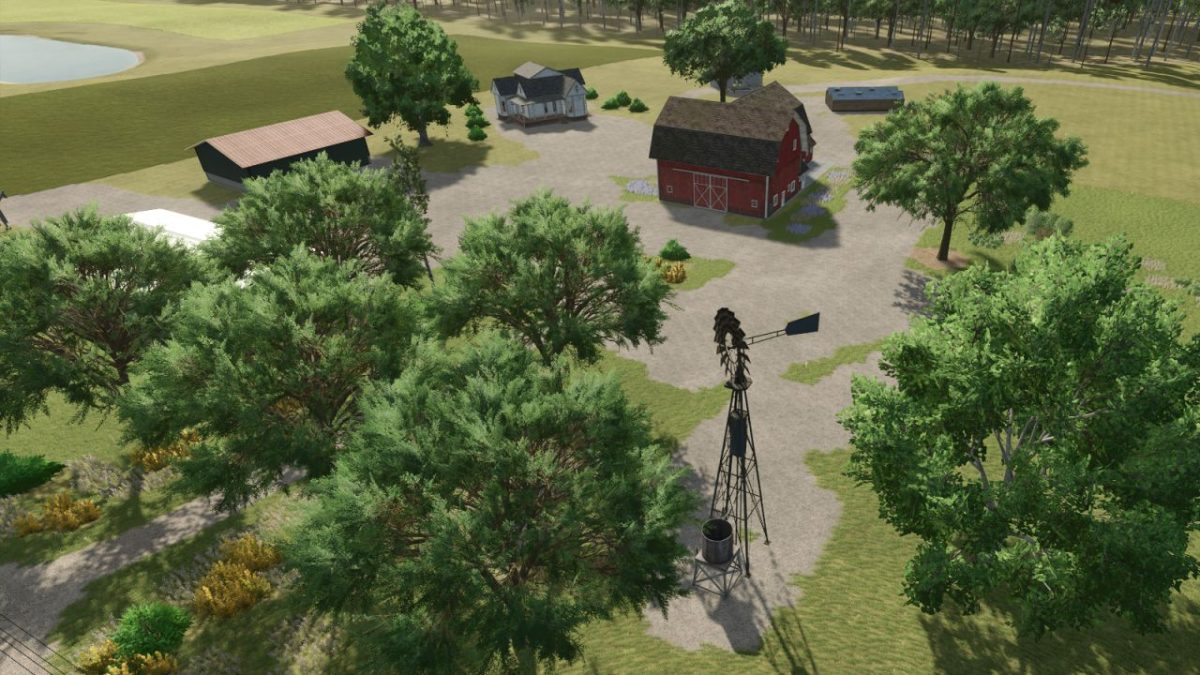
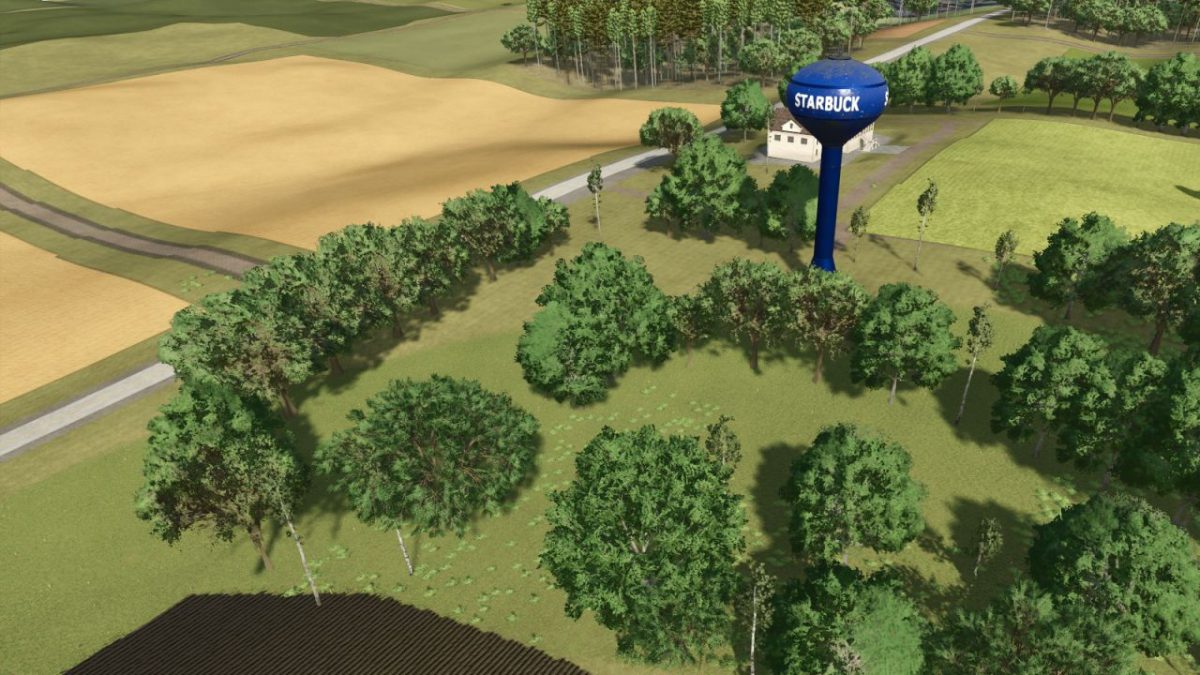
Starbuck Map v 1.2.0.3


– 50+ buyable farmlands with varied sizes fields and shapes
– Dynamic terrain for immersive machinery use
– Production chains (dairy, grain mill, carpentry etc..)
– Custom PDA map overview and road layout
– Fictional farms ready for solo or multiplayer play
– Whether you’re tending crops solo or building a co-op operation, Starbuck Valley offers a serene yet productive escape into the heartland
– Crossplay compatible
Version 1.2.0.3:
* Removed all unlicensed brands for crossplay certification
* Added Alfalfa as a new crop
* Starter farm barn and silo now sellable
* Entire map now ownable—Farmland 60 offers discounted access to city and roads
* Fields touched up and resized to better utilize available land
* Roads refined across the map for smoother navigation and improved visual flow
* Map boundary blended for improved visual feel
* Extended lake into boundary for natural integration
* Toned down foliage for better performance
* Enhanced environmental soundscapes for a more immersive experience
* Fixed floating sign near the Starbuck Depot Museum
* Added street lights to starter farm
* New Farmer mode farm now includes a cow barn, larger silo, and two additional fields (three total)
* AI parked cars touchup
* Animal dealer has some life: sounds, animals, etc.
* Oil mill added
* Tailor added
* Dairy Factory touchup
* 20 Cows to get you started with 28,000 liters TMR for food (New Farmer)
Credits:
Freeze