

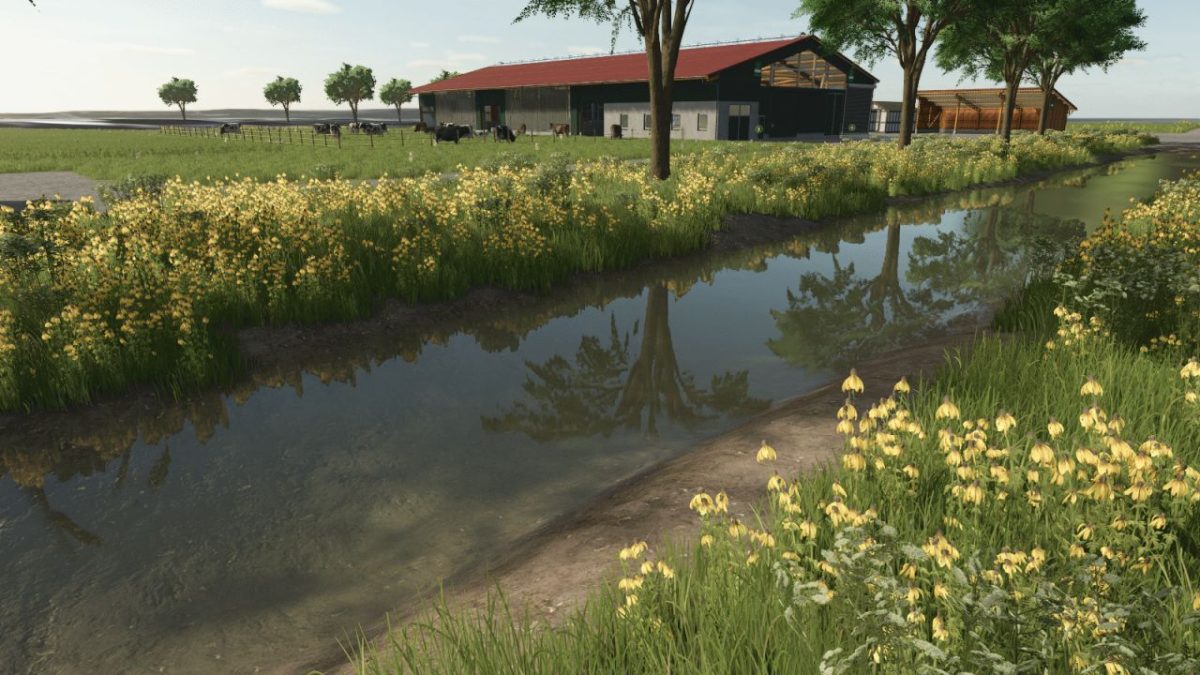
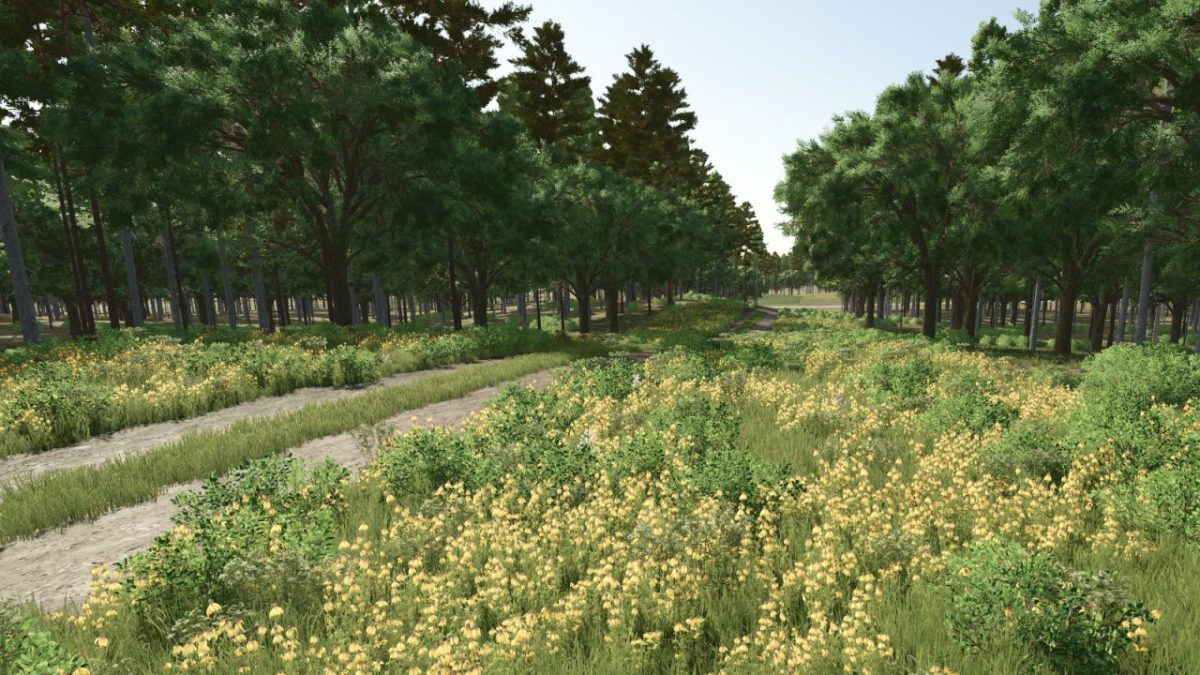
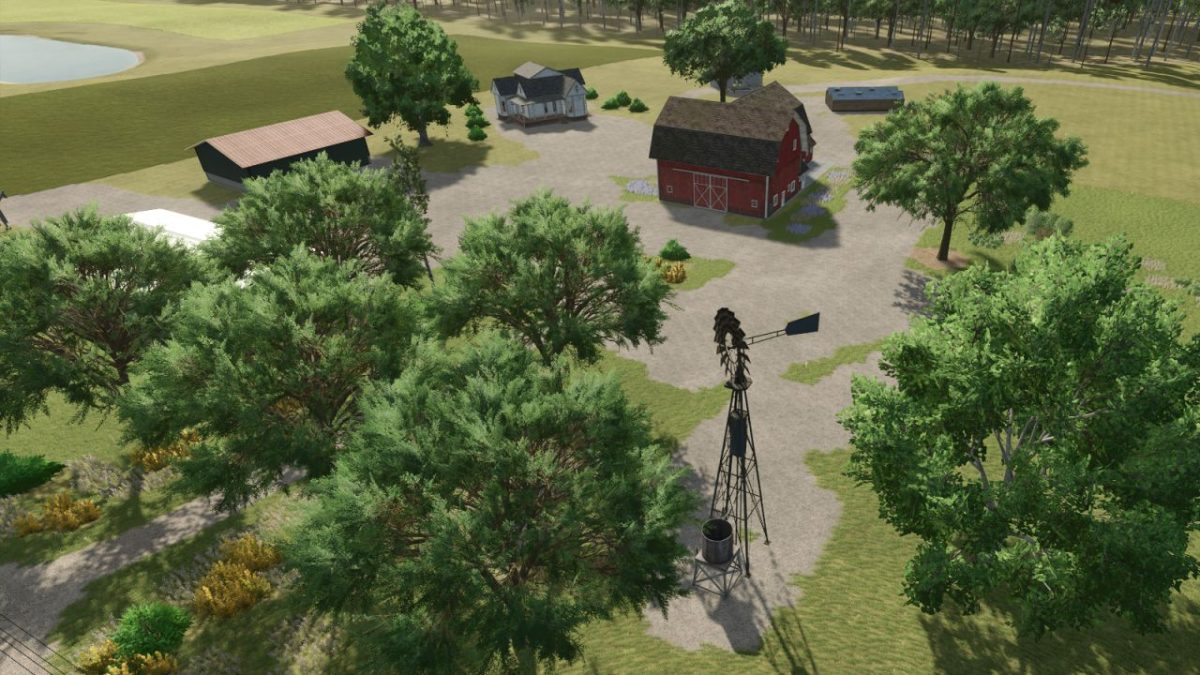
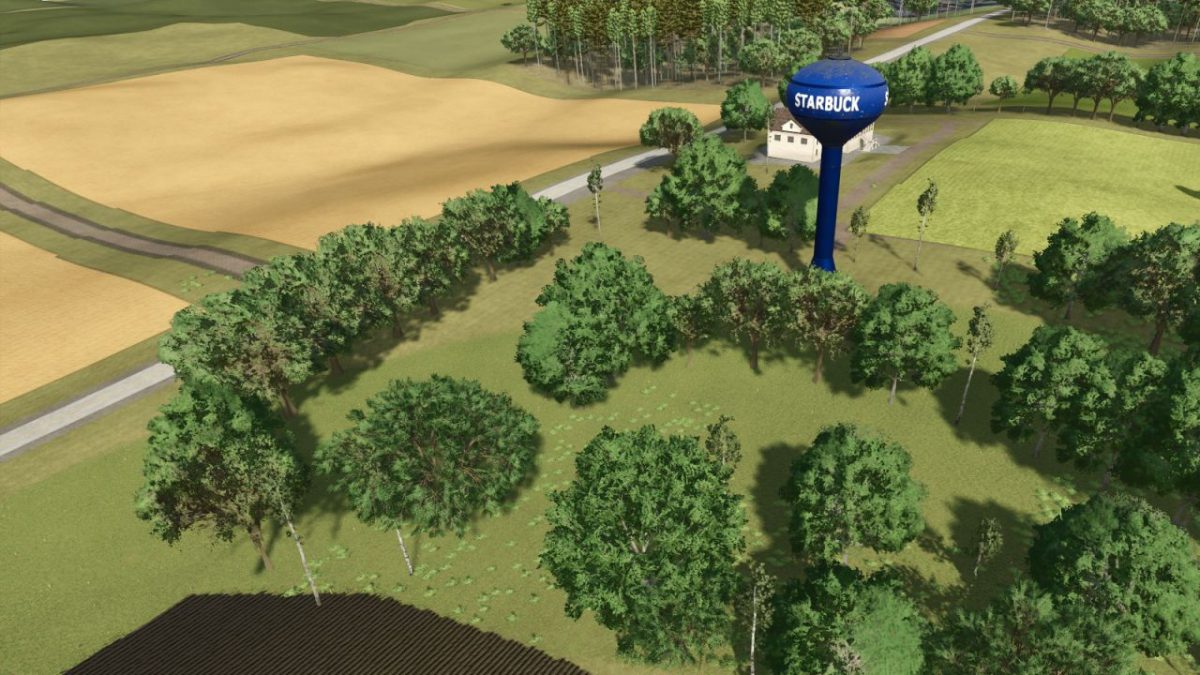
Starbuck Map v 1.1.0.3


– 50+ buyable farmlands with varied sizes fields and shapes
– Dynamic terrain for immersive machinery use
– Production chains (dairy, grain mill, carpentry etc..)
– Custom PDA map overview and road layout
– Fictional farms ready for solo or multiplayer play
– Whether you’re tending crops solo or building a co-op operation, Starbuck Valley offers a serene yet productive escape into the heartland
– Crossplay compatible
Version 1.1.0.3:
Gameplay Enhancements:
– Starting Farm Mode life improvements
– 60000 liters of fertilizer added
– 60000 liters of lime added
– Greenhouse position adjusted slightly
– Small sawmill added to starting farm to utilize nearby trees
ModHub Compliance Fixes:
– Removed special characters from CDATA descriptions (lines 15, 25, 37, 47, 59, 68, 69)
– Ensured player owns at least one farming-ready field at easy game start
– Added minimal starter equipment: harvester, tractor, tools, and trailer
– Preplaced a small starting farm layout for better onboarding
– Added missing Animal Dealer to map
– Resolved terrain decal warnings:
– Disabled collision on terrain decals
– Set nonRenderable or adjusted viewport rendering flags
– Cleaned up repeated decal nodes for roads and intersections
Credits:
Freeze


