
FS25 Maps

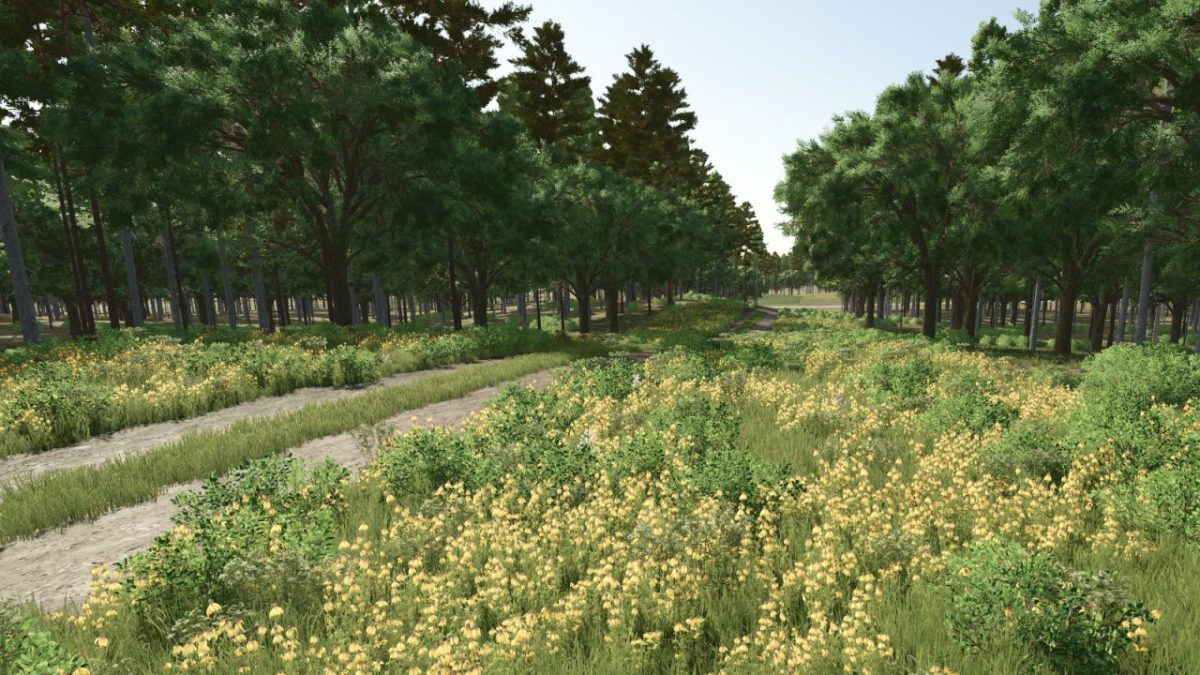
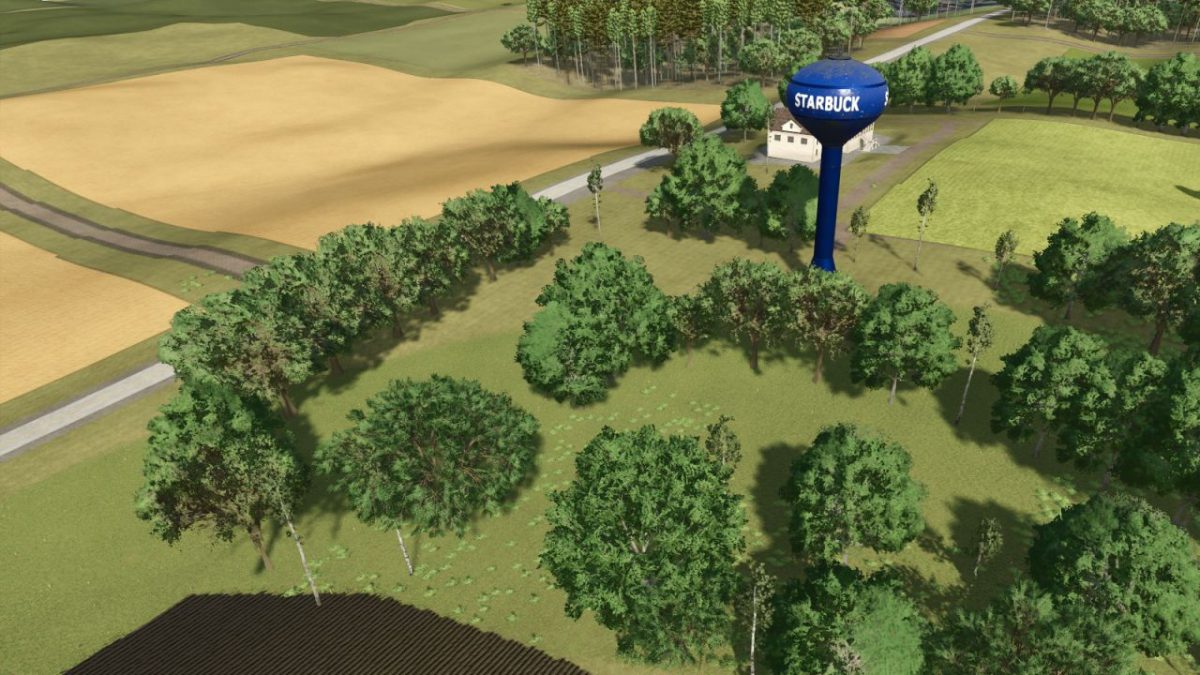
Starbuck Map v 1.0.0.1

Starbuck Map v 1.0.0.1

– 50+ buyable farmlands with varied sizes fields and shapes
– Dynamic terrain for immersive machinery use
– Production chains (dairy, grain mill, carpentry etc..)
– Custom PDA map overview and road layout
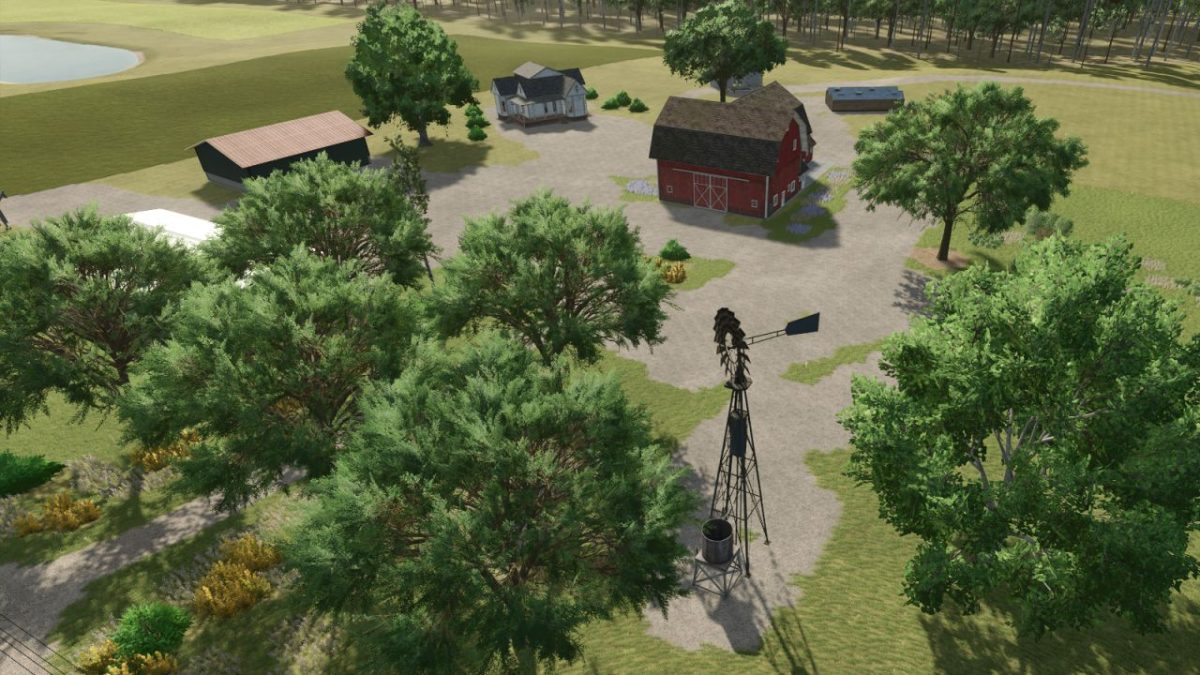
– Fictional farms ready for solo or multiplayer play
– Whether you’re tending crops solo or building a co-op operation, Starbuck Valley offers a serene yet productive escape into the heartland
– Crossplay compatible

Version 1.0.0.1:
* Made all preplaced buildings sellable in New Farmer mode
* Overhauled major roads with Blender: smoother geometry, better elevation, and improved traffic splines
* Enhanced environment depth with layered foliage, terrain blending, and seasonal logic
* Adjusted building placement and references for improved realism

Credits:

Freeze
How to install FS25 Maps?
Firstly find a mod which you like and want to download. Then download a mod to your PC. Mods are usually in .zip format file. But sometimes it can be in .rar. If a mod file is a .zip format no needed additional actions. If a file is in .rar, then you must unarchive mod with software like WinRar or Zip7. Windows 10 users no need to use software for archives, Win10 itself has a feature to unarchive files.
The next step is to find mods folder in your PC. Usually, it is in Documents/My Games/Farming Simulator 25/2025. Open the "mods" folder and put downloaded .zip archive or unarchived .rar file to this folder.
Last step. Enjoy of FS25 mods!

Leave a Reply

Your email address will not be published. Required fields are marked *