
FS25 Maps

Star Valley Map v 1.0.1.0

Star Valley Map v 1.0.1.0

– 57 fields, both large and small
– 4 Logging areas
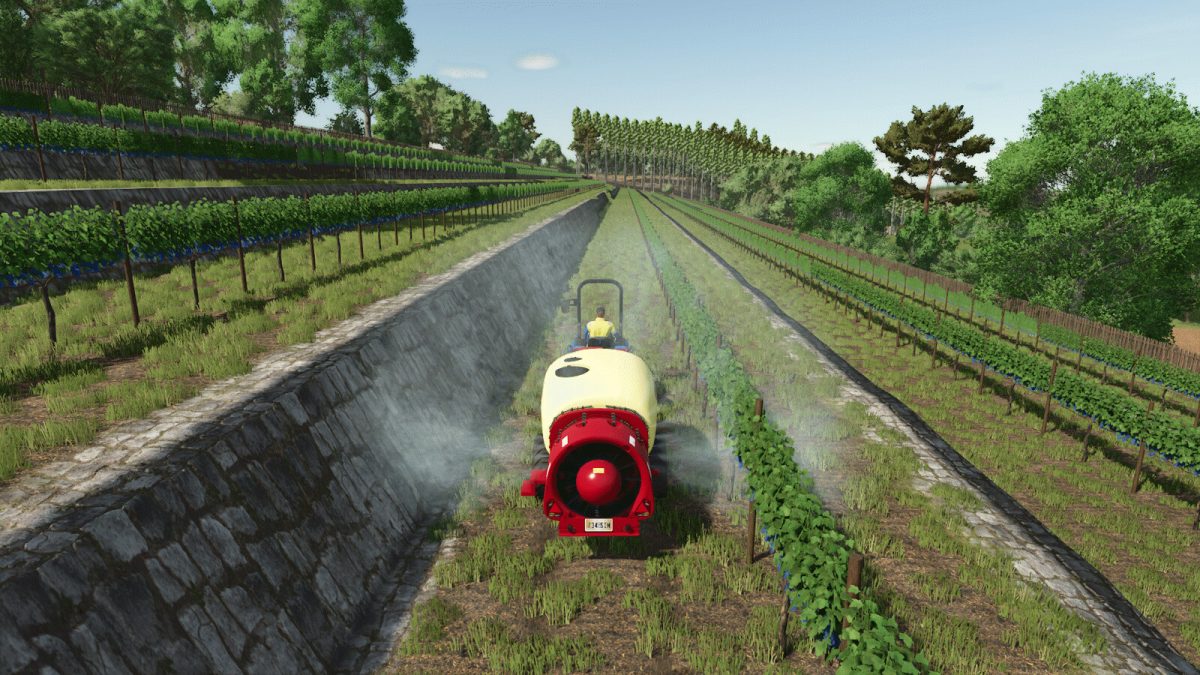
– 2 Vineyards ready for harvesting
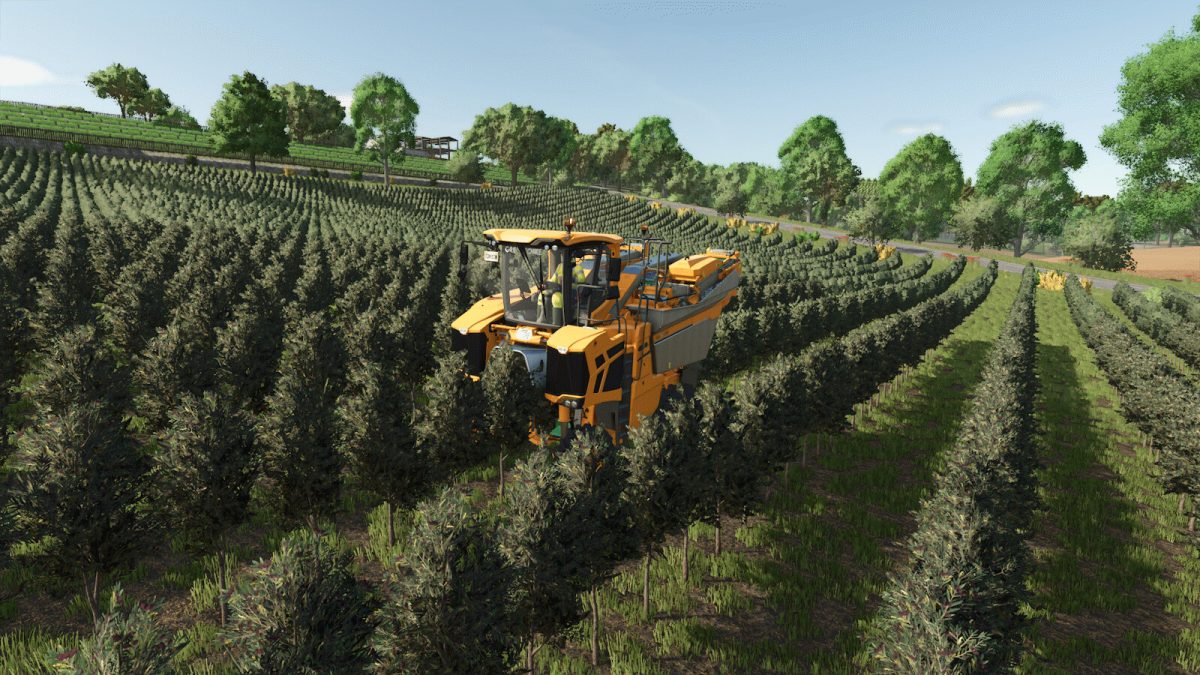
– 1 Olive grove ready for harvesting
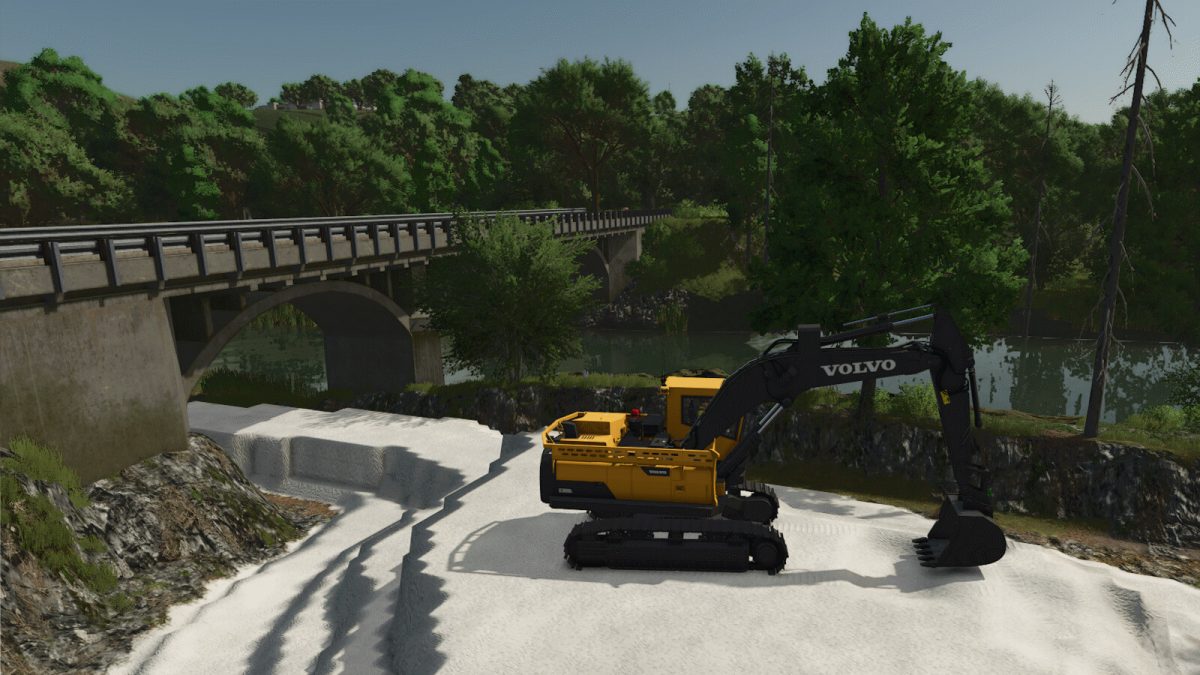
– 1 Stone quarry
– 7500 trees and bushes
– Industrial park

Version 1.0.1.0:
* Removed grass from inside the stable
* Removed some trees and bushes from the path
* Added Lime Mine
* Collectibles now match map number 21
* The Lime and Fertilizer sales point at the ferry terminal is now operational
* Added Salt Mine.
* For those unaware, there is sea salt and salt from underground deposits; this would be the second case
* The area next to the shop is now purchasable
* On the main farm, the pile of salt next to the seed pile has been modified to be solid fertilizer
* Fixed northwest bridge
* Other minor fixes

Credits:

Truck69

How to install FS25 Maps?
Firstly find a mod which you like and want to download. Then download a mod to your PC. Mods are usually in .zip format file. But sometimes it can be in .rar. If a mod file is a .zip format no needed additional actions. If a file is in .rar, then you must unarchive mod with software like WinRar or Zip7. Windows 10 users no need to use software for archives, Win10 itself has a feature to unarchive files.
The next step is to find mods folder in your PC. Usually, it is in Documents/My Games/Farming Simulator 25/2025. Open the "mods" folder and put downloaded .zip archive or unarchived .rar file to this folder.
Last step. Enjoy of FS25 mods!

Leave a Reply

Your email address will not be published. Required fields are marked *