

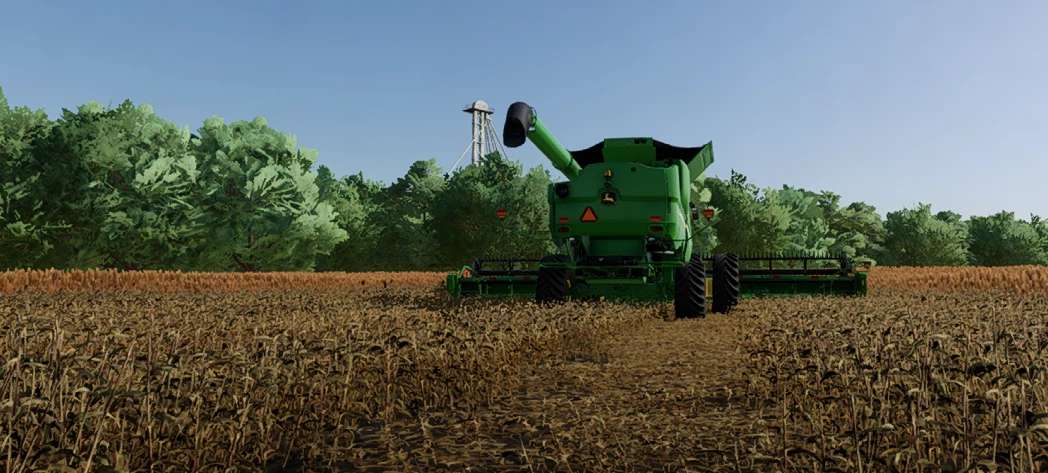
Sorghum Stubble Destruction v 1.0


How to install:
1) Find and copy the base game sorghum folder from your game directory into the map you wish to edit. (Note: I highly recommend creating a “foliage” folder for your map if there isn’t already one. This will make future edits much easier)
Note: To double-check your work, run the map i3D in GIANTS Editor and ensure that no errors pop up when loading the sorghum XML
2) Go into the map i3D and adjust the file path for sorghum appropriately. If you’re having trouble with this step, google it
3) Cut or copy my sorghum XML file into the sorghum folder and replace the old XML
4) Find the fruitTypes XML file and adjust the following in the “sorghum” section
5) Load your map in-game and enjoy this small detail during your sorghum harvest. (As a freebie, if you want your combine header to have the proper height off the ground while harvesting, adjust the “cutHeight” to anywhere between 0.7 and 0.8)
Credits:
ChinatownChank


