

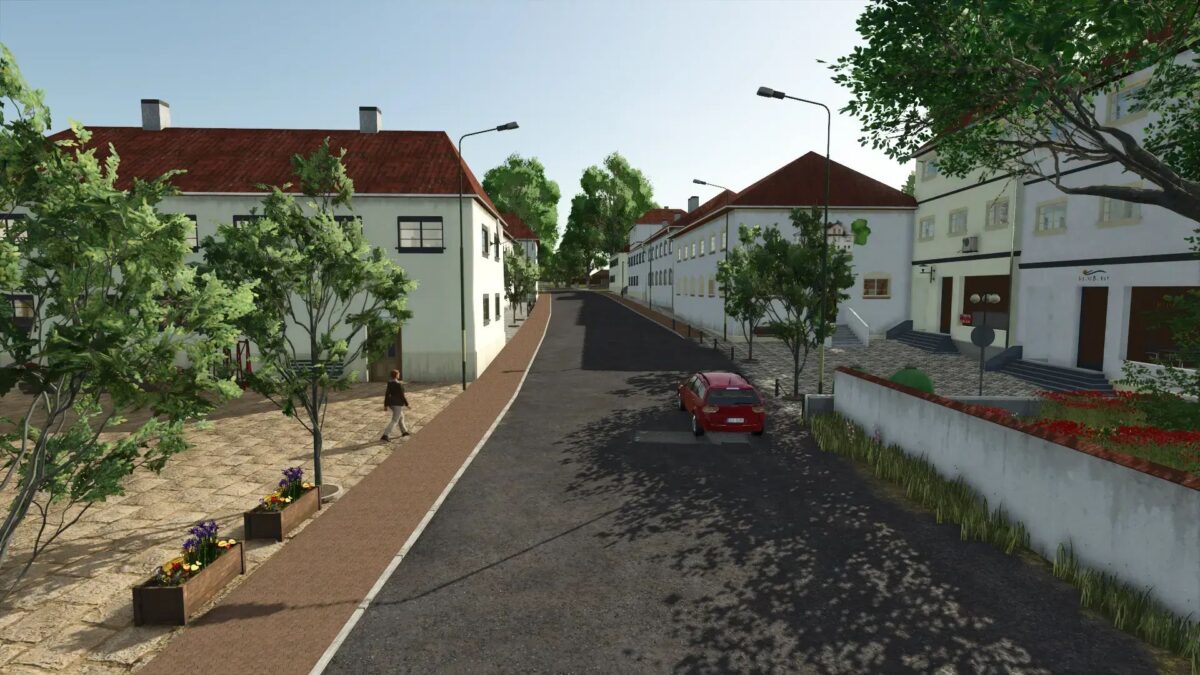
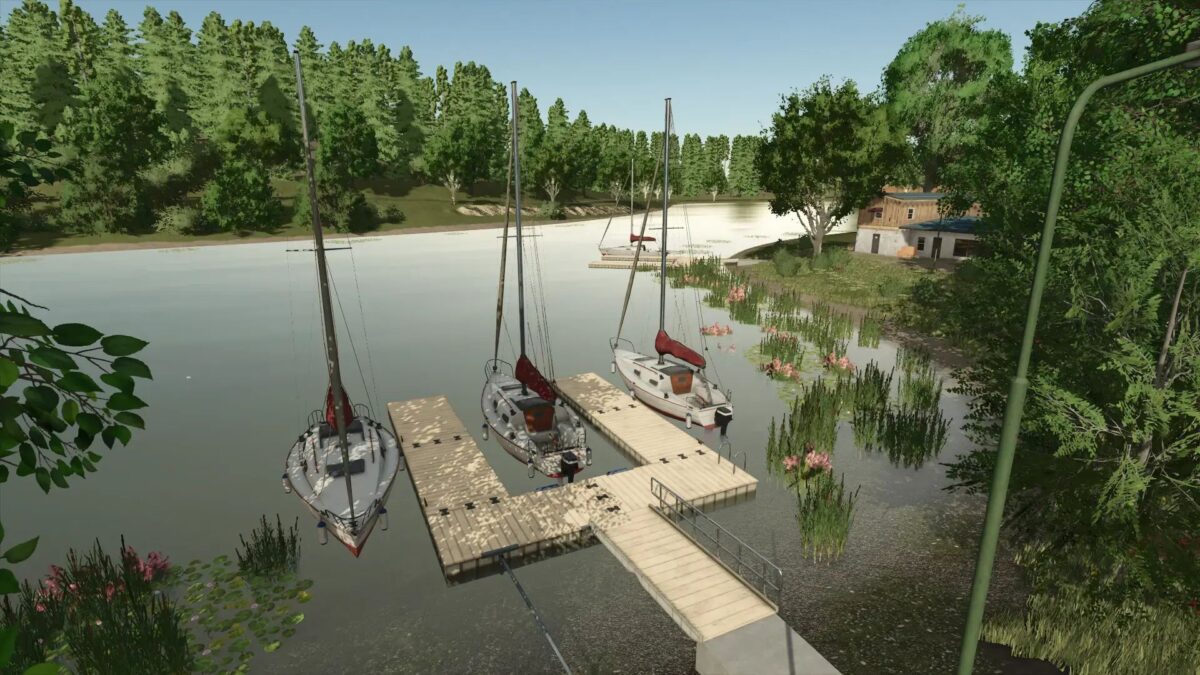
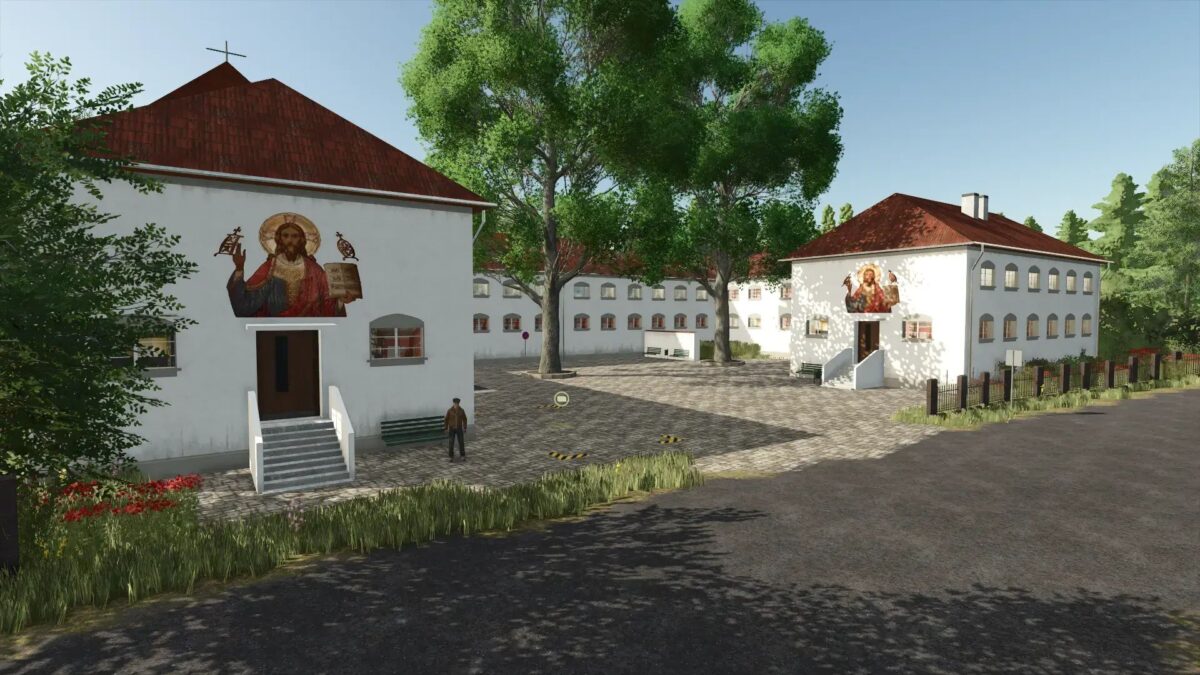
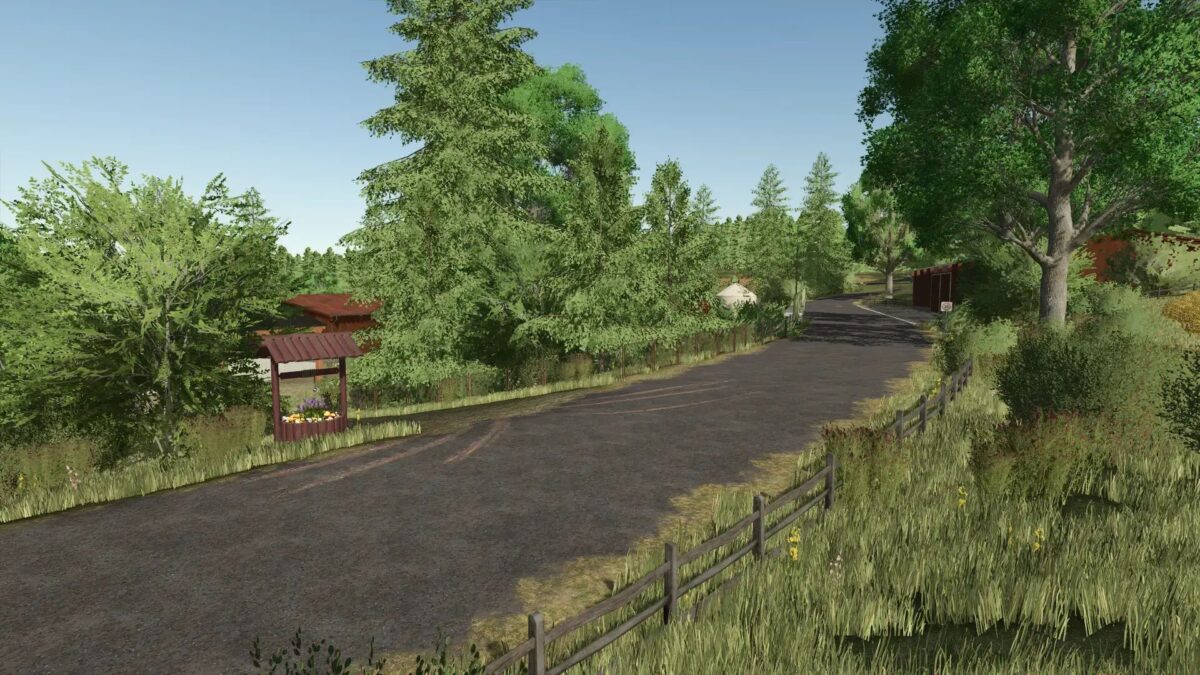
Sonnental Map v 2.0


– Farm 1: On the farm there is a stable, bale store, agricultural production, grain storage (multi), fermenter for hay and silage, sufficient space for vehicles and equipment
– Farm 2: This farm offers the opportunity to start a contracting business, or you can use the farm as a farmer or forester
– Water: Water can be drawn from lakes or wells
– Sales: There are enough sales points on the map
– Productions: large productions remained small. Small agricultural productions have been modified in the card that you can place
– BGA: There is a BGA on the board that you can also develop
– Sawmill: At the sawmill you have enough space to expand your sawmill
– All fences and yards can be sold
Version 2.0:
* Missions fix
* Roads renewed
* More details
* Field paths made narrower
* Various fixes
* Grain storage fix
* Ball bearing trigger moved
* Street posts set
* Straw tarpaulin adjusted in the cowshed
* Muesli factory installed
* Maehgras Set deeper
* Certain decorations are only shown at certain times
Credits:
TuneWar, Werner


