

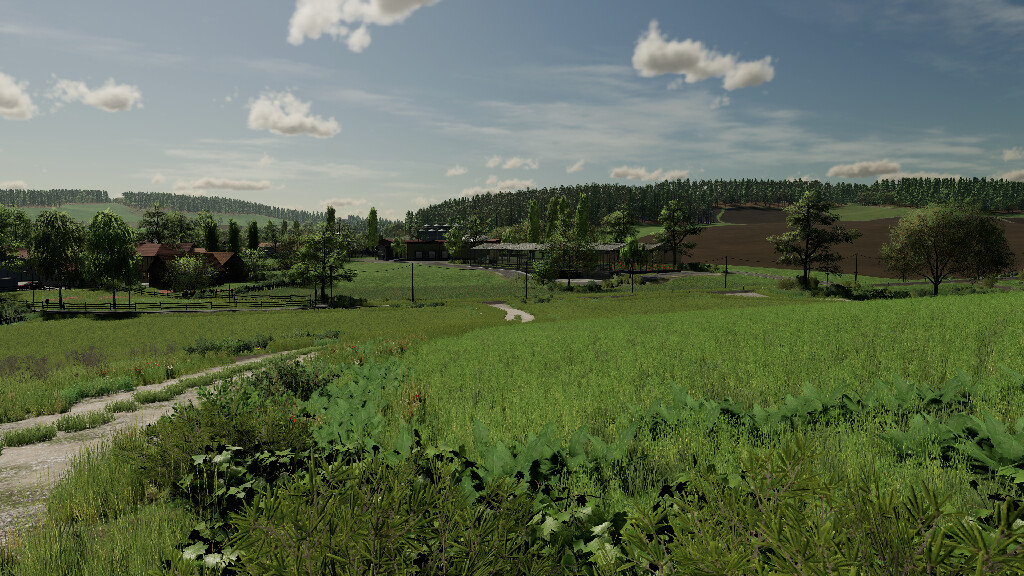
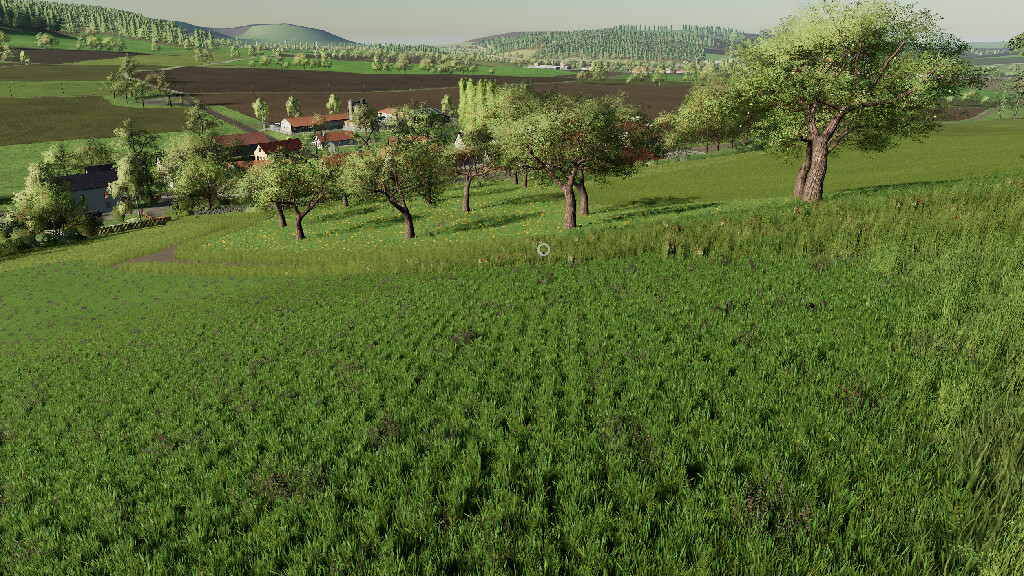
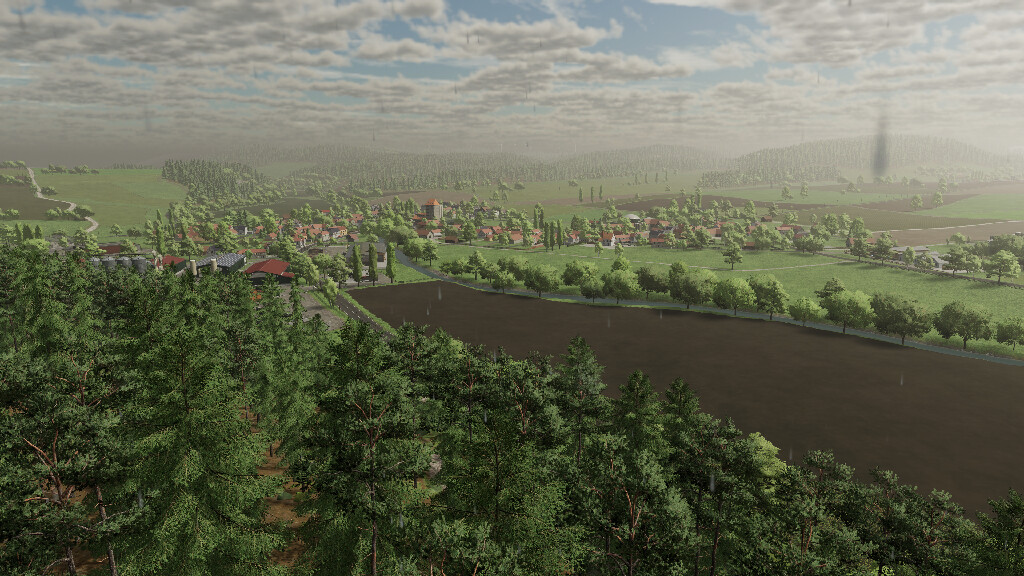
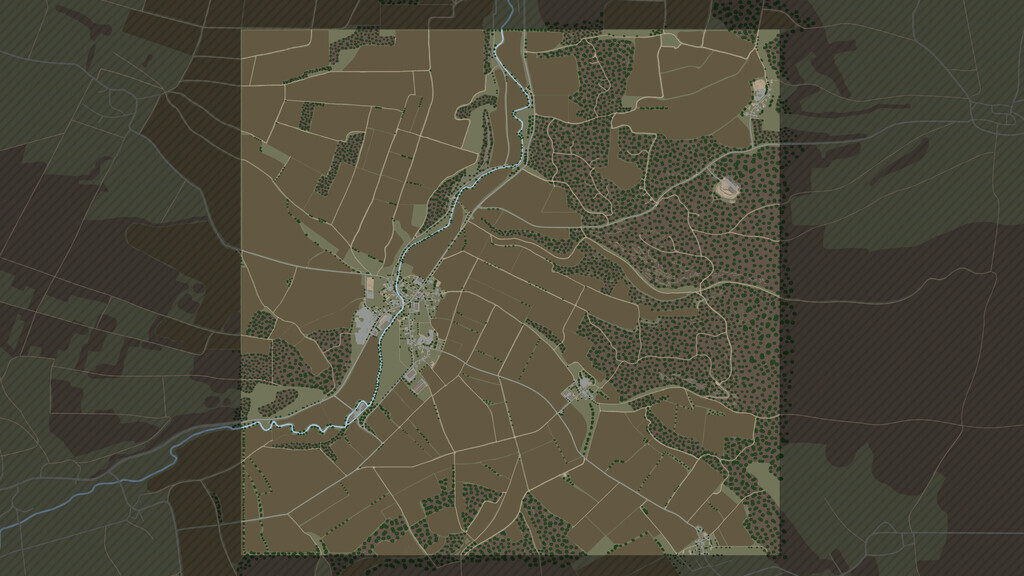
Somewhere In Thuringia III TerraLifePlus Map v 1.1


– Observe the necessary mods
– When starting a MP game with a new savegame, it can happen after the purchase of the individual farms that the silos can not be unloaded (authorization is missing). To fix this, the server must be restarted once. After that, this problem should no longer occur
– Manure plate at GEA Stall Land 153 must be placed by the user. Not recognized by the basegame if already placed before, because there is no fixed FarmId
– Bale missions in MP that go to one of the BGAs require a front loader and Contracting company rights of the corresponding farm, if it should not be owned
– Car maintainance available at farm 1
– Several locations are now buyable farmlands
– 3 separate cow pastures (do not produce milk, manure and liquid manure)
– 1 sheep pasture at the LU farm
– Spanish translation
Version 1.1:
* Extended selling points by additional fill types
* Extended productions
* Optimised visual representation of various crops
* Improved performance
* Various further adaptations like spawn points, terrain, collisions and more
Credits:
Kastor [d-s-agrarservice] and Farming Agency


