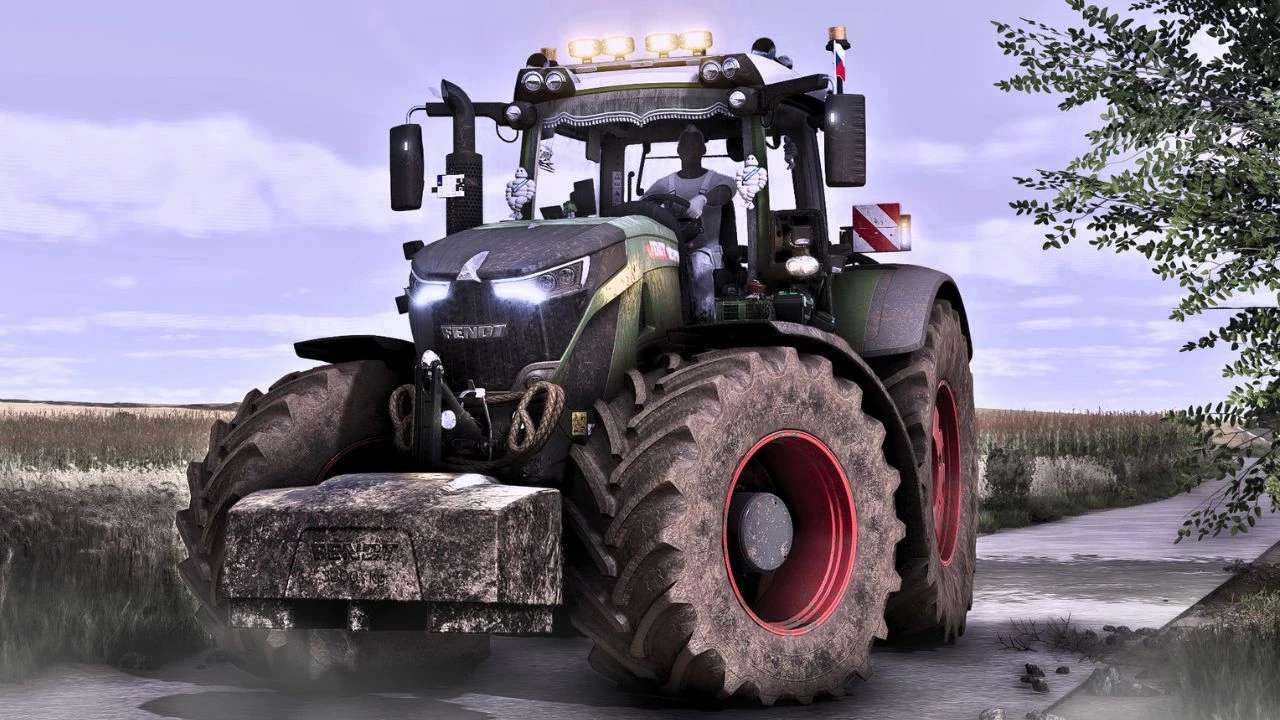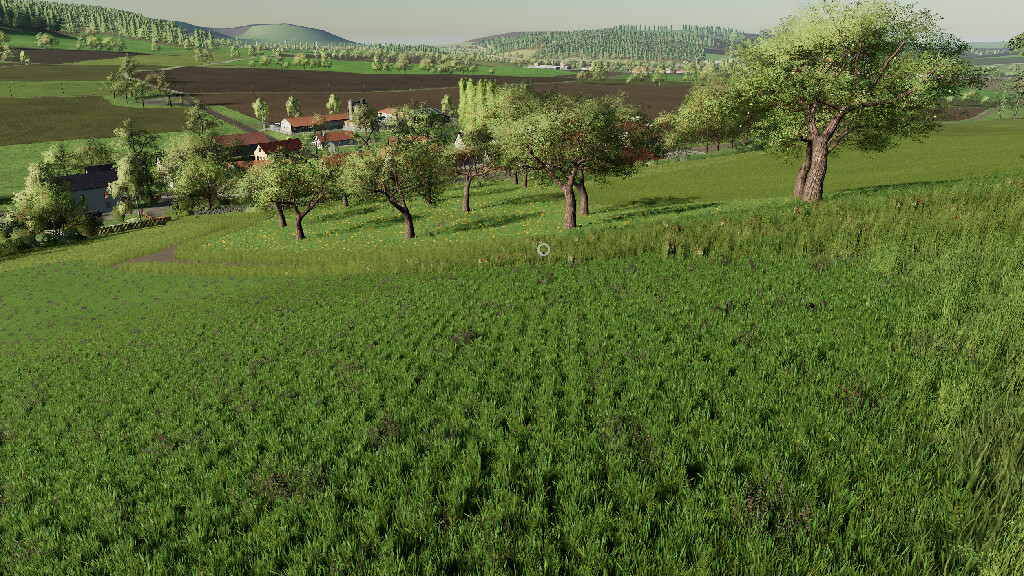
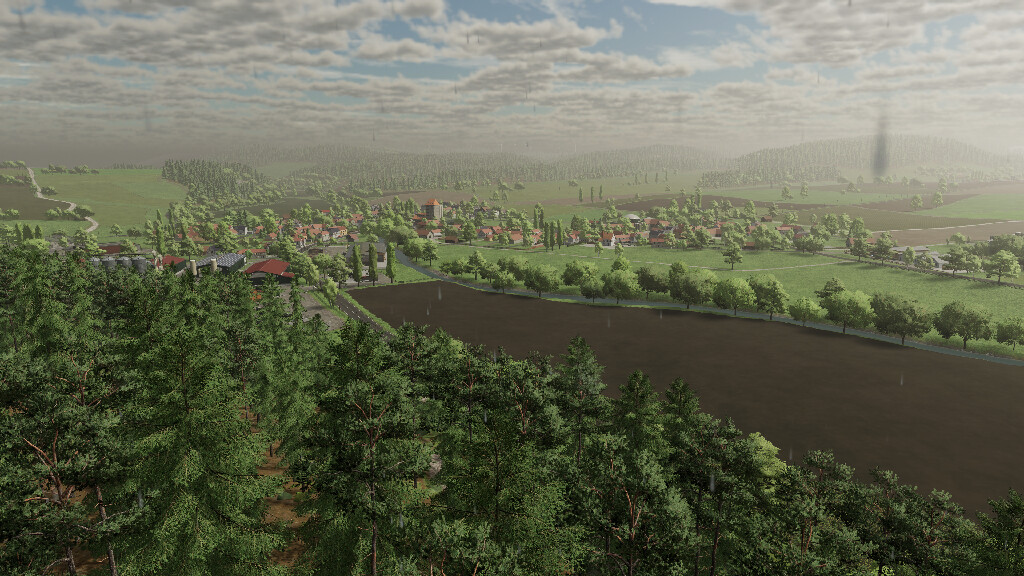
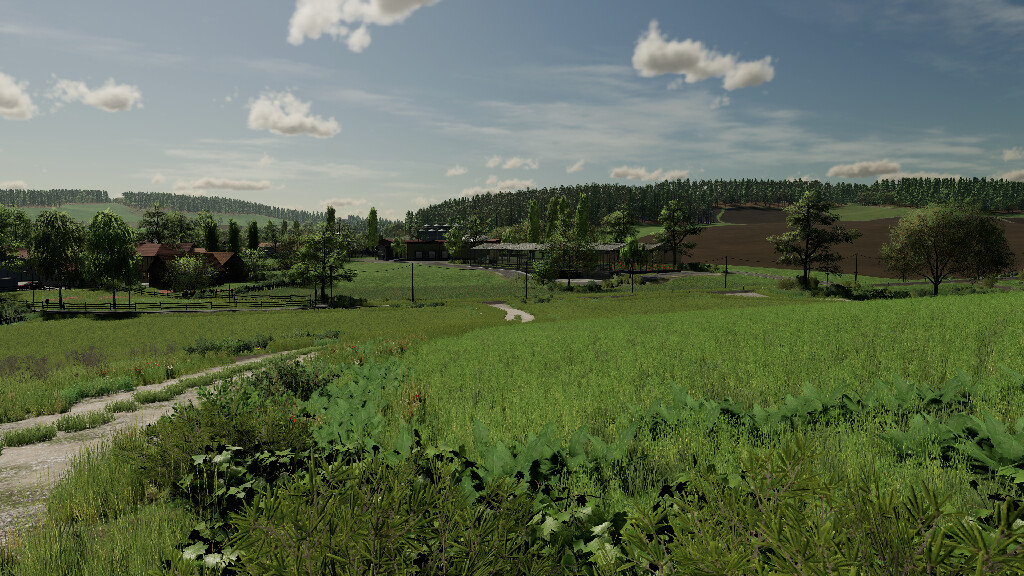
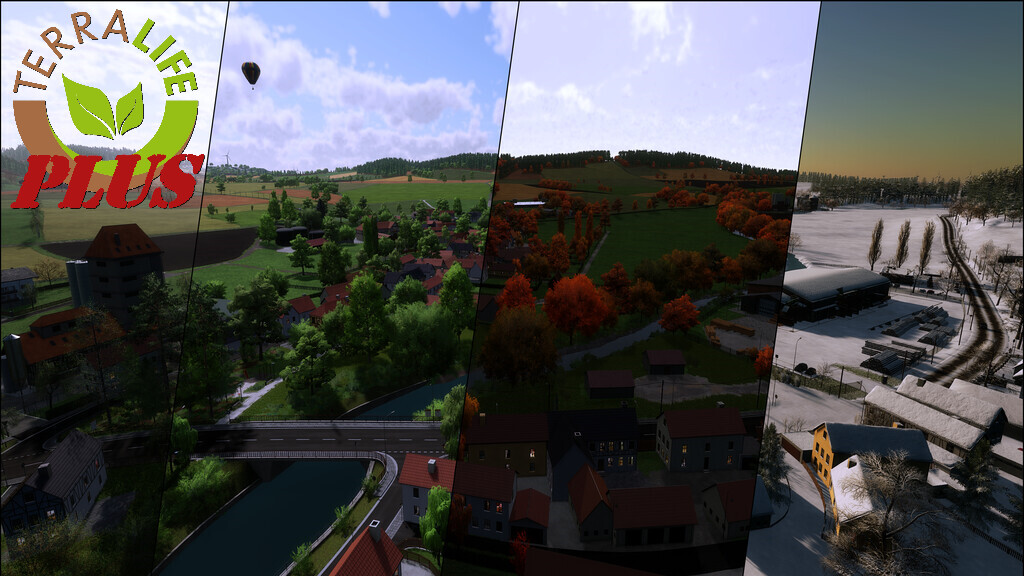
Somewhere In Thuringia III TerraLifePlus Map v 1.0


This Map is part of the TerraLifePlus Project and can’t be played without it.
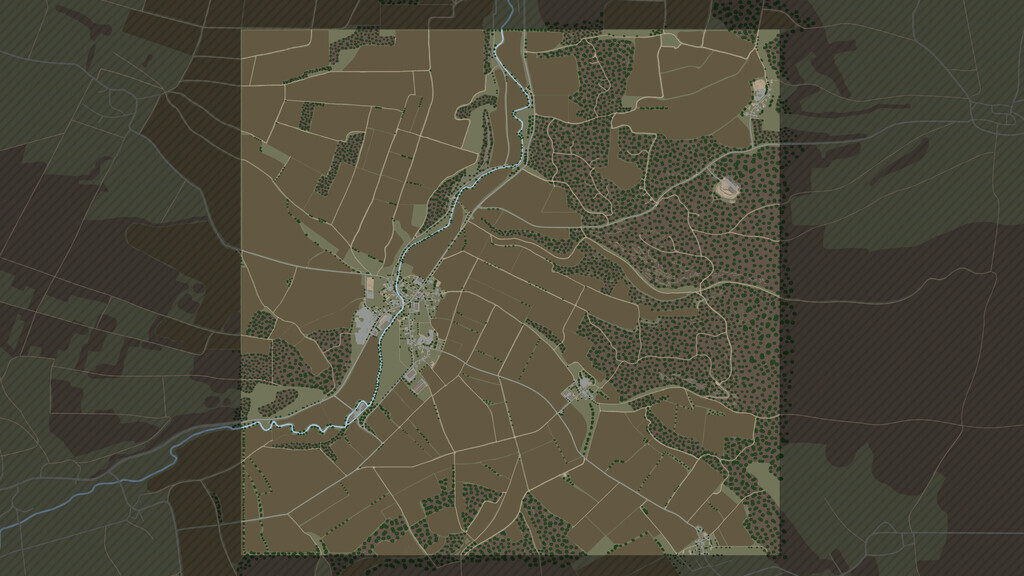
Original replica of the Thuringian area in the Ilm valley around the small village Dienstedt.
Real elevation model, available Google Maps data and buildings, streets etc. modeled from scratch according to the area.
Features:
– Fully implemented TerraLifePlus Features
– 4x Map
– 4 farms + 1 ground with chicken fattening
– 2 farms of it with prepared BGP
– 239 purchasable areas
– 152 fields (0,7-32ha acreage)
– Purchase points for manure, slurry, seed, fertilizer and lime
– 6 Production (quarry, mineral fertilizer/seed, sawmill, carpentry, flour mill, bakery)
– 7 Sales outlets (all production sites + restaurant)
– Complete real signage for orientation
– Weather data of the region (averaged, German Weather Service)
– Adapted soil type map for Precision Farming DLC
– Modified light model installed in the map (FS22_Relight)
– Start is on a beautiful farm of medium size, in the heart of Dienstedt
– For full use of the farm, the appropriate farm land must be purchased (in MP, this farm must always be farm 1)
– All other farms can be used after acquiring the respective farm land (in MP here the order after farm 1 does not matter)
– All buildings from the starting farm, the Contracting company farm and the horse farm can be sold completely (including decoration) to build a completely own farm
– The small, on the slope, pig farm, can not be completely demolished
Important note:
– Observe the necessary mods
– When starting a MP game with a new savegame, it can happen after the purchase of the individual farms that the silos can not be unloaded (authorization is missing)
– To fix this, the server must be restarted once. After that, this problem should no longer occur
– Manure plate at GEA Stall Land 153 must be placed by the user. Not recognized by the basegame if already placed before, because there is no fixed FarmId
– Bale missions in MP that go to one of the BGAs require a front loader and Contracting company rights of the corresponding farm, if it should not be owned
Additions:
– Car maintainance available at farm 1
– Several locations are now buyable farmlands
– 3 separate cow pastures (do not produce milk, manure and liquid manure)
– 1 sheep pasture at the LU farm
– Spanish translation (made by caterpillardock)
The charity project was also supported by:
– Agrar Asse
– AgrarDesign Austria
– BernieSCS
– Bigfarmer145
– Cinématique Farming DK
– Creative Mesh
– DMI
– DSA Kastor & Floowy
– EireAgriModding & 4D Modding
– FarmerFiveTom
– Jogi
– Landbauer
– LeoLeo
– MA7 Quentin & Team
– Pikaso
– RealismusModding
– SMI-Matteo
– TakerLS
– TopAce888
– Univers-Simu Bruno & Latic
– Wopster
Credits:
Kastor [d-s-agrarservice] and Farming Agency